

Wondering if a smart lock is safer than a deadbolt? This guide breaks down the security features, pros, and cons of both to help you decide which protects your home better. Find out the key differences and practical tips to make an informed choice for your smart home security.
Key Takeaways
- Smart locks offer convenience: They provide keyless entry and remote access but depend on technology and power.
- Deadbolts are proven mechanical security: Simple, reliable, and don’t rely on batteries or Wi-Fi.
- Smart locks may be vulnerable to hacking: Cybersecurity is crucial to consider when choosing a smart lock.
- Deadbolts resist physical attacks better: Quality deadbolts are difficult to pick or break.
- Integration with home systems: Smart locks can sync with alarms and cameras for enhanced protection.
- Backup options are essential: Smart locks should have manual keys or alternative access methods.
- Choosing the right lock depends on your needs: Consider lifestyle, security priorities, and home automation preferences.
Introduction: Is Smart Lock Safer Than Deadbolt?
When it comes to protecting your home, choosing the right lock is key. Traditional deadbolts have been the trusted security solution for decades. But with smart home technology booming, smart locks have become popular alternatives. This guide will help you understand if a smart lock is safer than a deadbolt by comparing their security features, vulnerabilities, and practical use. By the end, you’ll have a clear idea of which lock type better fits your home security needs.
Step 1: Understand How Deadbolts Work
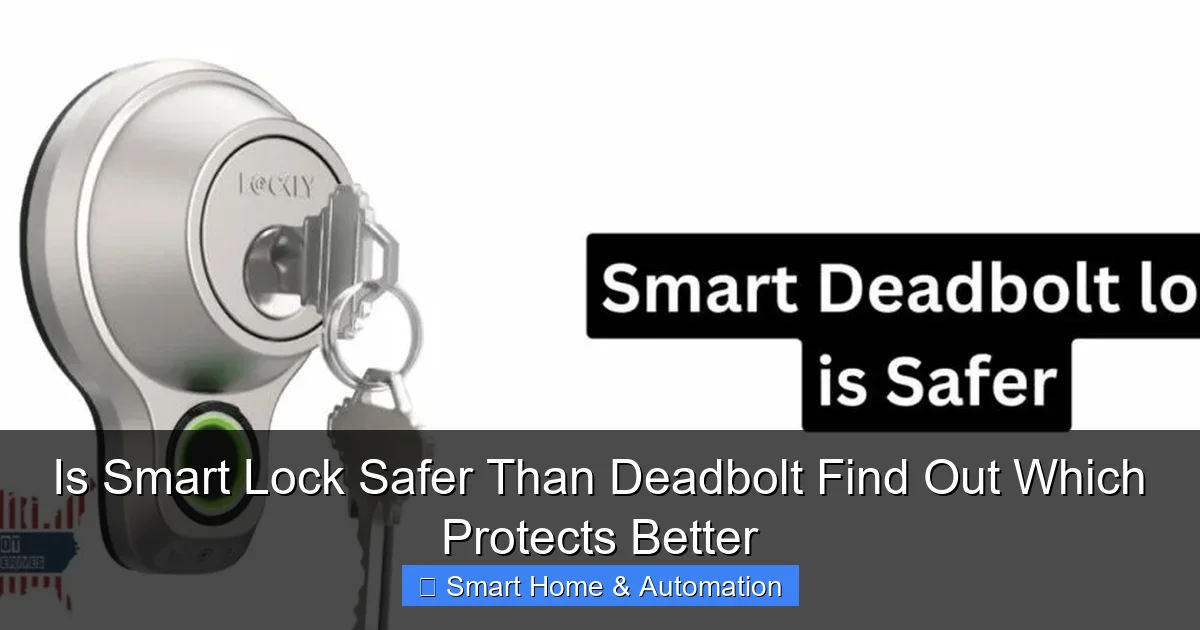
Deadbolts are mechanical locks that provide a solid physical barrier on your door. They typically use a key or thumb turn to slide a bolt into the door frame, making it difficult to force open.
Visual guide about Is Smart Lock Safer Than Deadbolt Find Out Which Protects Better
Image source: patriotlocksmithks.com
Types of Deadbolts
- Single Cylinder Deadbolt: Operates with a key from outside and a thumb turn inside. Common and easy to use.
- Double Cylinder Deadbolt: Requires a key on both sides. Offers extra security but can be a safety hazard in emergencies.
- Lockable Thumb Turn Deadbolt: Has a key that locks the thumb turn, combining convenience and security.
Security Strengths of Deadbolts
Deadbolts are resistant to forced entry techniques such as kicking, prying, and lock picking when installed correctly with a reinforced door frame. Unlike spring bolt locks, deadbolts cannot be easily jimmied open with a credit card or similar tool.
Step 2: Understand How Smart Locks Work
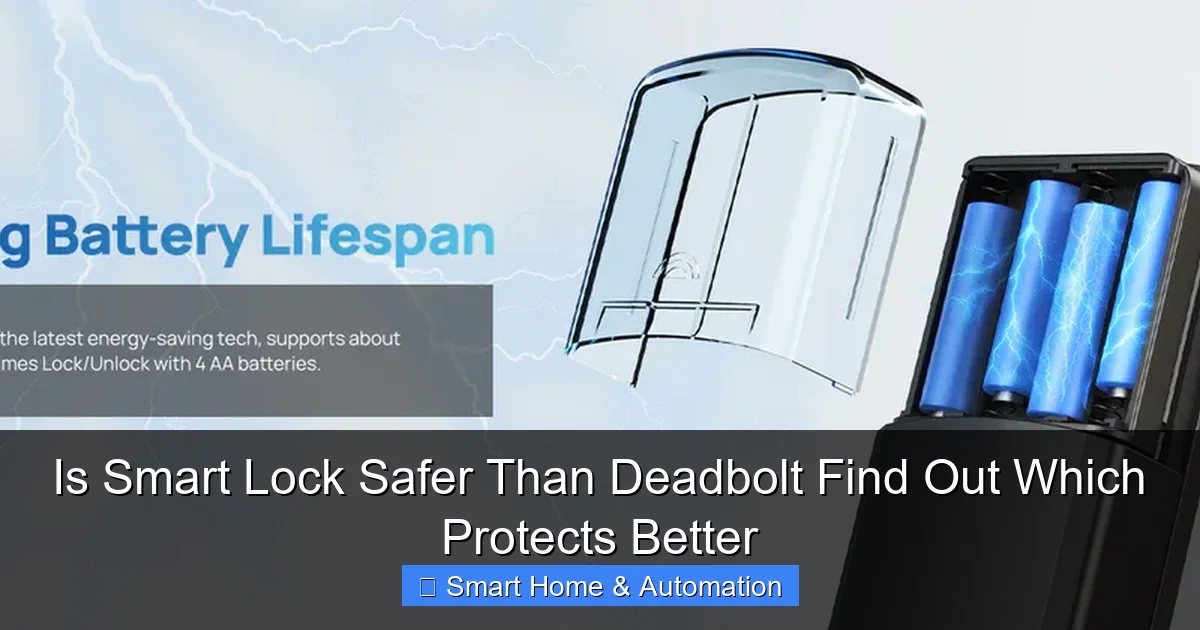
Smart locks replace or supplement traditional locks with electronic components that allow keyless entry through smartphones, keypads, biometrics, or remote controls. They often connect to your home Wi-Fi or Bluetooth.
Visual guide about Is Smart Lock Safer Than Deadbolt Find Out Which Protects Better
Image source: cdn.shopify.com
Common Features of Smart Locks
- Keyless Entry: Use codes, fingerprint scans, or phone apps instead of physical keys.
- Remote Access: Lock or unlock your door from anywhere using an internet connection.
- Access Logs: Track who enters and when, improving home access control.
- Integration: Sync with home security systems, smart assistants, and automation platforms.
Security Strengths of Smart Locks
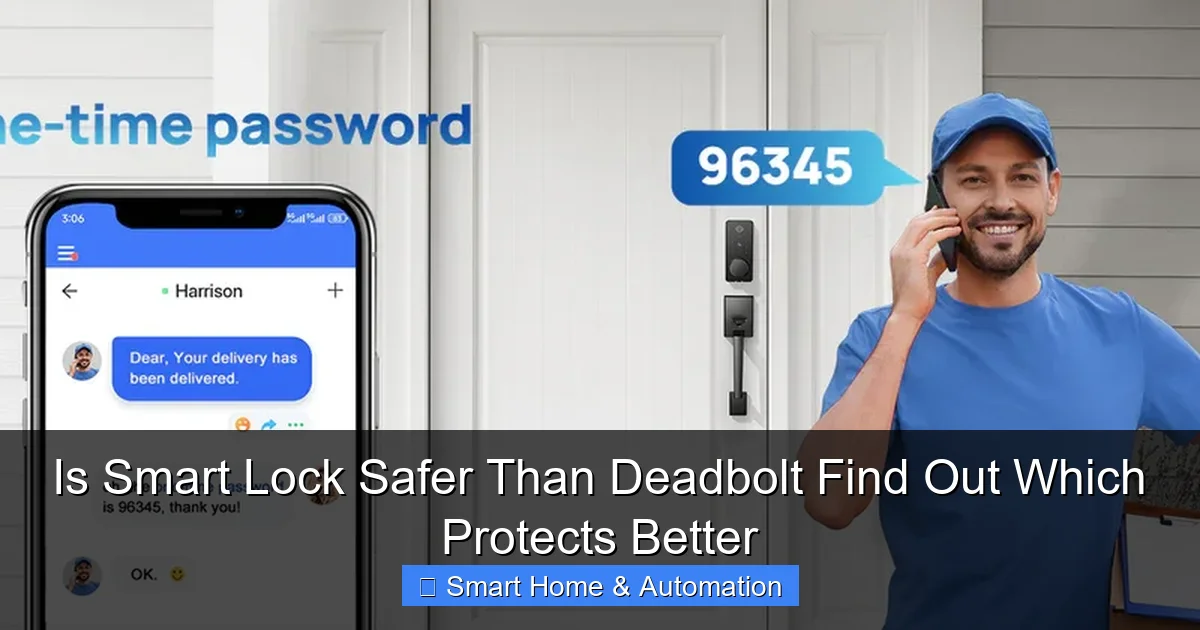
Smart locks offer convenience and can enhance security by limiting key duplication and allowing temporary access codes for guests or service providers. They also improve monitoring with real-time alerts.
Step 3: Compare Physical Security
Durability and Resistance
Deadbolts are made of solid metal parts designed to withstand physical attacks. High-quality deadbolts with long bolts and reinforced strike plates provide excellent resistance to kicking and prying.
Visual guide about Is Smart Lock Safer Than Deadbolt Find Out Which Protects Better
Image source: cdn.shopify.com
Smart locks include a mechanical locking mechanism, but the electronic components can be vulnerable. Some smart locks use weaker bolts or less robust materials. Always choose smart locks with strong physical components.
Bypassing Methods
- Deadbolts: Vulnerable to lock picking, bumping, or brute force, but high-quality models reduce these risks.
- Smart Locks: May be vulnerable to hacking, signal interception, or battery failure.
Step 4: Evaluate Cybersecurity Risks
Smart locks depend on wireless signals and software, which introduces new security risks not present in deadbolts.
Potential Cyber Threats
- Hacking: Hackers may attempt to break into smart locks via vulnerabilities in Wi-Fi, Bluetooth, or cloud services.
- Signal Interference: Some smart locks can be jammed or spoofed.
- Data Privacy: Access logs and personal data must be stored securely.
Mitigating Cybersecurity Risks
- Choose smart locks with strong encryption and regular firmware updates.
- Use complex passwords and two-factor authentication where possible.
- Keep your home Wi-Fi network secure with strong passwords and firewalls.
Step 5: Consider Convenience and Usability
Smart locks offer unmatched convenience with keyless entry and remote control, which is great for busy households or frequent travelers. For example, you can grant temporary access to guests or contractors without handing out physical keys.
However, deadbolts don’t rely on batteries or apps, so they always work, even during power outages or if your phone dies.
Step 6: Integration with Home Automation
One major advantage of smart locks is their ability to integrate with smart home systems, alarms, and cameras. This can improve home access control and security monitoring.
To learn more about these benefits, check out how smart locks improve home access control.
If you already have a smart security system, you can learn how to integrate smart locks with existing systems for seamless protection.
Step 7: Backup and Emergency Access
Since smart locks depend on battery power and technology, it’s essential to have a backup plan:
- Choose smart locks with a mechanical key override.
- Have spare keys stored safely outside or with trusted neighbors.
- Understand how to reset or unlock the device in case of malfunction.
Troubleshooting Common Issues
Smart Lock Won’t Connect to Wi-Fi
- Ensure your Wi-Fi network is active and within range.
- Restart your router and smart lock.
- Check for firmware updates via the lock’s app.
Deadbolt Sticks or Is Hard to Turn
- Lubricate the lock with graphite powder, not oil.
- Check door alignment and hinges.
- Inspect for debris inside the lock mechanism.
Conclusion: Which Protects Better?
So, is a smart lock safer than a deadbolt? The answer depends on your priorities. Deadbolts provide reliable, proven physical security that doesn’t rely on technology. Smart locks add convenience, remote control, and better integration with modern home automation, but they require careful attention to cybersecurity and backups.
For maximum security, consider pairing a high-quality deadbolt with a smart lock system. This combination offers strong physical protection and smart features. Whichever you choose, ensure proper installation, quality products, and regular maintenance to keep your home safe.
For further insights on smart key technology, you may find our article on what is a smart key useful.
🎥 Related Video: Are Smart Locks Safe? A Lock Expert Explains | WSJ
📺 The Wall Street Journal
Can smart locks provide more than convenience? From thermostats and rugs to lights and speakers, smart home technology …