

Are smart locks safe? This guide explores the security of smart locks for your home, explaining their features, potential risks, and practical tips to keep your home protected. By understanding how smart locks work and their vulnerabilities, you can make an informed decision about upgrading your home security system.
Key Takeaways
- Smart locks offer convenience and enhanced access control: They allow remote locking, keyless entry, and activity monitoring.
- Security depends on technology and implementation: Strong encryption and regular updates are essential to prevent hacking.
- Physical vulnerabilities still exist: Smart locks can be susceptible to forced entry or battery failure.
- Integrating with existing systems boosts security: Proper integration enhances control and monitoring capabilities.
- Regular maintenance is crucial: Updating software and monitoring access logs help ensure ongoing security.
- Choosing a reputable brand matters: Trusted manufacturers provide better security features and support.
- Backup access methods are necessary: Mechanical keys or alternative unlocking options prevent lockouts.
Are Smart Locks Safe? How Secure Are They For Your Home Security
If you’re considering upgrading your home security, you might wonder, are smart locks safe? This guide will walk you through everything you need to know about smart locks, their security features, potential risks, and how to keep your home safe. By the end, you’ll be better equipped to decide if a smart lock is the right choice for your home.
What Are Smart Locks?
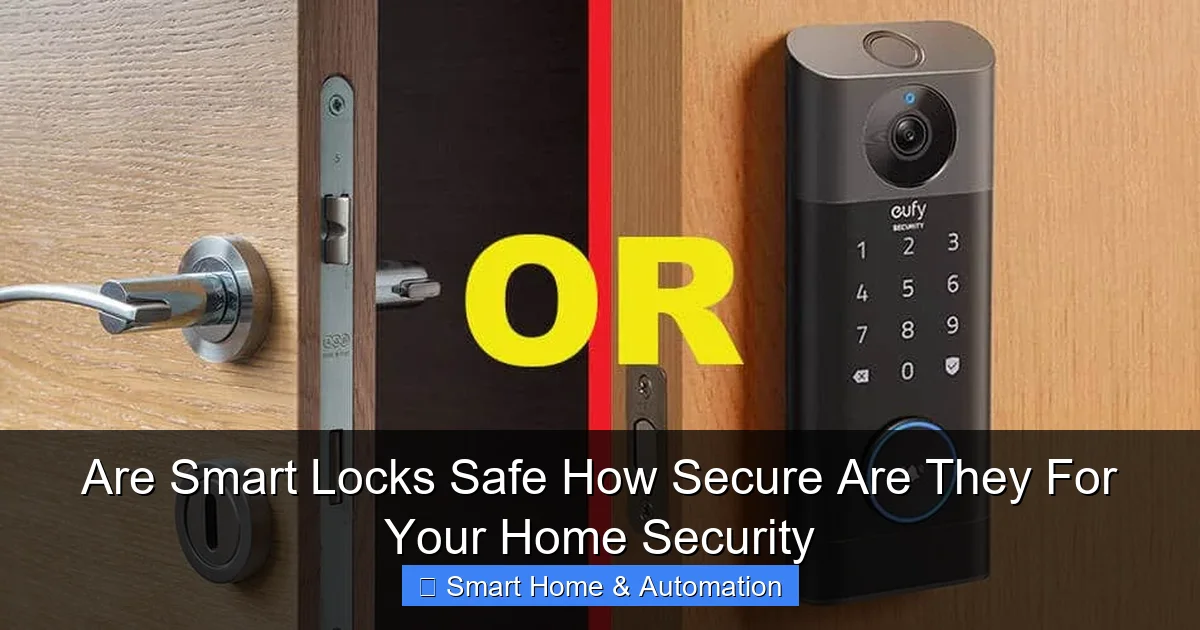
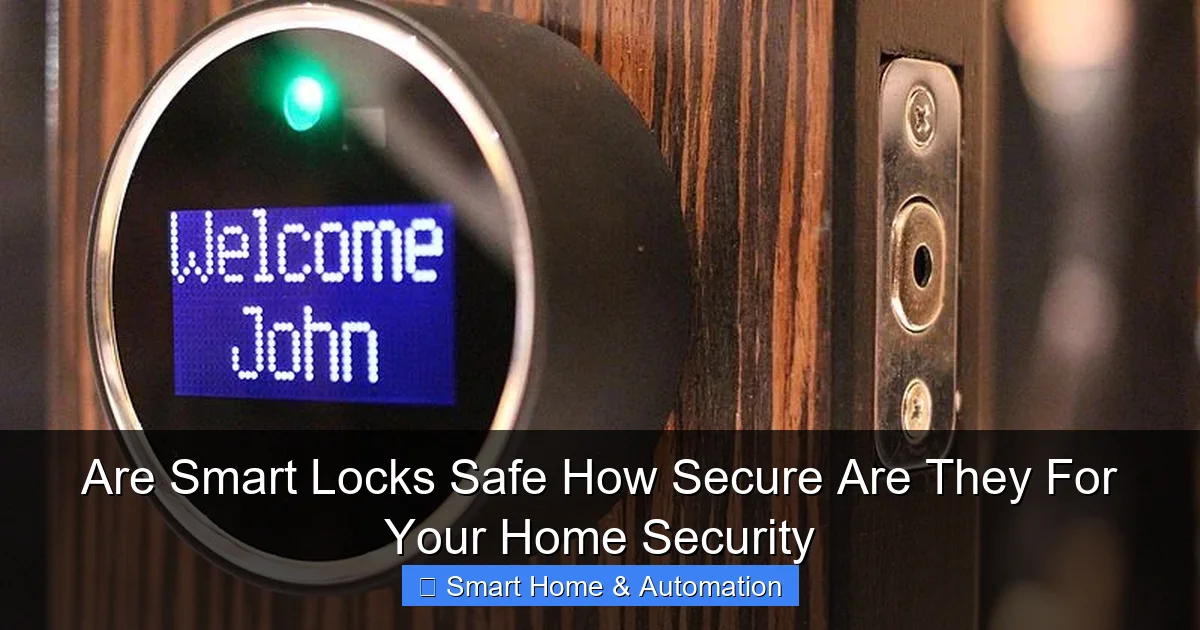
Smart locks are electronic locks that allow you to lock and unlock your doors without a traditional key. They use wireless technology like Bluetooth, Wi-Fi, or Z-Wave to connect with your smartphone, smart home hub, or key fob. Many models offer features like remote access, temporary digital keys, and access logs.
Visual guide about Are Smart Locks Safe How Secure Are They For Your Home Security
Image source: securitybros.com
Why Consider Smart Locks?
- Convenience: No need to carry physical keys.
- Access control: Grant or revoke access remotely.
- Activity monitoring: Check who entered and when.
- Integration: Work with other smart home devices for automation.
How Secure Are Smart Locks?
The security of smart locks depends on multiple factors including technology, installation, and user habits. Let’s break down the key elements that affect their safety.
Visual guide about Are Smart Locks Safe How Secure Are They For Your Home Security
Image source: diysmarthomehub.com
Encryption and Communication Security
Smart locks communicate with your smartphone or home network using wireless signals. Strong encryption protocols like AES-128 or AES-256 protect this communication from interception. Avoid models with outdated or no encryption, as they are vulnerable to hacking.
Authentication Methods
Most smart locks use multiple authentication methods such as PIN codes, biometrics, or smartphone app verification. Two-factor authentication (2FA) adds an extra layer of security by requiring two types of verification before access.
Physical Security and Build Quality
Even the smartest lock can be compromised if it’s easy to pick or forcibly removed. Look for locks with strong mechanical components, resistant to drilling or bumping. Some smart locks include a traditional key backup in case of electronic failure.
Software Updates and Vulnerabilities
Regular firmware updates fix security flaws and improve lock functionality. Neglecting updates increases the risk of cyberattacks. Choose brands with a good track record of supporting their products over time.
Step-by-Step: How to Ensure Your Smart Lock Is Secure
Step 1: Choose a Reputable Smart Lock Brand
Research brands known for security and reliability. Read reviews and check for certifications like UL 294, which tests physical and electronic security.
Visual guide about Are Smart Locks Safe How Secure Are They For Your Home Security
Image source: smartlifeblueprint.com
Step 2: Install Properly or Hire a Professional
Follow manufacturer instructions carefully. Incorrect installation can leave gaps or weaknesses. If unsure, hire a professional locksmith experienced with smart locks.
Step 3: Set Up Strong Authentication
- Create complex PIN codes or passwords.
- Enable two-factor authentication if available.
- Use biometric features like fingerprint scanning for extra security.
Step 4: Secure Your Home Network
Since smart locks often connect to Wi-Fi or smart hubs, ensure your home network is secure. Use a strong router password, enable WPA3 encryption, and keep your router firmware updated.
Step 5: Regularly Update Firmware
Check for and install updates promptly. These updates protect against new vulnerabilities and improve lock performance.
Step 6: Monitor Access Logs
Many smart locks provide logs showing when and by whom the lock was accessed. Regularly review these logs for suspicious activity.
Step 7: Integrate Smart Locks with Existing Systems
For enhanced control, integrate your smart lock with existing home security or automation systems. This creates a unified setup to monitor and control all access points. Learn more about how to integrate smart locks with existing systems.
Practical Tips and Examples
- Example: Use temporary digital keys to give house cleaners or guests access only during certain hours.
- Tip: Keep a mechanical backup key in a secure location outside your home.
- Tip: Disable auto-unlock features if you’re concerned about accidental entry.
- Tip: Pair your smart lock with a smart doorbell camera to see who is at your door before unlocking.
Troubleshooting Common Smart Lock Issues
Issue: Lock Not Responding to Commands
- Check battery level and replace if low.
- Restart your smartphone app or smart home hub.
- Ensure your home Wi-Fi or Bluetooth connection is active.
Issue: Unable to Connect to Lock Remotely
- Verify that the lock is connected to Wi-Fi or your smart hub.
- Check your internet connection.
- Update the lock’s firmware and app software.
Issue: Suspected Unauthorized Access
- Change all access codes immediately.
- Review access logs for unusual entries.
- Consider resetting the lock to factory settings and reinstalling.
- Consult your lock’s support for further assistance.
Conclusion
So, are smart locks safe? The answer is yes, provided you choose a quality product, install it correctly, and maintain it well. Smart locks offer strong security features and convenience that traditional locks can’t match. However, like any technology, they require vigilance — including strong authentication, secure networks, and regular updates. For enhanced safety, consider integrating your smart lock with your overall home automation system to improve access control. To better understand the technology behind smart lock access, check out our article on how smart locks improve home access control.
Finally, if you’re curious about the tools that enable smart locking, you might want to explore what is a smart key to get a deeper understanding of the technology.
By following these guidelines, you can enjoy the benefits of smart locks while keeping your home safe and secure.
🎥 Related Video: Smart locks: Are they safe? What you need to know! | Asurion
📺 Asurion
You may already know about all the cool things smart locks can do but do you know why and how they are safe? Nate, an Asurion …