

Disabling Smart Lock on your device can enhance security and give you greater control over access. This guide walks you through easy, step-by-step instructions to turn off Smart Lock on various devices, ensuring your data stays safe. Whether you use Android, iOS, or smart home devices, you’ll find practical tips and troubleshooting advice to help you disable Smart Lock quickly and effortlessly.
Key Takeaways
- Understanding Smart Lock: Smart Lock automatically keeps your device unlocked in trusted environments, but disabling it can boost security.
- Device-Specific Steps: Different devices like Android phones, smart home systems, and smart lockers have unique methods to disable Smart Lock.
- Simple Process: Disabling Smart Lock involves accessing security settings and turning off trusted places, devices, or face recognition options.
- Troubleshooting Tips: If Smart Lock won’t disable, common fixes include restarting your device and clearing data for the Smart Lock app.
- Security Benefits: Turning off Smart Lock helps prevent unauthorized access, especially if you lose your device or it’s stolen.
- Integration Considerations: If you’ve integrated Smart Locks with other home systems, ensure to review those connections before disabling.
- Further Learning: Explore related topics like how Smart Locks improve home access control and what a Smart Key is for deeper understanding.
How to Disable Smart Lock Easily on Any Device Step by Step
Smart Lock is a convenient feature that keeps your device unlocked in trusted places or when connected to trusted devices. However, there are times when you might want to disable it—maybe for enhanced security or because you no longer use the feature. In this guide, you’ll learn how to disable Smart Lock on a variety of devices, including Android smartphones and smart home devices. We’ll walk you through each step with clear instructions, practical tips, and troubleshooting advice to make the process smooth and simple.
What Is Smart Lock and Why Disable It?
Smart Lock is designed to make your life easier by keeping your device unlocked in specific situations, such as when you’re at home, connected to a trusted Bluetooth device, or your phone recognizes your face. While this is convenient, it can sometimes leave your device vulnerable if someone else gains access in those trusted scenarios. Disabling Smart Lock gives you full control over device security and ensures your lock screen is always active.
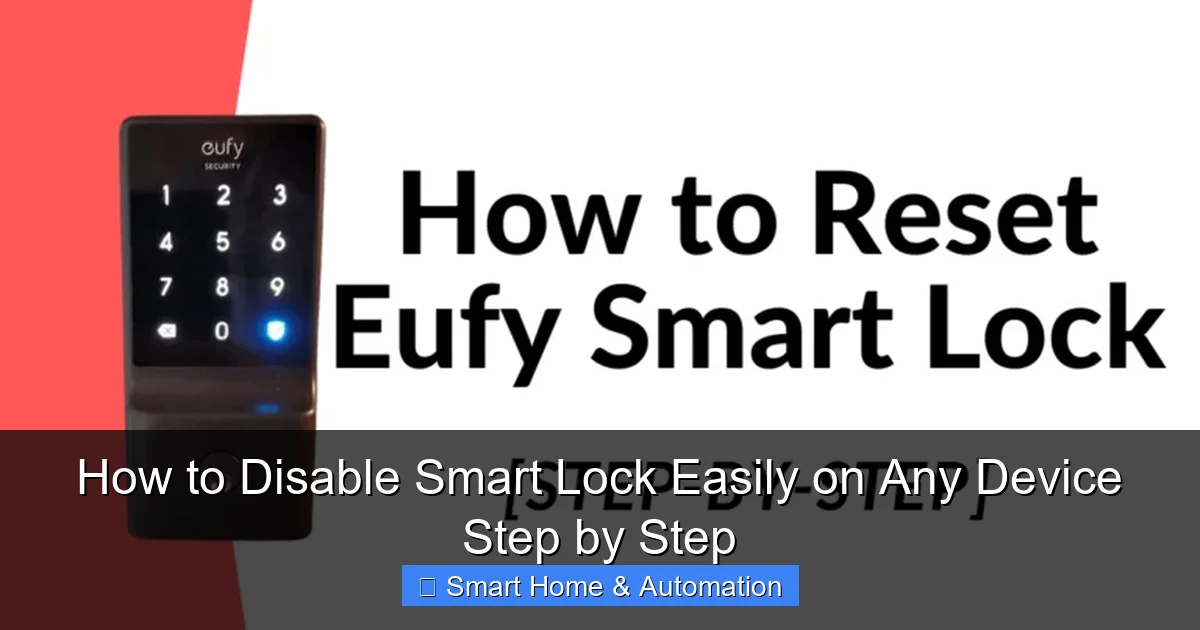
Visual guide about How to Disable Smart Lock Easily on Any Device Step by Step
Image source: smarthousewizard.com
How to Disable Smart Lock on Android Devices
Step 1: Open Security Settings
Unlock your Android phone and go to Settings. Scroll down and tap on Security or Lock Screen & Security, depending on your phone model.
Visual guide about How to Disable Smart Lock Easily on Any Device Step by Step
Image source: techfixai.com
Step 2: Access Smart Lock
Within the Security menu, find and tap on Smart Lock. You may be prompted to enter your PIN, pattern, or password for verification.
Step 3: Disable Trusted Places
Under Smart Lock, you will see options like Trusted places. Tap on it and remove any locations you have added by selecting the location and choosing Remove or Delete.
Step 4: Disable Trusted Devices
Next, tap on Trusted devices. Remove any Bluetooth devices listed by tapping the device name and selecting Remove.
Step 5: Turn Off On-Body Detection
If you use On-body detection, disable it by toggling the switch off. This will stop your phone from staying unlocked while it detects movement.
Step 6: Disable Face or Voice Recognition
Some Android devices use facial recognition or voice match as part of Smart Lock. To turn these off, go to Settings > Biometrics and Security and disable face or voice unlock options.
How to Disable Smart Lock on Smart Home Devices
If you’ve integrated Smart Locks with your smart home system, disabling Smart Lock features might be slightly different depending on the brand and platform.
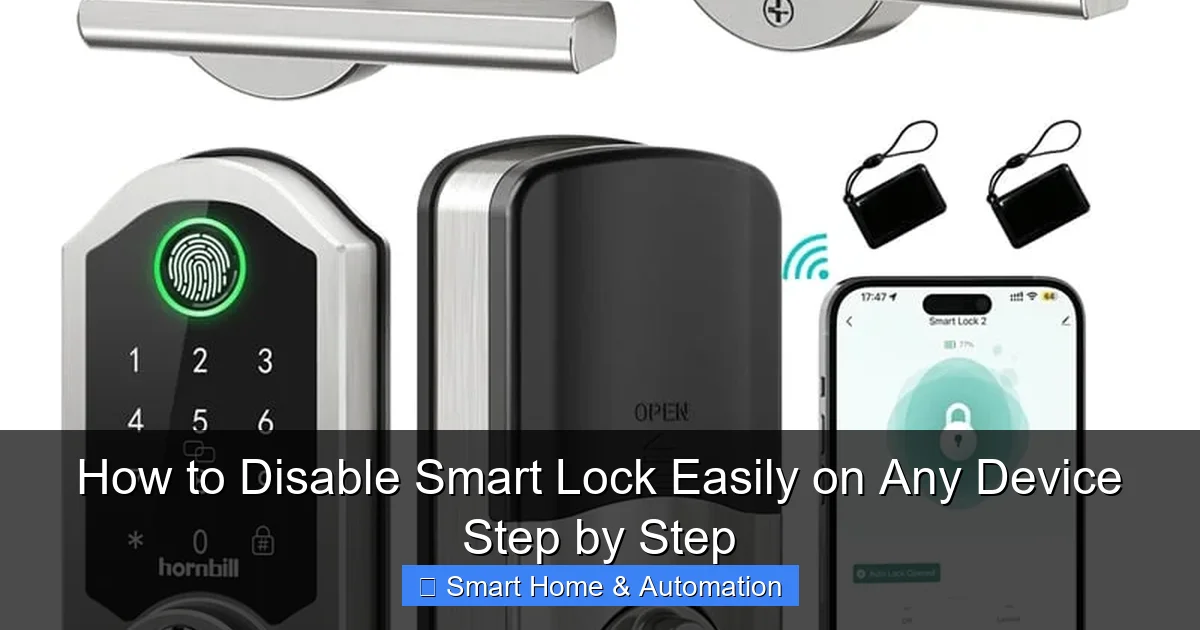
Visual guide about How to Disable Smart Lock Easily on Any Device Step by Step
Image source: hornbilllock.com
Step 1: Open Your Smart Home App
Launch the app you use to control your smart lock, such as Google Home, Apple HomeKit, or the manufacturer’s dedicated app.
Step 2: Navigate to Lock Settings
Find your smart lock device in the app and open its settings or device options.
Step 3: Disable Auto-Unlock or Trusted Access
Look for options like Auto-unlock, Trusted devices, or Access Control. Turn off these features to disable Smart Lock functionality.
Step 4: Remove Trusted Devices or Users
If your smart lock allows trusted users or devices, remove them from the list to ensure no automatic unlocking occurs.
For more details on how Smart Locks can improve your home security, check out our article on How Smart Locks Improve Home Access Control.
How to Disable Smart Lock on Other Devices and Systems
Smart Lock features can also be found in other systems such as smart lockers or car key systems. Here’s how to disable Smart Lock in those contexts:
Smart Lockers
Access the locker’s app or control panel and look for security or lock settings. Disable any automatic unlocking options or trusted device links. Learn more about smart lockers in our What Is A Smart Locker guide.
Smart Key Systems for Cars
For smart car keys, disabling Smart Lock functionality often involves removing paired devices or changing settings in your car’s infotainment system. If you accidentally lock your car with the smart key inside, our guide on How To Unlock Car With Smart Key Inside offers useful tips.
Troubleshooting Common Issues When Disabling Smart Lock
Smart Lock Option Not Showing Up
If you cannot find Smart Lock in your device settings, make sure your device is updated to the latest software version. Some manufacturers may label the feature differently or place it under distinct menus.
Cannot Disable Smart Lock
Try restarting your device and then accessing Smart Lock settings again. If the problem persists, clear cache and data for Google Play Services or the smart lock app through Settings > Apps.
Smart Lock Keeps Re-Enabling
This can happen if your device syncs with cloud services or profiles that reapply settings. Check for device management profiles or apps that control security and disable automatic re-enabling.
Practical Tips for Managing Smart Lock
- Use Smart Lock selectively: Only enable it in trusted environments to balance convenience and security.
- Regularly review trusted places and devices: Remove any you no longer use or recognize.
- Keep your software updated: Updates often improve Smart Lock features and security.
- Backup your device security settings: So you can easily restore configurations if needed.
Conclusion
Disabling Smart Lock is a straightforward process that can greatly enhance your device’s security. Whether you use an Android phone, smart home lock, or other smart devices, following the steps above will help you turn off Smart Lock quickly and safely. Remember, while Smart Lock adds convenience, disabling it ensures your device stays protected from unauthorized access. For further learning, explore related topics such as What Is A Smart Key to deepen your understanding of smart security technologies.
🎥 Related Video: SMARTPHONE SMART LOCK TRICK!
📺 GIANPAOLO GOLDEN GLOBAL
For more fun smartphone’s tips and videos, subscribe! #shorts #tech #iPhone.