

how much does it cost to automate an entire home is the question most homeowners ask when they start planning smart upgrades. The short answer is there is no single price, because wiring needs, device choice, and whether you hire pros or DIY drive cost.
Manufacturer specifications and aggregated market data show a basic retrofit that adds security, a smart thermostat, and a few smart locks and lights commonly lands near $5,000, while a fully integrated custom system often exceeds $50,000 as of 2026. Start with a clear scope and a network assessment to avoid surprise costs.
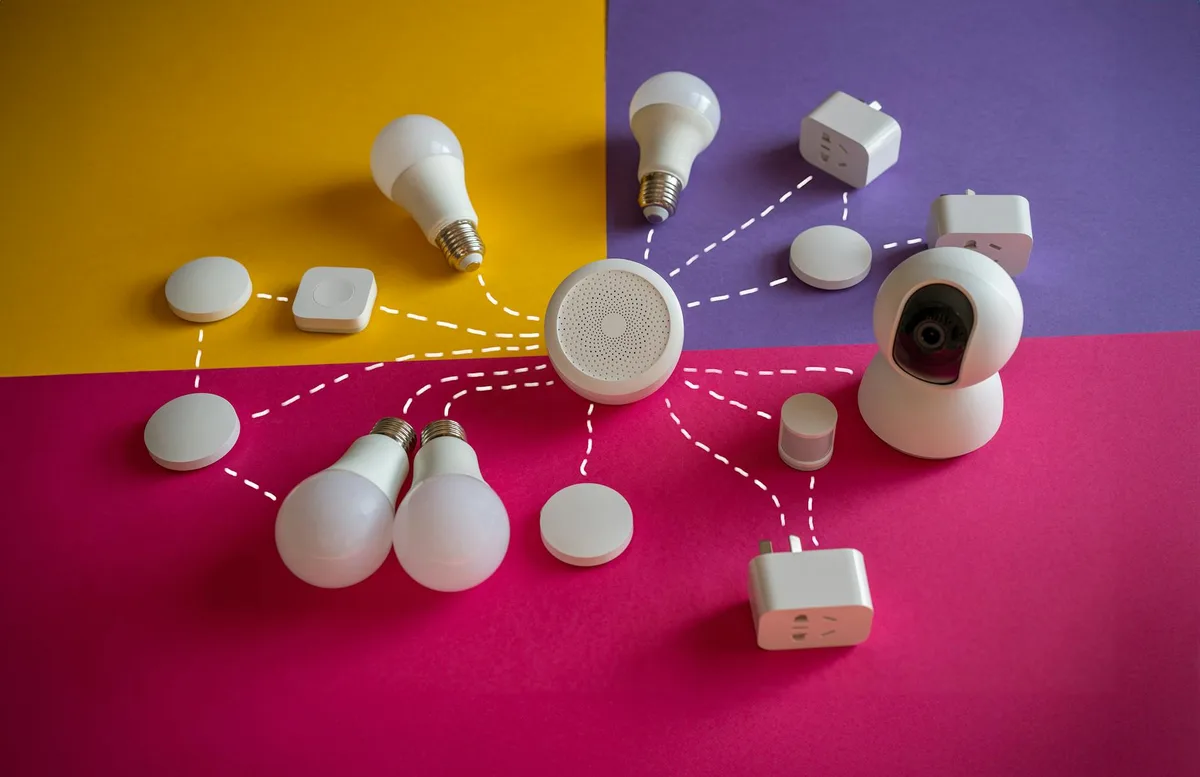
Quick answer / Key insight: What drives whole-home automation cost and value
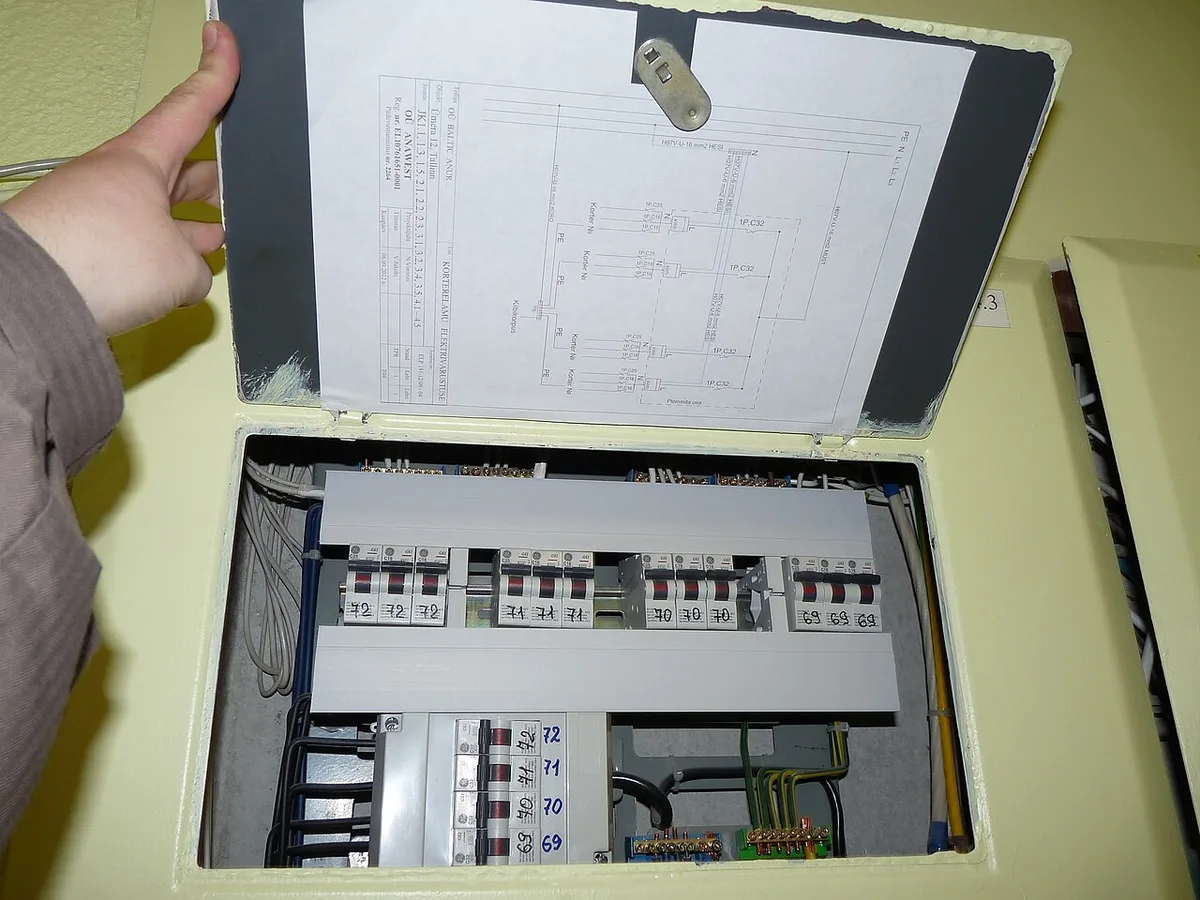
Device count, wiring and electrical upgrades, network readiness, and labor are the primary cost drivers. If you need an electrical panel upgrade, plan $1,500 to $5,000 in many U.S. markets, plus permit fees.
Network backbone choices matter because cameras and hubs need stable bandwidth. Choosing a local-first controller reduces subscription risk, while cloud-first platforms lower setup friction for nontechnical users.
Pick one path, then size spending: DIY and phased upgrades generally stay under $10,000, hybrid installs often fall between $10,000 and $30,000, and full professional integrations typically start above $30,000.
Problem / Pain points homeowners face when automating an entire home
Many homeowners run into Wi‑Fi coverage gaps after installing multiple devices, causing unreliable automations. Cameras and streaming devices amplify this issue and reveal weak network architecture quickly.
Compatibility problems arise when cloud-only devices mix with local-first hubs. That creates brittle automations that can break if a vendor changes APIs or discontinues a product.
Labor surprises are common. Electricians, low-voltage techs, and integrators bill hourly, and permits add both time and cost. Together, labor and regulatory fees can double a device-only budget on many retrofits.
Project coordination is another hidden cost. Panel upgrades, conduit runs, and carpentry for motorized shades require multiple trades, which increases scheduling complexity and potential rework.
Core explanation — How whole-home automation works (hubs, protocols, network, and cloud)
A whole-home system combines smart devices, a reliable network, a control layer, and optional cloud services. Devices include sensors, actuators, cameras, locks, thermostats, and motorized shades.
Control layers come in two main styles, local-first and cloud-first. Local-first platforms like Home Assistant and Hubitat run automations on-site for low latency and greater privacy. Cloud-first platforms like Amazon Alexa and Google Home offer broad vendor support and easier setup at the cost of subscription dependency.
Protocols and standards determine compatibility. Matter, Z‑Wave, Zigbee, Thread, and Wi‑Fi each serve different roles. Matter aims to unify devices across vendors as of 2026, while Z‑Wave and Zigbee remain solid for battery-powered sensors. Wi‑Fi handles high-bandwidth devices such as cameras.
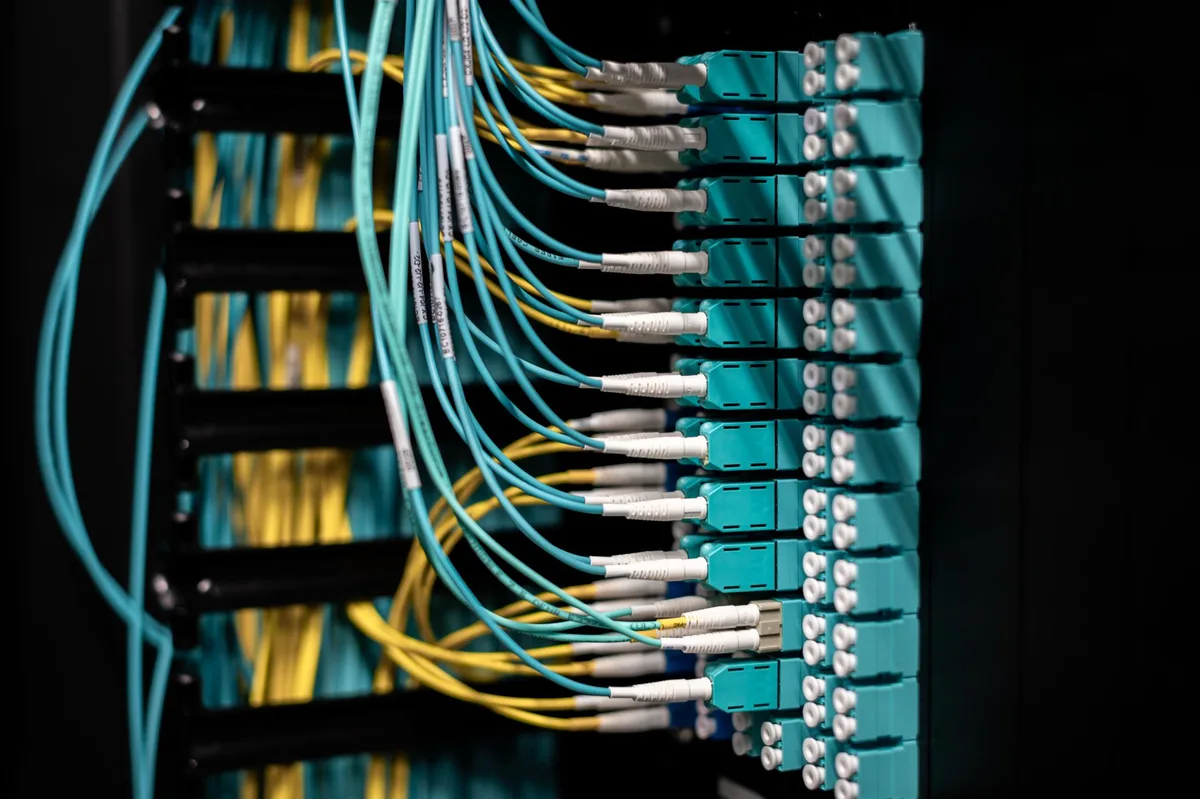
Infrastructure choices shape long-term costs. A local NVR reduces monthly cloud fees but requires storage planning and UPS backup. Wired backhaul for access points and structured cabling increases reliability and often reduces maintenance.
Features / Components / What's inside a full automation system
A full system groups into devices, infrastructure, control layers, and services. Plan for each group, because skipping one increases future cost.
Smart devices to budget for:
- Smart thermostats and HVAC zoning controllers
- Smart locks and garage door controllers
- In-wall smart switches and dimmers
- Motorized shades with tubular motors
- Indoor and outdoor IP cameras
- Door and window sensors, motion, leak, temperature, and CO sensors
- Smart plugs and appliance modules
Infrastructure essentials:
- Mesh Wi‑Fi or enterprise access points with wired backhaul
- Cat6 structured cabling for hubs, NVR, and distributed AV
- Electrical upgrades, surge protection, and dedicated circuits
- UPS for routers, controllers, and NVRs
Control and services:
- Local controllers or servers, or integrator-supplied central controllers
- Voice assistants for convenience, optional cloud platforms for additional features
- Cloud video storage, professional monitoring, and automation platform subscriptions
Professional services commonly required:
- Licensed electrician for line-voltage wiring and panel work
- Low-voltage installer for Cat6 runs and speaker wiring
- HVAC technician for zoning and thermostat integration
- AV integrator for multi-room audio and distributed video
- Permitting and inspection coordination
Costs / Pricing / Data / Specs — breakdown for budgeting
Device cost bands, typical retail pricing:
- Sensors and contact switches, per unit, $15 to $60
- Smart bulbs, per unit, $10 to $60; in-wall switches/dimmers, $40 to $200
- Smart thermostats, $100 to $300
- Smart locks, $150 to $500
- Cameras, $75 to $1,500 per camera
- Motorized shades, $200 to $1,200 per window
- Multi-room audio nodes, $150 to $2,000 per zone
- Professional-grade hubs, $400 to $5,000
Labor and contractor rates:
- Electrician, $65 to $150 per hour depending on region
- Low-voltage installer, $50 to $120 per hour
- HVAC technician, $100 to $200 per hour
- Integrator design and commissioning, flat fees commonly $1,500 to $10,000
One-time infrastructure costs:
- Mesh Wi‑Fi consumer system, $200 to $800; enterprise-grade, $1,000 to $5,000
- Structured cabling per drop, $150 to $400 including plate and labor
- Service panel upgrade, $1,500 to $5,000 including permit and inspection
- UPS backup for critical devices, $200 to $2,000
Recurring costs and storage:
- Cloud video storage, per camera, $0 to $10 per month
- Monitoring services, $10 to $60 per month
- Automation platform subscriptions, $5 to $30 per month
- NVR maintenance and disk replacement, $100 to $400 every few years depending on retention
Timeline examples:
- Small retrofit, 1 to 3 rooms: 1 weekend DIY, 1 to 3 professional days. Budget: $2,000 to $7,000.
- Mid-range whole-home retrofit: 2 to 6 weeks. Budget: $15,000 to $50,000.
- High-end integrated build: 6 to 16+ weeks. Budget: $50,000 to $250,000.
Cost-control tips:
- Fix the network and power backbone first, because retrofitting these later costs more.
- Phase the project with measurable wins: security, climate, then lighting and AV.
- Prefer Matter-certified and open-standard devices to reduce replacement risk.
Step-by-step decision workflow to plan your whole-home automation
Step A, define goals and must-have features
List core needs and rank them by impact. Examples: remote door access, HVAC zoning, exterior cameras, motorized shades on sun-facing windows, and multi-room audio in living spaces.
Mark items that need local control for privacy or latency, such as door locks and thermostat setpoints. That choice determines whether you use a local-first controller or cloud services.
Step B, perform a home audit and network assessment
Map wiring, check panel capacity, and run a Wi‑Fi heatmap. Confirm thermostat wiring types, attic access for shading motors, and camera mount points.
Budget bandwidth per camera: 3 to 6 Mbps upload for 1080p, 10 to 25 Mbps upload for 4K. If you plan more than five cameras, favor a local NVR and segmented camera network.
Step C, choose your platform: local-first or cloud-first
Local-first platforms run automations on-site and keep control during internet outages. Cloud-first platforms provide easier pairing and voice features but depend on vendor availability.
Choose hybrid if you want local control for locks and HVAC and cloud conveniences for voice and remote features.
Step D, decide DIY, hybrid, or turnkey pro install
DIY saves labor costs but demands time and troubleshooting. Hybrid installs have pros handle wiring and electrical work while you pair devices. Turnkey integrators deliver comprehensive service, higher cost, and warranty-backed support.
If a panel upgrade or rewiring is needed, prefer a pro-led approach for safety and inspection compliance.
Step E, build a phased rollout plan with budget checkpoints
Phase 1, security and climate control for immediate safety and comfort. Phase 2, lighting, shades, and convenience automations. Phase 3, AV, advanced scenes, and optimizations.
Set go/no-go budget checkpoints after each phase to prevent scope creep and cost overruns.
Step F, implement, commission, and train users
Test connectivity and automations as devices are commissioned. Start with simple scenes, then layer more complex rules.
Document device credentials, account info, and export controller backups. Store documentation securely and share with household members or the integrator.
Comparison / Alternatives / Options
| Option | Best for | Pros | Cons |
|---|---|---|---|
| DIY cloud devices | Cost-conscious, renters | Low upfront cost, easy setup | Cloud dependence, potential privacy exposure |
| Local-first DIY | Tinkerers, privacy-focused | Local control, low subscriptions | Steep learning curve |
| Hybrid pro install | Most homeowners | Reliability, warranty-backed wiring | Higher upfront cost than DIY |
| Turnkey integrator | Luxury homes | Seamless integration, single vendor | High cost, vendor lock-in |
| Wireless-only retrofit | Renters, low-impact needs | Minimal disruption | Less reliable for cameras and AV |
| Wired structured approach | New builds, long-term reliability | High reliability, future-proof | Higher initial cost, invasive install |
Choose local-first for low latency and reduced subscription fees. Choose turnkey integrators for complex AV, shading, and whole-house control that needs a single point of responsibility.
Use cases / Best for / Who it's right for
New-build custom homes: Rough-in wiring and conduit during construction reduces per-device labor and makes shading and AV far more affordable.
Retrofit suburban homes: Hybrid installs with structured cabling for key areas, combined with DIY device pairing, balance reliability and cost.
Apartments and rentals: Use wireless, noninvasive devices and tenant-friendly locks that can be reset between occupants. For locks, see guidance on Best Digital Door Locks For Home for tenant-suitable options.
Aging-in-place: Prioritize voice control, timed lighting, monitored fall detection, and automated locks. Professional integration can connect medical-alert services.
Energy-focused homes: Integrate solar inverters, EV charger scheduling, and smart thermostats for demand response and lower energy bills.
Mistakes to avoid / Common errors that inflate cost or reduce reliability
Underestimating the network leads to dropped automations and rework. Test coverage and plan wired backhaul where needed.
Buying incompatible devices without checking standards increases replacement costs. Favor Matter certification and open protocols.
Skipping permits for electrical work risks fines and unsafe installs. Always consult a licensed electrician for panel and line-voltage changes.
Over-automating without household buy-in creates confusion and abandoned scenes. Start simple and expand based on user feedback.
Failing to provide backup power for routers and controllers leaves security systems offline during outages. Add UPS backup to critical devices.
Expert tips / Pro advice to control cost and maximize value
Fix the network and power backbone first, because retrofitting these later costs more and disrupts finished spaces.
Phase the rollout and measure outcomes after each phase. Early wins in security and climate control help justify further investment.
Prefer Matter-certified devices to improve future interoperability and reduce vendor lock-in. Check the Connectivity Standards Alliance for certification lists.
Document device models, MAC addresses, and account details, and export automation backups. Store documentation securely.
Negotiate integrator scope with clear deliverables, commissioning tests, and a post-install tweak window. Ask for a system manual and backups as part of handoff.
Follow NIST recommendations for IoT device security and the National Electrical Code for safe electrical installations. These two references help protect your investment and occupants.
Safety / Legal / Compliance / Warnings
Licensed electricians must handle most panel upgrades and in-wall wiring to meet NEC requirements. Permits and inspections are common for significant electrical changes.
Alarm registration or licensing requirements exist in some cities, and HOA rules can restrict exterior cameras or visible antennas. Check local rules before mounting equipment outside.
Pick UL or ETL listed devices for line-voltage equipment and confirm FCC compliance for wireless radios. Use unique passwords, enable multi-factor authentication, and segment devices on the network.
When in doubt about legal obligations or complex integrations, hire a licensed integrator who handles permits and compliance as part of their scope.
Maintenance / Long-term optimization and recurring costs
Budget 1 to 3 percent of initial system cost per year for maintenance, parts, and preventive service. This covers batteries, firmware updates, and occasional hardware replacements.
A practical maintenance schedule:
- Quarterly: check firmware and device connectivity.
- Twice yearly: inspect sensor batteries and replace as needed.
- Annually: test UPS, verify NVR disk health, and archive video per retention policy.
Keep exports of automation configurations and NVR settings on a NAS or external drive. Rotate credentials annually and monitor vendor advisories for security patches.
Real scenarios / Case examples with sample budgets and timelines
Starter retrofit example:
- Budget: $2,500 to $7,000
- Timeline: 1 to 3 weeks
- Scope: smart thermostat, 2 cameras, security kit, mesh Wi‑Fi
- Notes: DIY-friendly, cloud options chosen for lower setup effort
Mid-range whole-home example:
- Budget: $15,000 to $35,000
- Timeline: 3 to 8 weeks
- Scope: Cat6 backbone, 8-camera NVR, HVAC zoning, motorized shades for main windows, 2 to 4 audio zones
- Notes: Hybrid install recommended, local-first controller advised for reliability
High-end integrator example:
- Budget: $50,000 to $150,000+
- Timeline: 8 to 20+ weeks
- Scope: full AV, distributed video, professional shading, custom panels, server rack
- Notes: Turnkey service, warranty-backed commissioning
New-build vs retrofit comparison table
| Category | New-build | Retrofit |
|---|---|---|
| Cost impact | Lower per-device labor, wiring done during rough-in | Higher due to fishing wires and finishes |
| Timeline | Aligns with construction, less disruption | Phased, requires careful trade coordination |
| Best features | Concealed shading motors, full structured cabling | Wireless-first options, phased rollout possible |
Final recommendation / Decision guide
If your budget is under $5,000, focus on security and climate control with a phased DIY approach. Invest in a good mesh Wi‑Fi and one or two reliable cameras, plus a smart thermostat.
For $5,000 to $30,000, use a hybrid plan: hire electricians for infrastructure, add Cat6 where it matters, and either pair devices yourself or hire a contractor for commissioning.
If your budget exceeds $30,000, engage a professional integrator early to produce a detailed design and line-item estimate. Require a clear test plan, documentation, and a post-install tweak window.
Quick checklist:
- Need low latency for locks and HVAC, choose local-first control.
- Limited wiring access, favor wireless devices and phased installs.
- Cameras are a priority, invest in backhaul and NVR storage first.
- Want future-proofing, choose Matter-certified and open-standard devices.
FAQs
How much should I budget for a basic whole-home security and thermostat setup?
A basic retrofit with a smart thermostat, 2 to 4 cameras, security kit, and mesh Wi‑Fi typically costs $2,500 to $7,000 including some labor. DIY cuts labor but may add subscription costs.
Are permits required for smart home electrical work?
Yes, permits are commonly required for panel upgrades and new circuits, because licensed electricians must follow NEC rules and local inspection requirements. Check your local building department first.
How do I avoid vendor lock-in when choosing devices?
Choose Matter-certified devices and use local-first controllers like Home Assistant or Hubitat for mission-critical automations. This approach reduces dependency on a single cloud vendor.
Can I self-monitor cameras instead of paying for cloud subscription?
Yes, a local NVR or NAS stores video locally and avoids monthly cloud fees. Budget for disk maintenance, redundancy, and UPS backup for continuous operation.
What maintenance tasks will I face each year?
Expect firmware updates quarterly, battery replacements every 1 to 5 years depending on sensor type, NVR disk checks annually, and periodic backups of automation setups.
What are typical ongoing subscription costs?
Cloud video storage and monitoring are common subscriptions. Expect $5 to $30 per month for platform tiers and $0 to $10 per camera per month for cloud video, or $10 to $60 per month for monitored security services.
Which devices usually require professional installation?
Service panel upgrades, in-wall switch replacements on multi-wire circuits, HVAC zoning, and motorized shade mounting typically need licensed professionals for safety and code compliance.
For official electrical guidelines, consult the National Fire Protection Association at https://www.nfpa.org/. For cybersecurity recommendations for IoT devices, see the National Institute of Standards and Technology at https://www.nist.gov/.