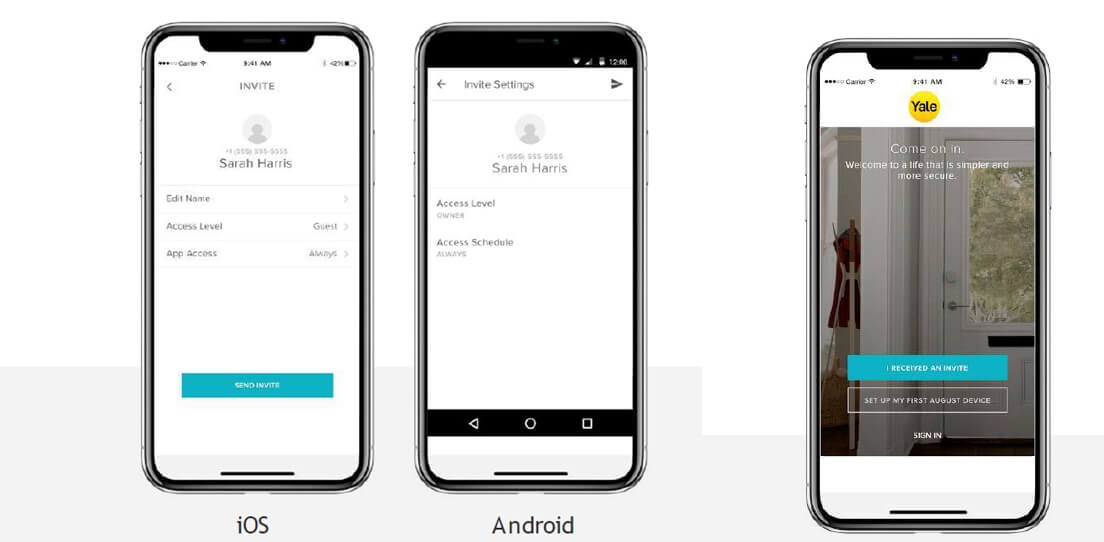
Across the United States from suburban front doors in Texas to apartment entries in New York City, Yale smart locks help families control access without traditional keys. Changing the code keeps your home secure after a move, a guest visit, or simply as a good habit every few months. Most models follow a similar pattern that starts with the master code and ends with a quick test of the new number while the door stays open.
This guide walks US readers through the steps for popular Yale Assure, Nest x Yale, and Real Living models using the lock keypad or the official app. You will also find clear advice on what to do if the master code is lost, how to add temporary guest codes, and the simple checks that confirm everything works before you close the door.

What You Need Before Changing Any Yale Lock Code
Before you touch the keypad gather a few simple items that make the process smoother for any American household. You need the current master code if it still works, a working set of batteries so the lock does not die mid-step, and the model name which is usually printed on the interior battery cover or in the original box. Most Yale locks sold in the United States use four to eight digit codes and respond with voice prompts or colored lights that guide you.
Keep the door open the entire time you program. This prevents an accidental lock-out while you confirm the new numbers. If you live in a multi-family building or share the entry with roommates, let everyone know the change is coming so no one gets stuck outside. Write the new codes down in a secure place that is not on the phone you carry every day.
Fresh batteries matter more than many people realize. A low-battery warning can interrupt the menu and force you to start over. Replace the batteries if the lock has been in place longer than a year or if the keypad lights look dim. Once the hardware is ready you can move to the actual code change steps that match your model.

How To Change The Master Code On Most Yale Assure Locks
The master code is the administrative key that opens every programming menu on Yale Assure locks popular across American homes. Changing it regularly is a smart security habit especially after house guests leave or when you move into a new property. The steps below work for many first-generation Assure and Real Living models that still allow direct keypad programming.
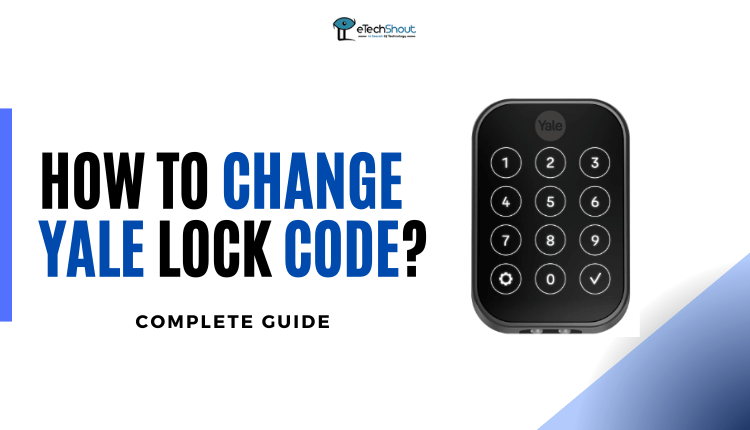
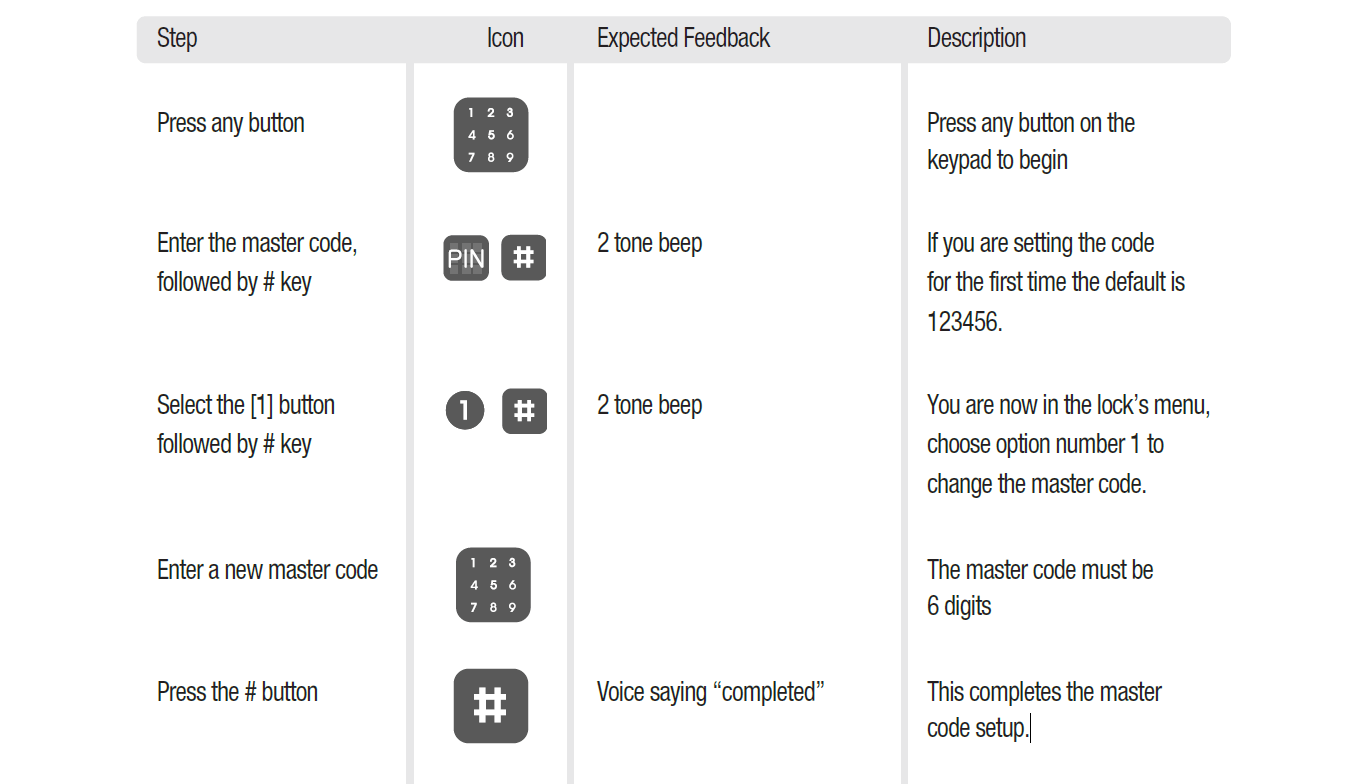
Start by waking the lock. Touch the Yale logo or any key on the keypad until the numbers light up. Enter the current master code and press the gear or settings button. The lock will speak or display menu options. Press the number 1 and then the gear button again to select the master code change option. Type the new four to eight digit code and press the gear button to confirm. Re-enter the same new code when asked and finish with the gear or check button.
Listen for the confirmation voice or watch for a solid green light. Test the new master code immediately by waking the lock and entering it again. If the menu opens you succeeded. If the lock rejects the code, wait a moment and repeat the sequence carefully. Avoid sequential numbers or obvious dates that strangers might guess.
Changing Codes On Nest X Yale Locks With The App
Many Nest x Yale locks sold throughout the United States no longer allow full code changes from the keypad alone. Instead the Nest or Google Home app handles passcode management. This design keeps the process simple for families who already use Nest products for thermostats and cameras. Anyone with full home access can update their own code or the codes of people who have entry-only permission.
Open the Nest app on your phone and make sure the lock is connected to Wi-Fi. Tap Settings then Family and Guests. Select your own name or the name of the person whose code needs updating. Tap Passcode and enter a new four to eight digit number. The app will warn you if that number is already in use so each person keeps a unique code. Confirm the change and the lock receives the update within a few seconds.
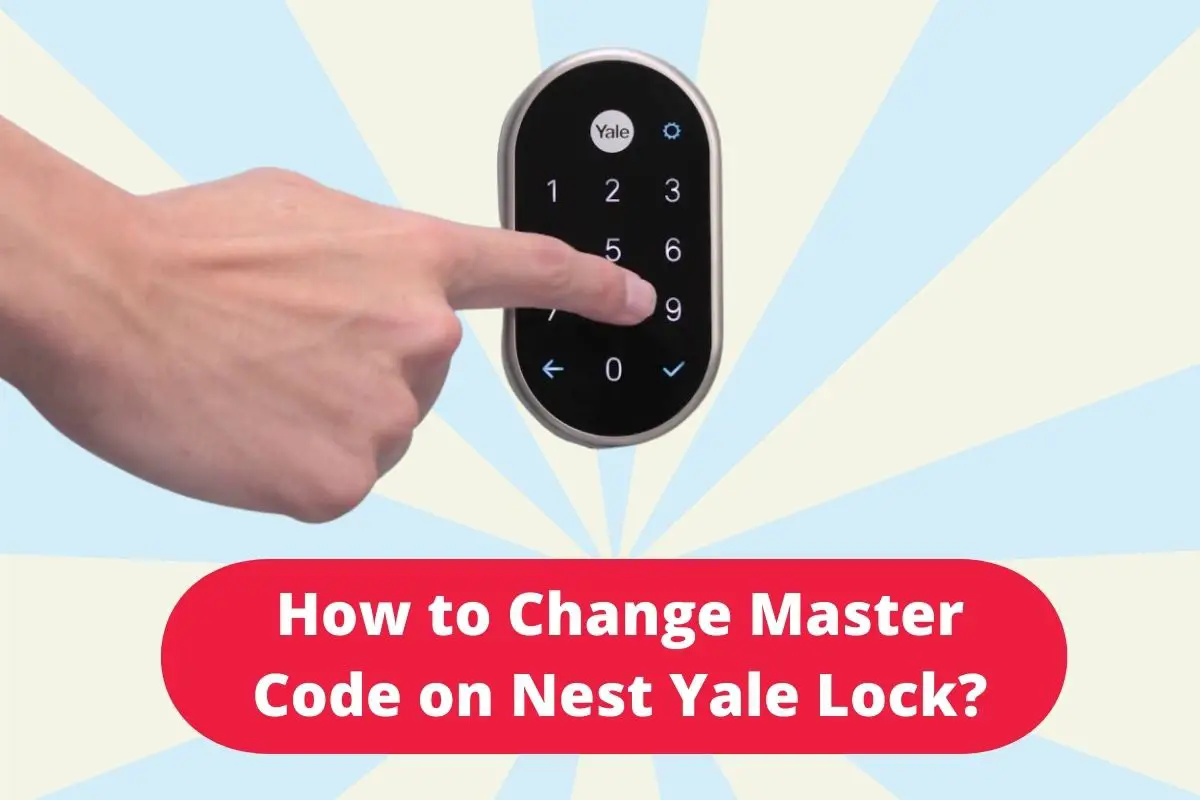
If the keypad still offers limited local options you can wake the lock, enter the master passcode, press the gear icon, then follow the spoken menu for changing user passcodes. The app method remains the most reliable route for Nest x Yale units. After any change test the new passcode at the door and check the activity history inside the app to confirm the update registered.
What To Do When You Forget The Master Code
Forgetting the master code happens more often than people admit especially after a long period of using only the everyday user code. The only reliable recovery path on most Yale models is a factory reset. A reset erases every stored code and returns the lock to its original default state so you can create a brand-new master code from scratch.
Locate the battery cover on the interior side of the door. Remove the cover and take out the batteries. Find the small reset button near the cable connector. Hold the reset button down while you reinsert the batteries. Keep holding for three to fifteen seconds depending on the model until the lock beeps or announces that settings are being erased. Release the button and wait for the lock to finish restarting.
Once the reset completes you must create a new master code before any other programming is possible. Wake the lock and follow the voice prompts or the steps listed earlier for setting a master code. After the new master is saved add your user codes again. This process is the same for many Assure and Nest x Yale units sold in the US market. Write the fresh master code in a secure notebook immediately so the same problem does not return.
Common Mistakes And How To Avoid Them
Even careful homeowners run into small problems when changing codes on Yale locks. One frequent issue is trying to program with a low battery. The lock may accept the first few key presses and then go silent. Always start with fresh batteries. Another common slip is closing the door before testing the new code. Leave the door open until you have successfully unlocked it with the updated number.
People sometimes reuse the same four digits for both the master and everyday codes. That choice reduces security because anyone who learns the daily code can also open the programming menu. Choose longer unique numbers for the master code and shorter memorable ones for daily use. Avoid birthdays, phone numbers, or simple sequences such as 1234. If the lock rejects a new code it may already be stored in another slot. Delete the old entry first or pick a different number.
Voice prompts can be hard to hear in a noisy garage or on a windy porch. Move closer to the lock or reduce background noise so you catch every instruction. If the keypad freezes after several wrong attempts the lock may enter a temporary lockdown. Wait the required shutdown period which is often sixty to ninety seconds then try again. Following the model-specific manual remains the best way to avoid repeated errors.

Using Temporary Guest Codes For Visitors
Yale locks make it easy for American families to give temporary access to house cleaners, dog walkers, or weekend guests without handing over a permanent key. Many models support one-day or scheduled codes that stop working after a set time. Create these codes through the programming menu or the app so you never need to share your everyday number.
In the keypad menu enter the master code and open the entry code section. Look for the option that creates a temporary or one-time code. Enter a four digit number and confirm. On Nest x Yale locks the Nest app lets you set a schedule that limits when a guest code will work. After the visit ends simply delete the temporary code so it cannot be used again. This approach keeps your permanent codes private and your home safer.

Maintaining Your Yale Lock After Code Changes
Changing the code is only one part of keeping a Yale lock reliable in US weather conditions that range from humid summers in Florida to freezing winters in Minnesota. Wipe the keypad with a soft dry cloth every few months to remove dirt that can interfere with touch sensitivity. Check the battery level in the app or by listening for low-battery announcements. Replace batteries before they fail completely so the lock never loses power unexpectedly.
Test every stored code at least twice a year. Confirm that auto-lock settings still match your preference and that the interior thumb turn moves freely. If the lock starts to feel sticky a small amount of graphite lubricant on the bolt can help. Avoid oil-based products that attract dust. When you sell the home or move out perform a factory reset and create a new master code for the next owner so previous codes cannot grant access.