

Z Wave smart locks are advanced locking devices that use Z Wave wireless technology to connect with your smart home system. This guide explains what a Z Wave smart lock is, how it works, and how it significantly enhances home security by offering remote access, automation, and real-time monitoring.
Key Takeaways
- What is a Z Wave smart lock: A smart lock that uses Z Wave wireless protocol for secure communication with home automation systems.
- Enhanced security: Provides keyless entry, remote locking/unlocking, and real-time alerts to improve home safety.
- Easy integration: Works seamlessly with most smart home hubs and systems, boosting overall automation capabilities.
- Convenience: Allows for scheduled access, guest codes, and voice assistant control.
- Troubleshooting tips: Common issues include connectivity problems and battery management, with simple fixes available.
- Compatibility: Supports integration with other smart devices for a comprehensive home security setup.
- Future-ready: Supports firmware updates to keep your lock secure and up to date.
What is Z Wave Smart Lock and How It Enhances Home Security
If you’re exploring ways to upgrade your home security, you’ve probably come across smart locks. Among the many options available, Z Wave smart locks stand out for their security features and compatibility with smart home systems. In this guide, you’ll learn exactly what a Z Wave smart lock is, how it works, and practical steps to install and use one to keep your home safer.
Understanding Z Wave Smart Locks
A Z Wave smart lock is a type of electronic lock that uses the Z Wave wireless communication protocol to connect with your home automation hub or system. Z Wave technology is designed specifically for smart homes, offering low-power, reliable, and secure communication between devices. Unlike traditional locks or even some other smart locks, Z Wave smart locks can communicate with other smart devices in your home, letting you control and monitor your door remotely.
Visual guide about What is Z Wave Smart Lock and How It Enhances Home Security
Image source: thumbs.dreamstime.com
Why Choose Z Wave?
- Reliable Mesh Network: Z Wave devices create a mesh network, so signals can hop between devices to reach your lock, improving connectivity.
- Strong Security: Uses AES-128 encryption to protect data and prevent hacking.
- Low Power Consumption: Great for battery-powered locks, ensuring longer battery life.
- Wide Compatibility: Works with many smart home hubs like SmartThings, Wink, or Hubitat.
How Z Wave Smart Locks Work
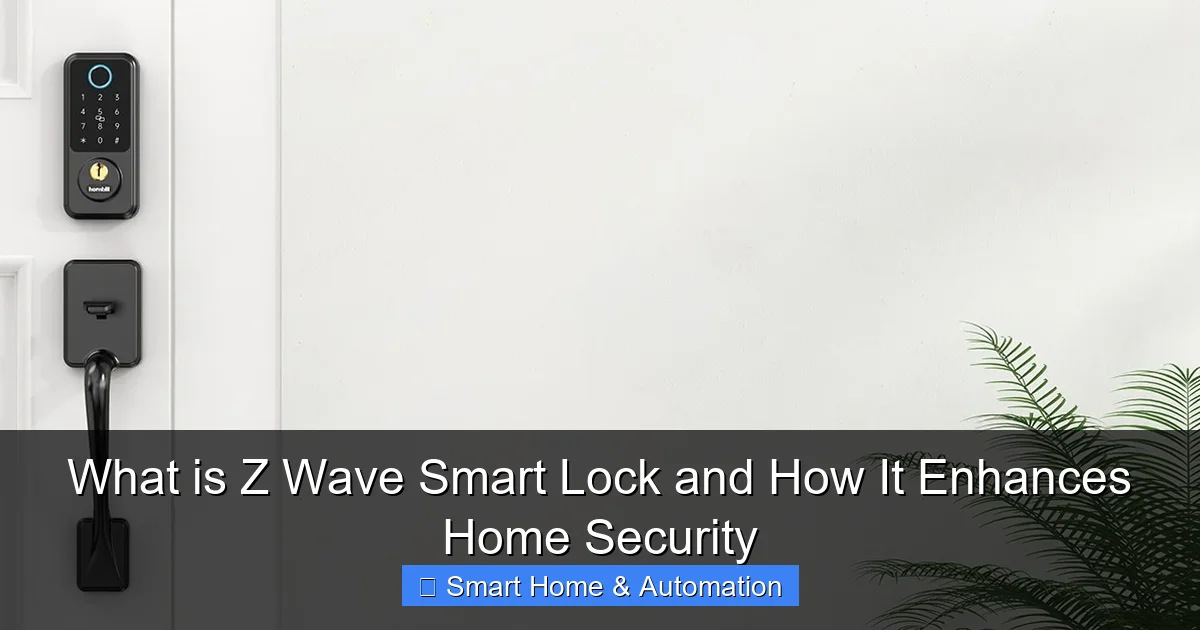
When you install a Z Wave smart lock, you pair it with your smart home hub or controller. This lets you operate the lock remotely via an app, schedule access times, generate temporary access codes, and receive notifications when the door is locked or unlocked.
Visual guide about What is Z Wave Smart Lock and How It Enhances Home Security
Image source: hornbilllock.com
Key Features
- Remote Lock/Unlock: Control your door from anywhere using your smartphone.
- Access Codes: Create unique codes for family members, guests, or service providers.
- Automation: Integrate with other smart devices, such as lights or security cameras, for enhanced security routines.
- Activity Logs: Check who accessed your home and when for peace of mind.
Step-by-Step Guide to Installing a Z Wave Smart Lock
Step 1: Choose the Right Z Wave Smart Lock
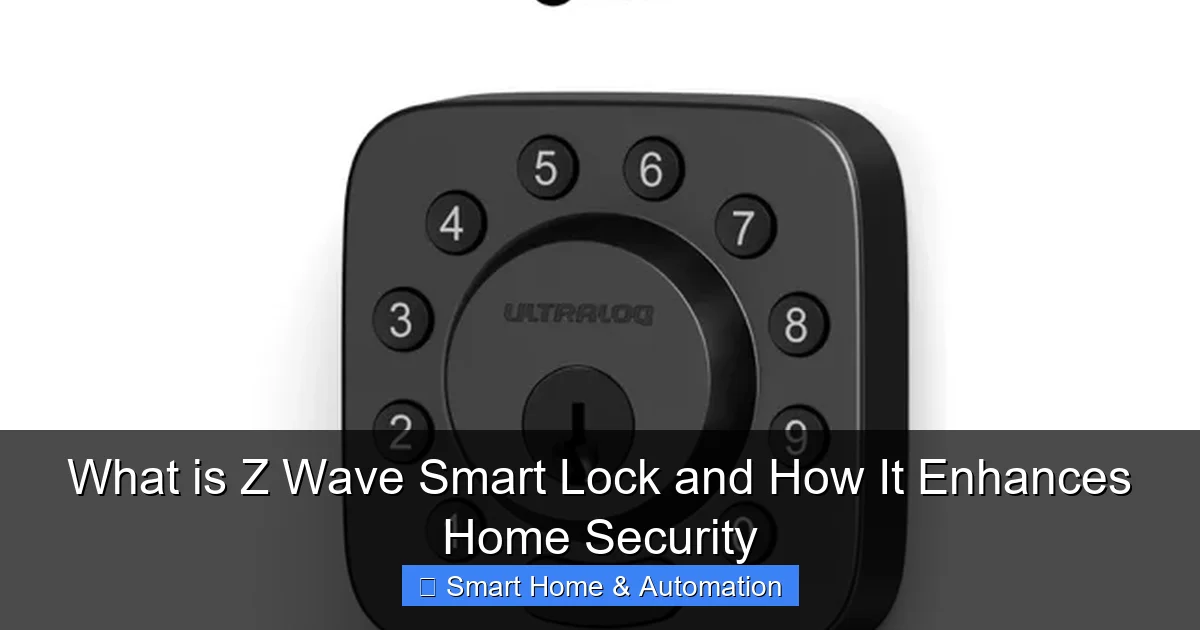
Research locks compatible with your door type and smart home hub. Popular brands include Schlage, Yale, and Kwikset. Confirm it supports Z Wave and meets your security needs.
Visual guide about What is Z Wave Smart Lock and How It Enhances Home Security
Image source: security.world
Step 2: Prepare Your Door
Ensure your door’s dimensions match the lock’s requirements. Remove your existing lock carefully to avoid damage. Keep screws and parts handy in case you need them during installation.
Step 3: Install the Lock Hardware
Follow the manufacturer’s instructions to install the lock’s exterior keypad and interior mechanism. Usually, this involves mounting the deadbolt and attaching the battery pack.
Step 4: Pair with Your Smart Home Hub
Put your smart home hub in pairing mode, then activate the lock’s inclusion mode (often by pressing a button on the lock). The lock should appear on your hub’s device list.
Step 5: Configure Settings
Use your hub’s app to name the lock, set user codes, and configure notifications. You can also set up automation routines, like locking the door when you leave home.
Step 6: Test the Lock
Try locking and unlocking the door remotely and with manual keys if available. Check notifications and ensure everything functions smoothly.
Practical Tips for Using Your Z Wave Smart Lock
- Regularly Change Access Codes: For security, update codes especially after guests or service visits.
- Keep Backup Keys: While smart locks are reliable, always have a manual key available.
- Monitor Battery Levels: Most locks notify you when batteries are low—replace them promptly.
- Integrate with Other Devices: Pair your lock with smart cameras or doorbell systems for comprehensive security.
To learn more about managing digital access, check out our guide on what is a smart key.
Troubleshooting Common Issues
Lock Not Responding to Commands
Ensure your lock has sufficient battery power. Try re-pairing the lock with your smart home hub. Check if your hub’s firmware is up to date.
Connectivity Problems
Z Wave signals can be blocked by thick walls or metal objects. Adding Z Wave repeaters or moving your hub closer may improve connection.
Access Code Not Working
Double-check the code entered. Verify it hasn’t expired or been deleted in the app. Reset or create a new code if necessary.
How Z Wave Smart Locks Enhance Home Security
Z Wave smart locks offer more than just keyless entry. They improve home security by enabling real-time alerts and remote control. For example, you can lock your door from the office if you forgot, or allow a trusted friend to enter while you’re away. These locks also log access events, so you know exactly who comes and goes.
Integrating your Z Wave smart lock with your overall home automation system allows you to create custom security routines. For instance, you can program your lights to turn on and your security cameras to activate when the door unlocks at night.
If you want to expand your security system further, explore our article on how smart locks improve home access control to understand the broader benefits of smart locking technologies.
Integrating Your Z Wave Smart Lock with Existing Systems
If you already have a smart home setup, you might wonder how to add a Z Wave smart lock without disrupting your system. Many smart home hubs support Z Wave devices, making integration straightforward. Follow the hub’s instructions to add new devices and configure automation scenarios.
For detailed guidance on this, check out our comprehensive tutorial on how to integrate smart locks with existing systems.
Conclusion
Upgrading to a Z Wave smart lock is a smart move for enhancing your home’s security and convenience. These locks provide reliable, secure, and flexible access control through their seamless integration with smart home systems. By following this guide, you can choose, install, and use a Z Wave smart lock that suits your needs. With real-time control, access management, and automation, you’ll enjoy peace of mind knowing your home is safer and easier to manage than ever before.
🎥 Related Video: Connect Schlage Z-Wave Smart Lock with Abode Home Security System
📺 LifeAlgoRhythms
Hi Folks, I recently bought Abode Starter Kit and a Schlage Smart Lock with Z-Wave connect tech. Abode is a DIY home security …