

Keypad door locks provide a modern, secure way to control access to your home or office without keys. This guide explains how keypad door locks work, their security features, and practical tips for installation and use, helping you make an informed decision about upgrading your entry system.
Key Takeaways
- How keypad door locks operate: They use a numeric code entered on a keypad to unlock doors without physical keys.
- Enhanced security features: Many include anti-tamper alarms, code encryption, and automatic locking for safety.
- Convenience: Keypad locks eliminate the need for carrying keys and allow easy code sharing with trusted users.
- Installation flexibility: Most keypad locks fit standard doors and can be installed DIY or professionally.
- Integration capabilities: Some models can integrate with existing smart home systems for remote access.
- Troubleshooting tips: Address common issues like keypad unresponsiveness or battery failures effectively.
- Smart home benefits: These locks improve home access control and can be part of a larger automation setup.
Introduction: Understanding How Keypad Door Locks Work
In today’s smart home landscape, keypad door locks are becoming a popular choice for securing homes and offices. Instead of traditional keys, these locks use a numeric code entered on a keypad to grant access. In this guide, you’ll learn exactly how keypad door locks work, why they are considered secure, and how you can install and maintain one for your property. Whether you’re upgrading your home security or curious about smart lock technology, this step-by-step guide offers practical insights and tips.
Step 1: Learn the Basics of Keypad Door Locks
What Is a Keypad Door Lock?
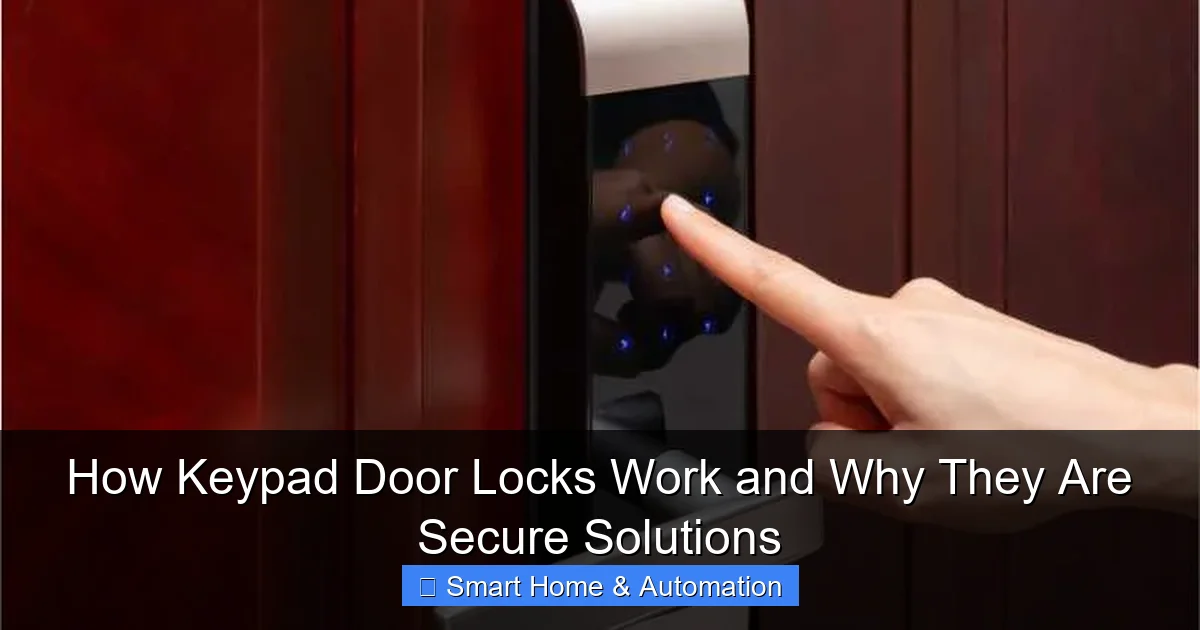
A keypad door lock is an electronic or mechanical locking device that uses a numeric keypad instead of a traditional key. Users enter a code, and if it matches the stored access code, the lock disengages. These locks can be standalone or part of a smart home ecosystem.
Visual guide about How Keypad Door Locks Work and Why They Are Secure Solutions
Image source: butterflymx.com
Types of Keypad Door Locks
- Mechanical keypad locks: Use physical buttons and mechanical components to unlock.
- Electronic keypad locks: Powered by batteries, these provide additional features like backlit keypads and code memory.
- Smart keypad locks: Integrate with Wi-Fi or Bluetooth, allowing remote management and monitoring.
Step 2: Understand the Internal Mechanism
How the Code Verification Works
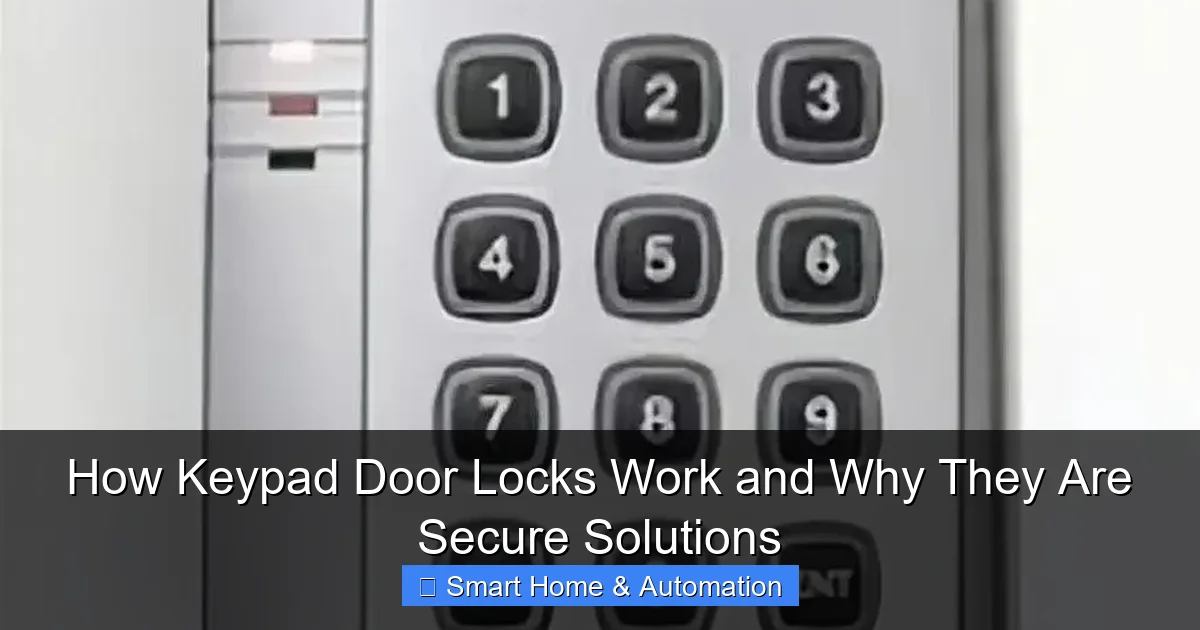
When a user enters a code on the keypad, the lock’s microprocessor compares it with stored authorized codes. If the code matches, the lock’s actuator triggers the bolt to retract, allowing the door to open.
Visual guide about How Keypad Door Locks Work and Why They Are Secure Solutions
Image source: ehpruexzv8r.exactdn.com
The Role of the Actuator and Motor
In electronic and smart locks, a small motor or solenoid physically moves the locking bolt. Mechanical locks rely on internal mechanical linkages that move when the correct code is entered.
Power Source
Electronic keypad locks require batteries to power the keypad, processor, and motor. Most models provide low-battery warnings and backup key options to prevent lockout.
Step 3: Discover Why Keypad Door Locks Are Secure Solutions
Code Protection and Encryption
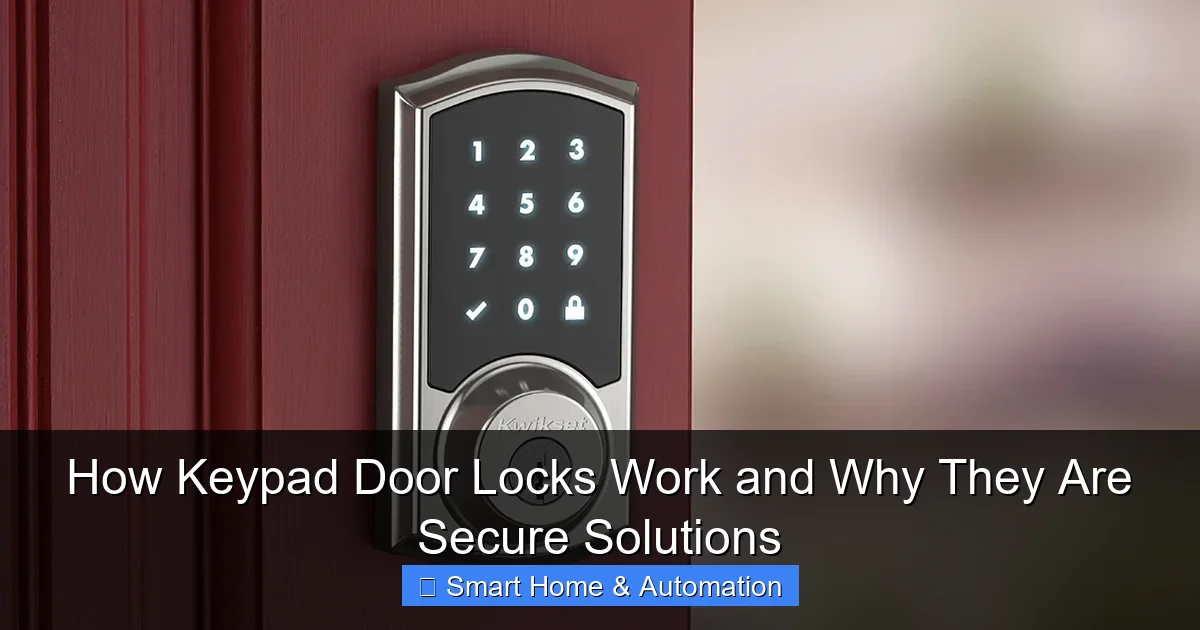
Many keypad locks encrypt stored codes and use secure algorithms to prevent hacking or code interception. High-end models randomize keypad numbers to avoid fingerprint or pattern detection.
Visual guide about How Keypad Door Locks Work and Why They Are Secure Solutions
Image source: united-locksmith.net
Anti-Tampering Features
These locks often include alarms that trigger after multiple incorrect code attempts, deterring forced entry. Some models also lock out temporarily after failed tries.
Automatic Locking
Keypad locks can automatically lock the door after it closes, ensuring your property remains protected without needing to remember to lock manually.
Access Logs and Code Management
Smart keypad locks can keep logs of entry attempts and allow you to create or revoke codes remotely. This is especially useful for managing access for family, guests, or service providers.
Step 4: How to Install a Keypad Door Lock
Tools and Materials Needed
- Screwdriver
- Drill (if new holes are required)
- Measuring tape
- New keypad lock kit
- Instruction manual
Installation Steps
1. Remove Existing Lock
Unscrew and remove your current lock hardware, keeping the door ready for the new installation.
2. Fit the Lock Components
Align the keypad and lock mechanism according to the manufacturer’s instructions. Ensure the bolt fits smoothly into the door frame strike plate.
3. Secure the Lock
Use the screws provided to tightly secure the keypad and interior locking mechanism to the door.
4. Insert Batteries and Test
Install the required batteries, then test the lock by entering the default or programmed code to ensure it operates correctly.
5. Program Your Access Codes
Follow the setup instructions to add your own access codes. Change default codes immediately to maintain security.
Step 5: Tips for Using and Maintaining Your Keypad Lock
- Regularly update access codes to keep your lock secure.
- Keep spare batteries handy to avoid lockouts.
- Clean the keypad gently to prevent wear or malfunction.
- Use temporary codes for guests or service providers and delete them afterward.
- Test your lock periodically to ensure it locks and unlocks smoothly.
Troubleshooting Common Issues
Keypad Not Responding
Check battery levels and replace them if low. Reset the lock if necessary according to the user manual.
Incorrect Code Error
Make sure you are entering the correct code and check if the lock has a lockout period after multiple failed attempts.
Lock Jam or Bolt Stuck
Inspect the door alignment and strike plate. Lubricate the bolt with a graphite-based lubricant and avoid oil-based products.
Step 6: Integrating Keypad Locks with Smart Home Systems
Many keypad locks can be integrated into your smart home setup for enhanced control. For example, you can connect them with smart hubs or apps that allow remote locking, unlocking, and monitoring. This integration is especially helpful for managing access when you’re away.
To learn more about adding keypad locks to your existing setup, check out our guide on How To Integrate Smart Locks With Existing Systems. For broader benefits, see how Smart Locks Improve Home Access Control.
Conclusion: Embrace Secure and Convenient Access
Keypad door locks offer a secure, convenient alternative to traditional keys. By understanding how keypad door locks work and their security features, you can confidently choose the right lock for your home or office. Installation is straightforward, and with proper maintenance, these locks provide reliable protection while enhancing your smart home experience. Ready to improve your home’s security? Start exploring keypad locks today for keyless, secure access that fits modern lifestyles.
🎥 Related Video: How to use the keypad to unlock or lock the door.
📺 hornbill Smart Locks