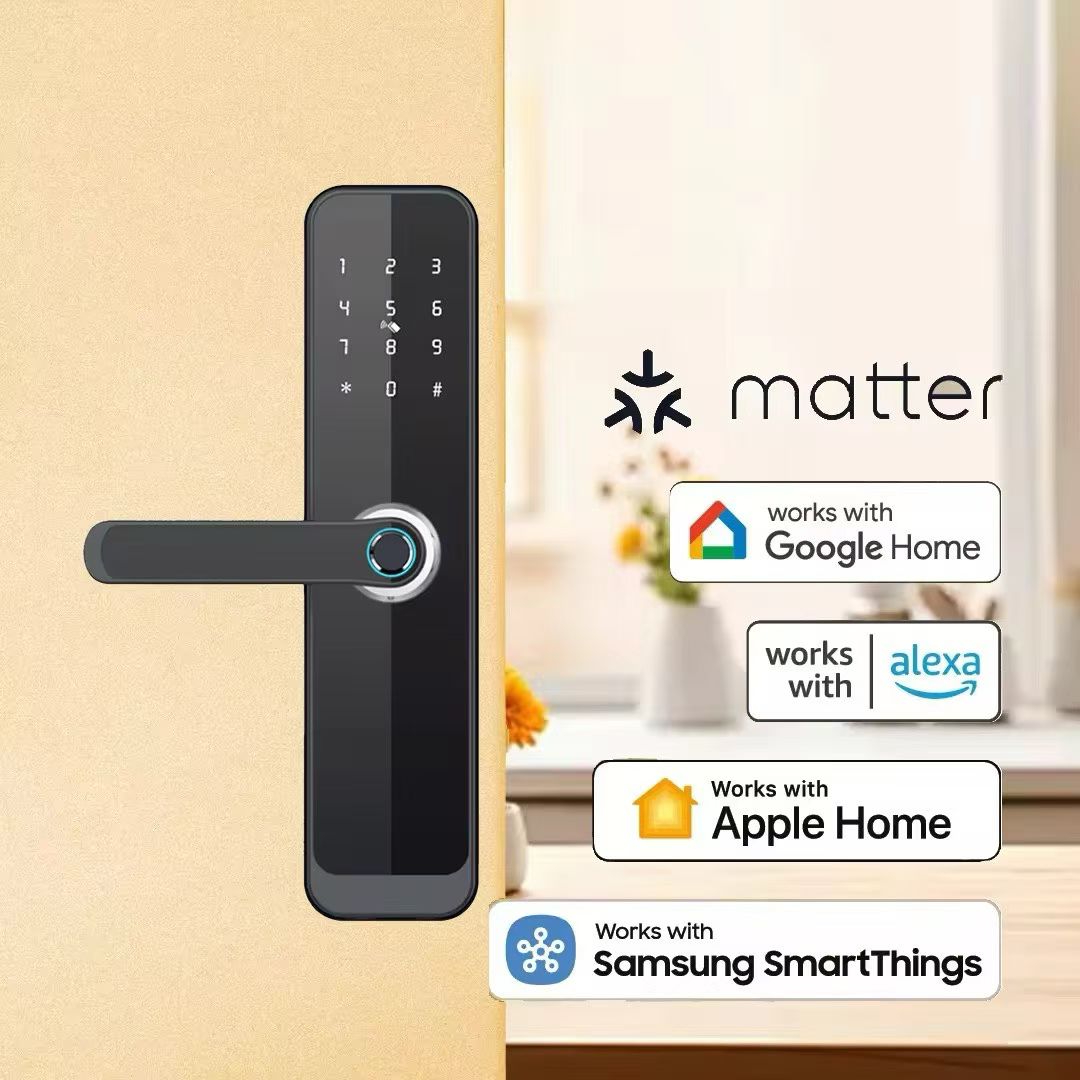
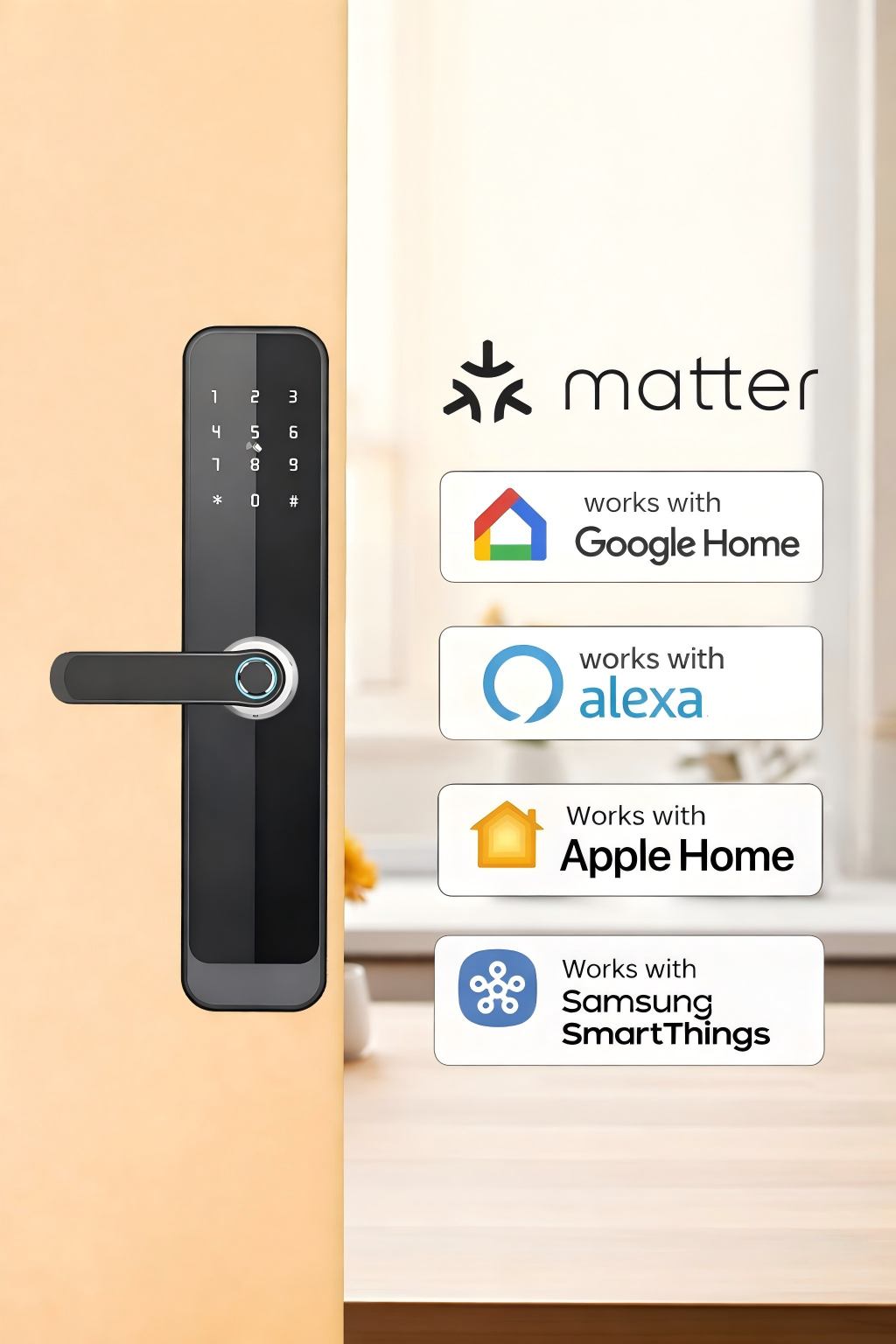
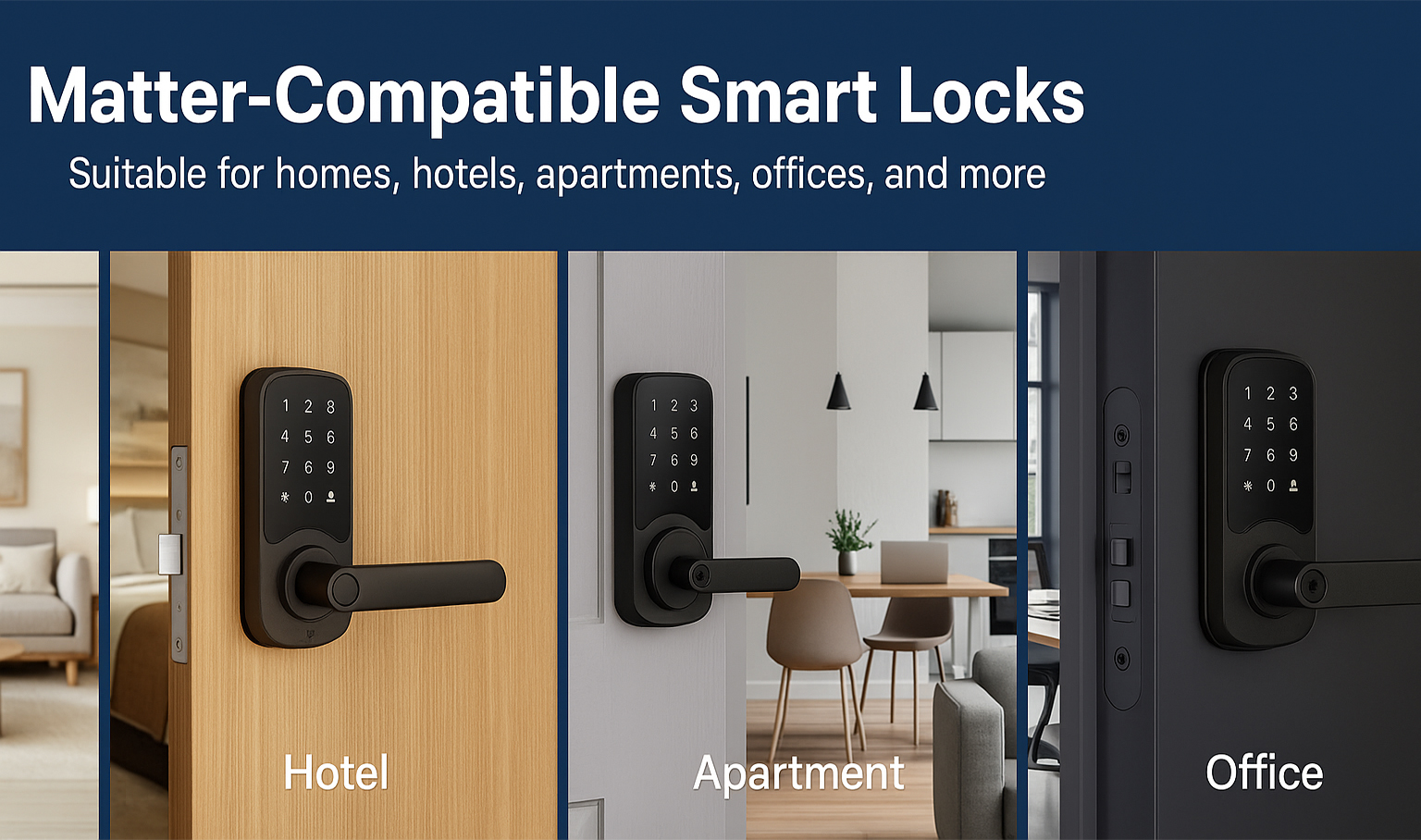
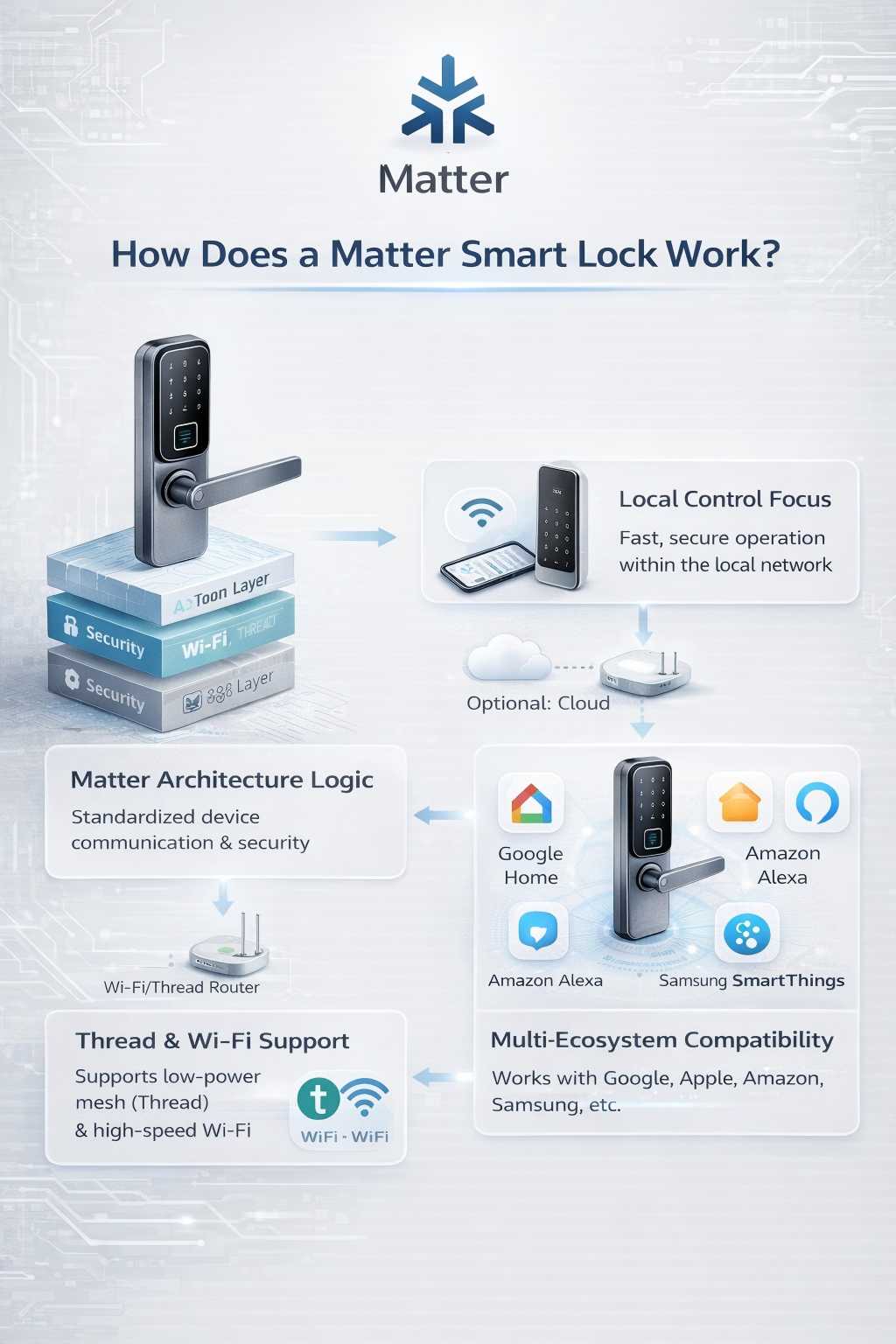
A Matter smart lock is an electronic door lock that uses the Matter smart home standard to connect with compatible smart home platforms. It can make it easier to control your door through supported apps, voice assistants, and home automation systems, without relying on a single brand’s ecosystem for every function.
For homeowners across the United States, a smart lock can make daily life easier. You may want to unlock your front door from your phone, let a family member in, or check the lock before leaving for work. The challenge is that smart locks from different brands do not always work with the same smart home systems.
Matter helps address this problem. Developed under the Connectivity Standards Alliance, Matter is a shared communication standard for compatible smart home devices. A Matter-enabled lock can work with supported platforms such as Apple Home, Google Home, and Amazon Alexa, provided the specific lock, platform, controller, and required network features support the intended functions.
However, Matter does not mean that every smart lock works with every phone or offers every feature. A lock may still need a compatible controller, a Thread border router, or a particular app for setup and advanced settings. Its keypad, fingerprint reader, remote access, and activity history may also depend on the model.
This guide explains what a Matter smart lock is, how the technology works, what you need to install one in a US home, and how to check compatibility before spending money. It also covers practical limits, security considerations, common setup problems, and the questions worth asking before you choose a lock.
Source: yonannlock.com
What Is a Matter Smart Lock?
A Matter smart lock is a connected door lock that follows the Matter standard for communication with compatible smart home systems. It combines the physical job of securing a door with digital controls that let approved users manage the lock through supported devices and apps.
Think of Matter as a common language. Your smart lock and smart home controller may come from different companies, but Matter gives compatible products a shared way to communicate. This can make it easier to build a smart home without buying every device from the same brand.
Matter does not replace the lock’s motor, deadbolt, key cylinder, keypad, or fingerprint sensor. Those parts still depend on the product design. Matter provides a standard way for supported smart home devices to communicate and share functions.
The exact functions available vary by model and platform. A certified lock may support basic locking and unlocking through a compatible smart home app, while other controls may remain in the manufacturer’s own app.
Source: blog.matterhubs.com
Shared communication standard
Matter helps compatible devices from different brands communicate through supported smart home platforms.
Electronic door control
The lock uses an electronic mechanism to operate the bolt or latch, subject to its design and installation.
Platform flexibility
You may be able to add the lock to more than one supported smart home ecosystem, depending on the device and setup.
Model-specific features
Keypads, fingerprints, temporary codes, auto-lock, and detailed alerts are not guaranteed by Matter alone.
Is Matter a Brand of Smart Lock?
No. Matter is a standard used by products from different manufacturers. A Matter smart lock may be sold under a separate lock brand, and the manufacturer’s name still matters for warranty support, physical design, replacement parts, and advanced settings.
When shopping, look for the Matter logo and verify the exact model in the manufacturer’s specifications or the Connectivity Standards Alliance’s certified product information. Do not assume that all locks from a brand support Matter simply because one model does.
Check the exact model
Two locks from the same product family may use different radios, firmware, or smart home standards.
Confirm certification
A general claim of smart home compatibility is not the same as verified Matter certification.
What Does Matter Compatibility Mean?
Matter compatibility means a device implements the relevant parts of the Matter standard and can communicate with supported Matter controllers. It does not mean that all features are identical across Apple Home, Google Home, Amazon Alexa, or a manufacturer’s app.
For example, basic lock control may be available in a supported platform while changing user credentials or reviewing detailed access records requires the lock’s original app. Always check the feature list for the exact combination of lock and platform you intend to use.
Basic controls
Supported platforms may let you lock or unlock the door and view its reported state.
Extra controls
Access codes, biometrics, detailed logs, and special modes depend on the lock and app.
How Does a Matter Smart Lock Work?
A Matter smart lock works by combining an electronic locking mechanism, a supported network connection, and a compatible smart home controller. When you issue a permitted command, the controller communicates with the lock, and the lock responds if its current state and security rules allow the action.
For example, you may tap the lock button in a compatible home app. The app sends the command through the smart home system, the lock receives it over its supported connection, and its motor moves the bolt. The app may then show the reported state, although the accuracy of that state depends on the lock’s sensors and implementation.
Matter is designed to support local communication within a compatible home network. This can reduce dependence on a manufacturer’s cloud service for supported local controls. However, remote access while you are away may still require a suitable home hub, internet access, an app account, or a vendor service.
The setup process may use Bluetooth Low Energy to help a phone discover and commission the device. After setup, the lock generally communicates using the network technology supported by its design, such as Thread or Wi-Fi.
Source: amazon.com
Step 1: Send a command
Use a supported smart home app, automation, or voice assistant to request a lock action.
Step 2: Pass the command
The compatible controller communicates with the lock over the supported Matter network.
Step 3: Operate the mechanism
The lock’s electronics and motor attempt the requested action.
Step 4: Check the reported state
The system displays the status reported by the lock. When safety or access matters, verify the physical door and bolt rather than relying only on an app icon.
Does a Matter Smart Lock Need the Internet?
Not for every supported function. Matter is built around communication on the local home network, so compatible local control can continue without a working internet connection when the necessary local devices and network remain available.
Remote access is different. If you want to operate the lock from outside your home, the setup may need an internet-connected home controller and a supported remote access service. Notifications and integrations with outside services may also stop when internet access fails.
The lock’s physical controls and any supported local entry method may still work during an internet outage. The result depends on the model, its power supply, and the local network setup.
Local control
May work without internet if the lock and controller remain connected on the local network.
Remote control
Usually needs an internet-connected controller or another supported remote access path.
Mechanical entry
A physical key or other local entry method can provide an alternative if the model includes one.
How Secure Is the Connection?
Matter includes security measures for device authentication and protected communication. These measures help reduce the risk of unauthorized devices joining or interfering with a compatible system, but they do not make every product or home network invulnerable.
Security also depends on the lock’s implementation, firmware updates, account protection, phone security, and the way users manage access. A weak account password or a lost phone with unrestricted access can still create problems.
Use strong, unique account passwords, enable multifactor authentication when offered, keep device software current, and remove access for people who no longer need it. Review the manufacturer’s instructions before resetting or transferring ownership of the lock.
Protect accounts
Use unique credentials and available multifactor authentication for the relevant smart home accounts.
Update firmware
Install supported security updates from the manufacturer.
Review access
Remove former household members and outdated permissions from the applicable apps and lock settings.
Matter Smart Lock vs. Wi-Fi, Bluetooth, and Thread Locks
Matter and Wi-Fi, Bluetooth, and Thread are not direct substitutes for one another. Matter defines how compatible smart home devices communicate at the application level, while Wi-Fi and Thread provide ways to carry that communication across a network. Bluetooth Low Energy is commonly used for device setup.
This difference matters when you buy a lock. A lock can use Thread and support Matter, or it can use Wi-Fi and support Matter. Another lock may use Wi-Fi or Bluetooth but not support Matter at all.
Do not assume that a lock is Matter-compatible just because it has a wireless connection. Check the packaging, official specifications, and support page for the exact model and region.
Source: yonannlock.com
Matter
A smart home standard that defines how supported devices communicate and expose functions to compatible controllers.
Wi-Fi
A network technology used by some locks to communicate through a home wireless network.
Thread
A low-power mesh networking technology used by some Matter devices, including supported smart locks.
Bluetooth Low Energy
Often used during setup and discovery; it does not by itself prove that a lock supports Matter.
Matter over Thread
A Thread-based Matter smart lock uses Thread for its supported network communication. Thread is designed for low-power smart home devices, and a compatible Thread border router helps connect the Thread network to the rest of the home network.
Before choosing this type of lock, check whether your existing smart home equipment includes a compatible Thread border router. A device that acts as a smart home hub does not automatically support every required Thread function.
Thread can be useful for battery-powered devices, but actual battery life depends on the lock’s design, settings, usage, radio conditions, and battery type. Do not assume that every Thread lock lasts longer than every Wi-Fi lock.
Check the border router
Confirm that your controller or another device supports the required Thread functions.
Check network coverage
The lock must have a usable connection to the Thread network in its installed location.
Matter over Wi-Fi
A Matter-over-Wi-Fi lock uses a compatible Wi-Fi network for Matter communication. This may suit a home that already has reliable Wi-Fi coverage near the entrance, though a particular model can still have its own network and controller requirements.
Wi-Fi locks can differ in power use, so compare the manufacturer’s stated battery type and expected battery life rather than treating all Wi-Fi models as alike. Check the supported Wi-Fi bands and any network restrictions before buying.
A strong internet connection does not fix poor Wi-Fi coverage at the door. If the lock regularly loses its network connection, check the local signal and the manufacturer’s recommendations before changing security settings.
Check Wi-Fi support
Verify the required band, network settings, and signal strength where the lock will be installed.
Compare power needs
Read the exact model’s battery guidance and expected replacement interval.
Which Smart Home Systems Work With Matter Locks?
Matter is intended to help compatible devices work across supported smart home ecosystems. Major platforms, including Apple Home, Google Home, and Amazon Alexa, support Matter, but support for a particular door lock depends on the platform, its software version, the lock’s certification, and the available controller hardware.
Samsung SmartThings also supports Matter devices. However, you should confirm the exact lock and required hub or controller before assuming that a specific feature will work.
A Matter logo does not mean you can skip every manufacturer’s app. Some products require the original app for initial setup, firmware updates, advanced settings, or management of access credentials. Other functions may appear in the smart home app after the device has been added.
For a US household using a mix of Apple phones, Google smart speakers, and Alexa devices, Matter can offer more flexibility. Still, the best choice is the lock that supports your preferred platform and the functions you actually plan to use.
Source: yonannlock.com
Apple Home
Check the exact lock’s compatibility with Apple Home and whether your home setup needs a supported home hub for remote access or automation.
Google Home
Verify the supported lock functions and the controller or hub requirements in Google’s current compatibility guidance.
Amazon Alexa
Confirm that your Alexa setup supports the lock’s Matter device type and intended commands.
Samsung SmartThings
Check the exact model’s support and whether your setup requires a compatible SmartThings hub or controller.
Can One Matter Smart Lock Work With More Than One Platform?
Potentially, yes. Matter supports a feature called Multi-Admin, which lets a compatible device be shared with more than one Matter ecosystem. This can allow a household to use supported controls from separate platforms without treating the lock as an exclusive device for only one system.
Each platform still needs a supported setup, and the experience may differ across apps. Adding the same lock to several ecosystems does not guarantee that every platform will display the same options or share every kind of activity record.
Follow the lock manufacturer’s instructions for adding additional administrators. Do not factory-reset a working lock just because you want to add another platform; a reset may remove its existing configuration and require setup again.
Use the supported sharing flow
Follow the official app instructions for adding the lock to another Matter ecosystem.
Check feature differences
Verify lock control, access management, notifications, and automation support in each platform.
What Features Can a Matter Smart Lock Offer?
A Matter smart lock can offer remote or local lock control, status checks, and smart home automation when the specific lock and platform support those functions. The standard helps devices communicate, but the manufacturer decides which physical entry methods and extra features the product includes.
For example, a lock with a keypad may let you enter a code at the door. A model with a fingerprint reader may support biometric entry. Those features are separate from Matter and should be checked in the product specifications.
Think about how you use your front door. A family with children may value a keypad and clear low-battery warnings. A homeowner who travels may care more about supported remote access and alerts. A renter may need a design that fits the existing door without permanent changes, subject to lease terms and the lock’s installation requirements.
Source: bangladesh.desertcart.com
App-based control
Lock or unlock through a supported app when the necessary connection and permissions are available.
Lock status
Check the state reported by the lock, while remembering that an app reading is not a substitute for a physical check when certainty matters.
Voice control
Use a compatible voice assistant if the platform, lock, and command support the requested action. Some platforms may impose extra security checks.
Home automation
Build supported routines or scenes, such as including a lock action in a leaving-home routine.
Guest access
Use PINs, temporary credentials, or scheduled access only if the lock itself supports those features.
Alerts and activity records
Review supported notifications and logs, noting that their availability and detail can vary by app and model.
Does Matter Support Fingerprints and Keypads?
Matter support does not automatically give a lock a fingerprint reader or keypad. These are physical features of the lock, and their management options depend on the product’s hardware, firmware, and supported app.
If you want to give each household member a separate PIN, confirm that the model supports multiple codes and that you can add, change, and remove them as needed. If fingerprint entry matters to you, check whether enrollment and deletion are available through the manufacturer’s app or on the lock itself.
Do not buy a basic Matter lock expecting a software update to add missing biometric hardware. A firmware update can add or change software features only within the limits of the device’s design.
For PIN entry
Check the supported number of codes, scheduling options, and how lost or shared codes can be removed.
For fingerprint entry
Verify the sensor is built into the exact model and learn how biometric credentials are managed.
Benefits and Limitations of Matter Smart Locks
The main benefit of a Matter smart lock is greater flexibility in how compatible smart home devices communicate. You may be able to keep your preferred phone platform while choosing a lock from a different manufacturer, rather than basing every purchase on one company’s ecosystem.
Matter can also simplify local control and reduce reliance on separate cloud services for functions that the lock and controller support locally. This may help some routines remain available when internet access is interrupted, although the result depends on the full setup.
The trade-off is that compatibility is not universal at the feature level. You still need to confirm the physical fit, supported controller, network type, firmware, app requirements, and backup entry method. A Matter label is a useful starting point, not a guarantee that a product will meet every need.
Source: amazon.com
Benefit: More platform choice
Compatible products can work across supported ecosystems, reducing the need to choose devices from one brand alone.
Benefit: Local control options
Supported commands can operate over the local network without always needing a cloud round trip.
Benefit: A shared standard
Matter offers a common framework for supported device communication and commissioning.
Limit: Extra equipment may be needed
A particular lock may require a compatible controller, Thread border router, or other supported home equipment.
Limit: Features may differ
A platform may not expose all settings, user credentials, alerts, or advanced controls available in the manufacturer’s app.
Limit: Physical fit still matters
Matter cannot make an incompatible deadbolt, door thickness, backset, or strike plate fit your door.
Is a Matter Smart Lock More Secure Than a Regular Smart Lock?
Not automatically. Matter provides security and interoperability requirements for supported communication, but it does not prove that a particular lock has a stronger physical bolt, better resistance to forced entry, or a more secure installation than another lock.
Physical security depends on the lock design, door, frame, strike plate, fasteners, and installation quality. Digital security depends on the product’s implementation, updates, account controls, and credential management.
Compare the actual lock and its documented security features. If resistance to forced entry is a priority, consider the door and frame as part of the system and consult a qualified locksmith when the fit or installation is uncertain.
Check physical strength
Review the lock’s documented construction and applicable security ratings rather than relying on Matter support alone.
Check digital protections
Look for a clear firmware update policy, secure account controls, and practical ways to remove lost or unwanted access.
Check the installation
Make sure the deadbolt moves freely and the door and frame are sound.
How to Choose a Matter Smart Lock for a US Home
Choose a Matter smart lock by checking compatibility, door fit, entry methods, power needs, and backup access before comparing appearance or price. The best model is the one that fits your door and supports your daily routine without creating a new access problem.
In many US homes, the front door uses a deadbolt, but the dimensions and hardware vary. Some locks replace the entire deadbolt, while others use a retrofit design that works with certain existing hardware. Measure your door and follow the manufacturer’s fit guide instead of assuming that every standard-looking lock will fit.
Also consider who will use the lock. A household with children or older adults may prefer a keypad or physical key. A rental property may require permission before changing the exterior hardware. A home with unreliable wireless coverage may need a different network arrangement or a lock with suitable local controls.
Source: yonannlock.com
1. Verify Matter support
Check the exact model’s certification and official compatibility list.
2. Confirm platform support
Make sure your preferred Apple Home, Google Home, Alexa, or SmartThings setup supports the lock and the functions you need.
3. Check the network
Identify whether the lock uses Thread or Wi-Fi and confirm the necessary equipment is available.
4. Measure the door
Check thickness, backset, deadbolt type, cylinder requirements, and clearance against the manufacturer’s installation guide.
5. Review entry options
Decide whether you need a physical key, keypad, fingerprint sensor, or another local entry method.
6. Compare ongoing needs
Review battery type, replacement guidance, firmware support, warranty terms, and any subscription requirements for optional services.
A Simple Compatibility Checklist
Before ordering, write down the exact model number and your current smart home equipment. Check the manufacturer’s documentation and the platform’s current support page, since compatibility can change with software updates and device revisions.
Do not rely only on an online marketplace title. If the listing says Matter-ready or compatible but does not clearly explain certification or the required setup, ask the manufacturer for confirmation before buying.
Lock model
Record the full model number and regional version.
Controller
Confirm the required hub or controller is compatible and up to date.
Network
Verify Thread border router or Wi-Fi requirements as applicable.
Features
Confirm app control, remote access, guest credentials, alerts, and automation support separately.
Door fit
Check all dimensions and installation restrictions before removing existing hardware.
How to Set Up a Matter Smart Lock
To set up a Matter smart lock, first install the hardware according to its manual, then add the device to a supported smart home system. The exact steps differ by manufacturer, so the lock’s official setup instructions should take priority over general guidance.
Before starting, charge or install the recommended batteries, update the relevant phone app, and confirm that the required home controller and network are ready. Keep the door open during initial testing so an incorrect installation or failed lock command does not leave you locked out.
Do not force a stiff deadbolt to move with the motor. If the bolt binds when operated by hand, correct the door alignment or installation issue before enabling automation.
Source: yonannlock.com
Step 1: Prepare the door
Check the existing deadbolt, strike plate, door alignment, and dimensions against the product manual.
Step 2: Install the lock
Follow the manufacturer’s instructions and make sure the bolt moves freely before using electronic control.
Step 3: Prepare the smart home system
Update the required app and controller, and verify Wi-Fi or Thread support.
Step 4: Scan the setup code
Use the official app to scan the Matter QR code or enter the setup code as instructed.
Step 5: Complete commissioning
Follow the app prompts to authorize the device and add it to the selected smart home system.
Step 6: Test local operation
With the door open, test locking and unlocking several times and confirm that the app reports the expected state.
Step 7: Configure access
Set up available PINs, users, alerts, and automations only after basic operation works reliably.
Step 8: Test backup entry
Verify the physical key or other supported fallback method and review the low-battery procedure.
What Should You Do if Setup Fails?
If the lock does not appear in the app, start with the basics: battery power, the setup code, phone permissions, app updates, and controller compatibility. Move the phone close to the lock during commissioning and follow the manufacturer’s stated distance and pairing steps.
If a Thread-based lock fails to connect, check that the required Thread border router is available and that the lock is within usable network coverage. For a Wi-Fi-based model, check the supported network band, password, and signal near the door.
If the lock pairs but does not operate, check its installation and battery condition before changing network settings. A stiff bolt, incorrect handing, or misaligned strike plate can prevent successful movement even when the wireless connection is working.
Avoid factory resets as an early troubleshooting step. A reset may remove the existing smart home configuration and credentials. Use it only when the manufacturer’s guidance recommends it and you understand how to restore access.
The app cannot find the lock
Check power, setup mode, code entry, app permissions, and the controller’s Matter support.
The lock disconnects
Check local network coverage, controller status, battery condition, and firmware updates.
The bolt does not move
Keep the door open, inspect alignment, and follow the manufacturer’s mechanical troubleshooting steps.
The lock works in one app only
Check Multi-Admin support and the official procedure for adding another ecosystem.
Remote control does not work
Verify the required home hub, internet connection, remote access settings, and app permissions.
Battery Life, Maintenance, and Backup Entry
A Matter smart lock still needs a dependable power source. Many models use replaceable batteries, while others may offer a different supported power arrangement. Matter does not set a single battery life for every lock.
Battery life varies with the product, motor load, network activity, door alignment, temperature, usage, and battery type. Use the manufacturer’s expected battery range as a guide rather than treating it as a guarantee.
Check the battery level in the supported app if the feature is available, and respond promptly to low-battery warnings. Keep the specified replacement batteries available, and follow the manual for any emergency power method.
Physical maintenance matters just as much as app maintenance. Keep the bolt and strike area clean, check that the door closes without excessive force, and inspect the mounting hardware when the manufacturer’s instructions call for it. A poorly aligned door can increase motor strain and cause failed locking.
Source: yonannlock.com
Monitor power
Check low-battery alerts and replace batteries using the type and method specified by the manufacturer.
Test the bolt
Confirm that the door closes and the bolt moves freely without forcing the motor.
Keep backup access
If the model includes a key cylinder or another fallback, make sure it is usable and accessible.
Review updates
Install supported firmware and app updates, and check the manufacturer’s security support policy.
What Happens if the Battery Dies?
The result depends on the lock model. Some locks include a physical key, while others offer a documented emergency power method or another local entry option. Not every model includes the same fallback.
Before buying, read the manufacturer’s instructions for a fully depleted battery. If the lock uses a backup key, store it somewhere secure but accessible when needed. If it relies on emergency power, learn the correct method before an outage occurs.
Never assume that an app, a Matter connection, or a home hub can power a dead lock. Network connectivity and physical power are separate issues.
Read the emergency procedure
Know the exact method supported by your model before the battery runs out.
Keep another entry option
Maintain a safe fallback appropriate to the lock design and household needs.
Frequently Asked Questions
Q
What is Matter smart lock technology in simple terms?
Matter smart lock technology lets a compatible electronic door lock communicate with supported smart home systems through a shared standard. It can make cross-platform control easier, but the exact features depend on the lock, app, controller, and network.
Q
Do Matter smart locks work with Apple Home, Google Home, and Alexa?
Many compatible Matter locks can work with supported Apple Home, Google Home, or Amazon Alexa setups. However, not every lock supports every platform or function. Check the exact model’s compatibility list and controller requirements before buying.
Q
Do I need a hub for a Matter smart lock?
It depends on the lock and the function you want. A Thread-based Matter lock generally needs a compatible Thread border router for its network connection. Remote access and automation may also need a supported smart home controller. A Wi-Fi lock has different network requirements, so check the manufacturer’s setup guide.
Q
Can a Matter smart lock work without internet?
Some supported local controls can continue to work without internet when the lock, controller, and local network remain available. Remote access, cloud notifications, and services that depend on an outside connection may stop. The exact result depends on the device and setup.
Q
Are Matter smart locks safe to use?
A certified Matter lock uses a standard that includes security measures for supported device communication. However, Matter certification alone does not prove that the physical lock is resistant to forced entry or that every installation is secure. Choose a suitable lock, install it correctly, protect your accounts, and keep supported software updated.
Q
Can I control a Matter smart lock with more than one app?
Yes, if the lock and the platforms support Matter Multi-Admin and you complete the required sharing process. Basic lock controls may work across platforms, but advanced settings, access credentials, and activity records can differ by app.
Q
Will a Matter smart lock work with my existing deadbolt?
Only if the lock’s physical design supports your existing hardware. Some models replace a deadbolt, while retrofit models work with selected mechanisms. Check the door thickness, backset, lock type, and installation guide before ordering. Contact a qualified locksmith if the hardware is unusual or the bolt binds.
Q
Does Matter smart lock support mean I can use fingerprint entry?
No. Matter does not add a fingerprint sensor to a lock. Fingerprint entry is a separate hardware feature, and fingerprint enrollment or management depends on the exact product and its supported software.
Q
Is a Matter smart lock better than a Wi-Fi smart lock?
They are not direct alternatives. Matter is a communication standard, while Wi-Fi is a network technology. A smart lock can use Wi-Fi and Matter together, or it may use another supported network technology. Compare certification, battery needs, network requirements, platform support, physical fit, and backup entry options.
Q
What should I check before buying a Matter smart lock in the United States?
Confirm the exact model’s Matter certification, supported smart home platforms, controller or Thread border router requirements, door dimensions, entry methods, battery guidance, warranty, and firmware support. Also check whether optional remote access or advanced features require an account or subscription.
✦ Wrapping Up
Conclusion
A Matter smart lock is an electronic door lock built to communicate with compatible smart home systems through the Matter standard. For US homeowners, it can make it easier to choose a lock that fits an existing smart home setup, use supported app controls, and combine compatible devices from different brands.
The main point is that Matter improves communication between devices; it does not guarantee universal compatibility or make every lock feature available in every app. Network needs, controller support, door dimensions, battery life, physical security, and backup entry still matter.
Before you buy, check the exact model’s official documentation and the current support information for your preferred smart home platform. Choose a lock that fits your door, offers the entry methods your household needs, and has a clear plan for battery failure and loss of connectivity.
💡 Key Takeaway
Start by identifying your smart home platform and checking whether your current hub supports the lock’s required network. Then verify Matter certification, physical fit, available entry methods, battery requirements, and backup access before placing an order.
I’m Ethan Carter, a home security systems specialist at Diggons.com. I focus on modern surveillance solutions and smart protection technologies that help people keep their homes safe and secure.
I have hands-on experience working with security cameras, video doorbells, alarm systems, and motion detection devices. I test real products and explore practical setups so I can provide clear, easy-to-follow guidance for everyday users.
My goal is to simplify home security by helping you understand how these systems work, how to fix common issues, and how to choose the right products with confidence. At Diggons.com, I share honest insights, comparisons, and real-world advice to make home security easier and more effective.