

Keyless entry door locks offer a modern, convenient way to secure your home without traditional keys. In this guide, you’ll learn how these locks work, the different types available, and step-by-step instructions for installation and troubleshooting. Enhance your home security with smart locking technology that fits your lifestyle.
Key Takeaways
- What keyless entry locks are: Electronic or smart locks that allow key-free access using codes, biometrics, or smartphones.
- How they operate: Use wireless signals, keypad inputs, or biometric scans to unlock doors securely.
- Types available: Keypad locks, biometric locks, and smart locks integrated with home automation systems.
- Installation basics: Most models fit standard doors and require minimal tools or expertise.
- Benefits: Increased security, convenience, and control over home access remotely.
- Troubleshooting tips: Battery maintenance, signal issues, and resetting codes are common fixes.
- Integration possibilities: Many keyless locks work with existing smart home systems for enhanced access control.
How Keyless Entry Door Locks Work Explained for Your Home Security
Welcome! If you’re curious about upgrading your home security with modern technology, understanding how keyless entry door locks work is a great place to start. This guide will explain the basics of keyless locks, the different types available, how to install them, and how to troubleshoot common issues. By the end, you’ll feel confident about choosing and using keyless entry locks to keep your home safer and more convenient.
What Are Keyless Entry Door Locks?
Keyless entry door locks are electronic locking devices that allow you to unlock your door without using a traditional key. Instead, they use alternative methods such as entering a numeric code, scanning a fingerprint, or connecting via a smartphone app. These locks are part of the broader smart home and automation trend, offering enhanced security and ease of use.
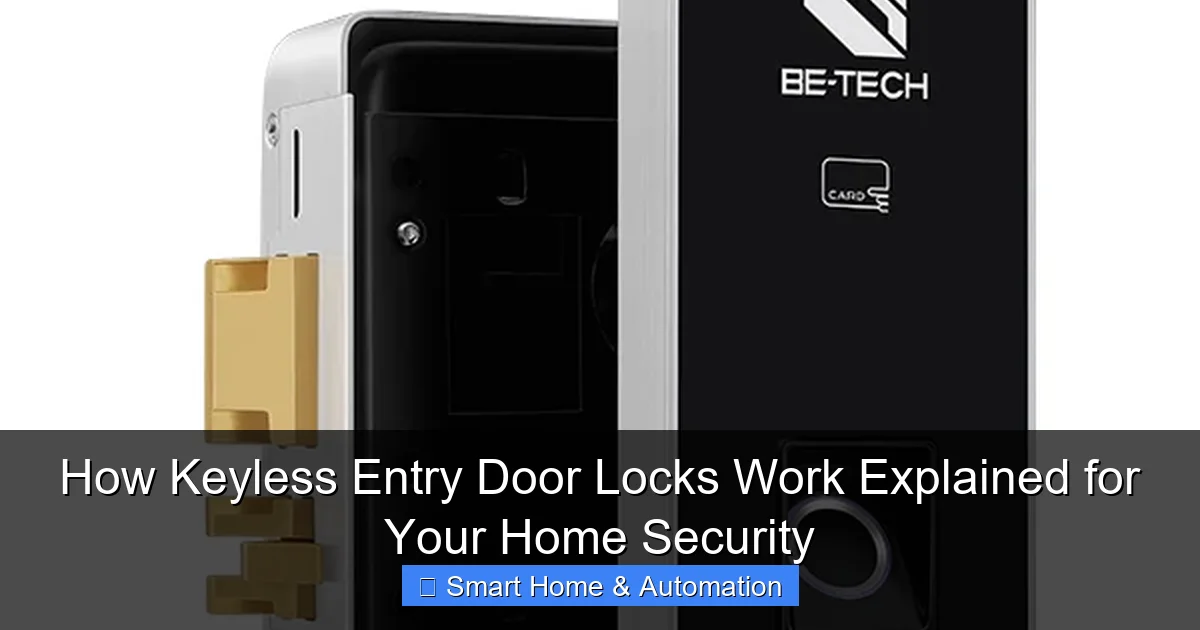
Visual guide about How Keyless Entry Door Locks Work Explained for Your Home Security
Image source: betechiot.com
Types of Keyless Entry Door Locks
- Keypad Locks: Require entering a PIN code on a numeric keypad to unlock.
- Biometric Locks: Use fingerprint or facial recognition technology for access.
- Smart Locks: Connect to Wi-Fi or Bluetooth, allowing remote control through mobile devices.
How Do Keyless Entry Door Locks Work?
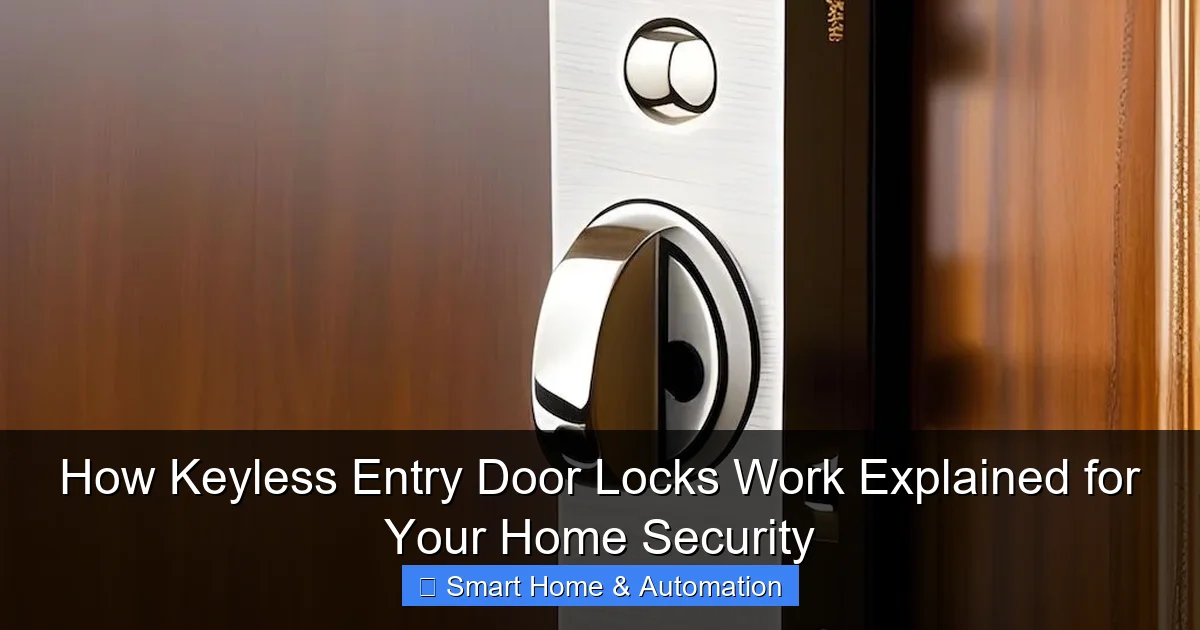
At their core, keyless locks replace the mechanical key with electronic methods to control access. Here’s a breakdown of how the most common types work:
Visual guide about How Keyless Entry Door Locks Work Explained for Your Home Security
Image source: porch.com
Keypad Locks
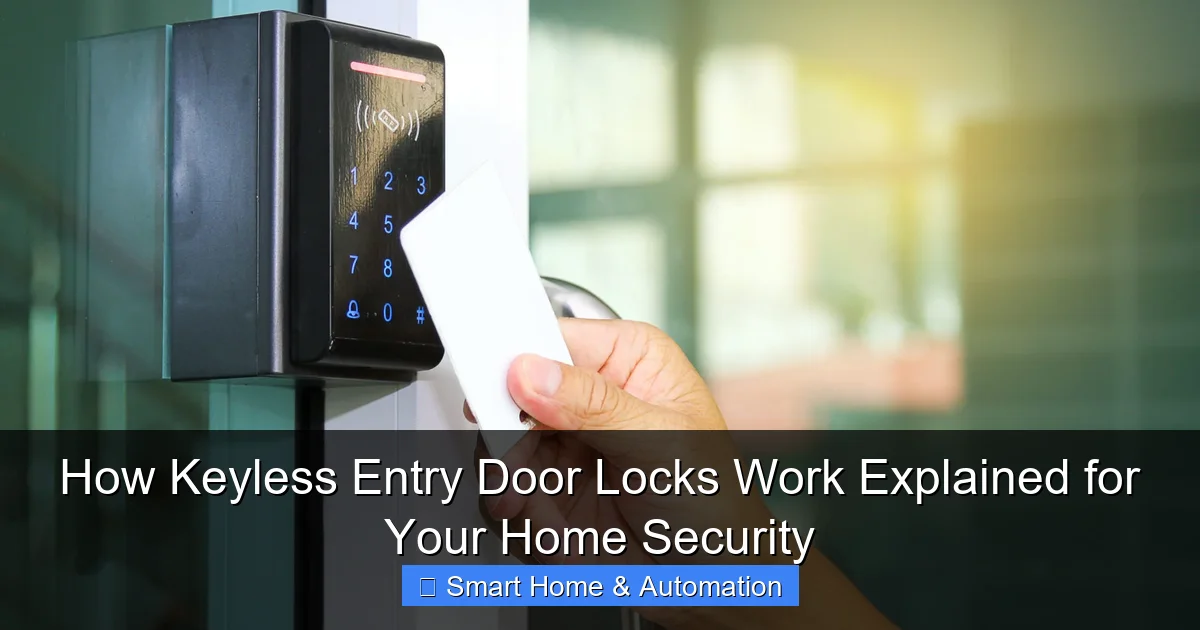
These locks have a small keypad where you input a pre-set numeric code. The lock’s internal processor verifies the entered code against stored valid codes. If it matches, the lock motor disengages the bolt and opens the door.
Biometric Locks
Biometric models scan your unique physical traits like fingerprints. Sensors capture the biometric data and compare it to stored profiles. Upon a successful match, the lock will open automatically.
Smart Locks
Smart locks connect to your smartphone or home network via Bluetooth or Wi-Fi. When you approach with your authorized device or unlock via an app, the lock receives a secure signal to disengage. Some can also be controlled remotely or integrated with other smart home devices, enhancing home access control.
Step-by-Step Guide to Installing a Keyless Entry Door Lock
Installing a keyless entry door lock is usually straightforward. Follow these steps for successful installation.
Visual guide about How Keyless Entry Door Locks Work Explained for Your Home Security
Image source: merzcon.com
Step 1: Choose the Right Lock for Your Door
- Measure your door thickness and backset (distance from edge to lock center).
- Check compatibility with your door type (wood, metal, etc.).
- Decide on lock features like keypad, biometric, or smart app control.
Step 2: Gather Your Tools
- Screwdriver (usually Phillips head)
- Drill (if new holes are needed)
- Measuring tape
- Level
- Instructions supplied with your lock
Step 3: Remove Existing Lock
Carefully unscrew and remove your current lock hardware. Keep the screws handy as some may be reused.
Step 4: Install the New Lock Components
Follow the manufacturer’s instructions to install the keypad or smart lock unit on the exterior side. Fit the interior mechanism and battery pack inside the door.
Step 5: Secure the Lock Mechanism
Make sure all screws are tight and the lock is aligned properly. Use a level to ensure the lock is straight.
Step 6: Program Your Lock
- Set up your master PIN or biometric profile.
- Add additional user codes or fingerprints as needed.
- For smart locks, connect the device to your Wi-Fi or Bluetooth network.
Step 7: Test Your Lock
Try unlocking with all authorized methods to confirm everything works smoothly. Ensure the door locks and unlocks easily without sticking.
Practical Tips for Using Keyless Entry Door Locks
- Choose strong PIN codes: Avoid obvious sequences like 1234 or birthdays.
- Regularly update access codes: Change codes if you suspect unauthorized access.
- Keep batteries fresh: Most locks use AA batteries; replace them every 6-12 months.
- Use the app features: Many smart locks allow temporary access codes for guests or service workers.
- Integrate with your smart home: For advanced control, learn how to integrate smart locks with existing systems.
Troubleshooting Common Issues
Lock Won’t Respond to Code or Biometric Input
- Check battery levels and replace if low.
- Ensure the keypad or scanner is clean and free of debris.
- Reset the lock to factory settings and reprogram your codes.
Smart Lock Not Connecting to Wi-Fi or Bluetooth
- Verify your smartphone’s Bluetooth or Wi-Fi is enabled.
- Restart your router or smart lock device.
- Consult the manufacturer app for troubleshooting steps.
Lock Motor Sounds but Door Won’t Open
- Inspect door alignment; the bolt may be misaligned with the strike plate.
- Tighten or adjust screws to ensure smooth operation.
- If persistent, contact customer support.
Enhancing Security with Keyless Entry Locks
Keyless entry locks significantly improve home access control. They reduce risks associated with lost or copied keys. Additionally, many smart locks offer logs of who accessed your door and when, providing peace of mind. To learn more about this benefit, read our article on how smart locks improve home access control.
Conclusion
Keyless entry door locks are a smart investment for modern home security. They combine convenience, safety, and technology to protect your home without the hassle of traditional keys. Whether you choose a simple keypad or an advanced smart lock, understanding how these systems work helps you maximize their benefits. Don’t forget to maintain your lock regularly and consider integrating it with your existing smart home setup to enhance security and ease of use.
Ready to upgrade? Explore the options and enjoy the freedom and security that keyless entry door locks bring to your home!
🎥 Related Video: How to Install a Smart Lock and Deadbolt | How To Anything
📺 Lowe’s Home Improvement
A smart lock is a really simple DIY project that can add style and convenience. Follow along as Taylor walks you through how to …