

Installing a smart lock can enhance your home’s security and convenience. This guide walks you through the entire process, from choosing the right lock to troubleshooting common issues, so you can secure your home with confidence and enjoy keyless entry in no time.
Key Takeaways
- Choose the right smart lock: Consider your door type, connectivity options, and features before purchasing.
- Prepare your door: Ensure the door and existing lock setup are compatible with your smart lock.
- Follow step-by-step installation: Remove old hardware, mount the smart lock components, and connect power sources carefully.
- Configure the lock: Set up the lock through its app, connect it to Wi-Fi or other smart home systems for remote access.
- Test the lock thoroughly: Check locking/unlocking functions and troubleshoot any issues early.
- Maintain your smart lock: Replace batteries timely and update firmware for optimal security.
- Integrate with smart home systems: Enhance functionality by linking your lock with alarms, cameras, or voice assistants.
How to Install Smart Lock Easily and Secure Your Home Today
Welcome! If you’re looking to upgrade your home security and enjoy the convenience of keyless entry, installing a smart lock is a fantastic choice. This guide will teach you everything you need to know about how to install smart lock devices yourself, step by step. By the end, you’ll have a secure, modern smart lock ready to protect your home.
Understanding Smart Locks and Their Benefits
Smart locks replace traditional keyed locks with electronic versions that you can control remotely with your smartphone or voice commands. They offer features like temporary access codes, activity logs, and integration with your smart home system. Before installation, it’s helpful to know what kind of smart lock you have—whether it’s Wi-Fi, Bluetooth, or Z-Wave enabled—so you can prepare accordingly.
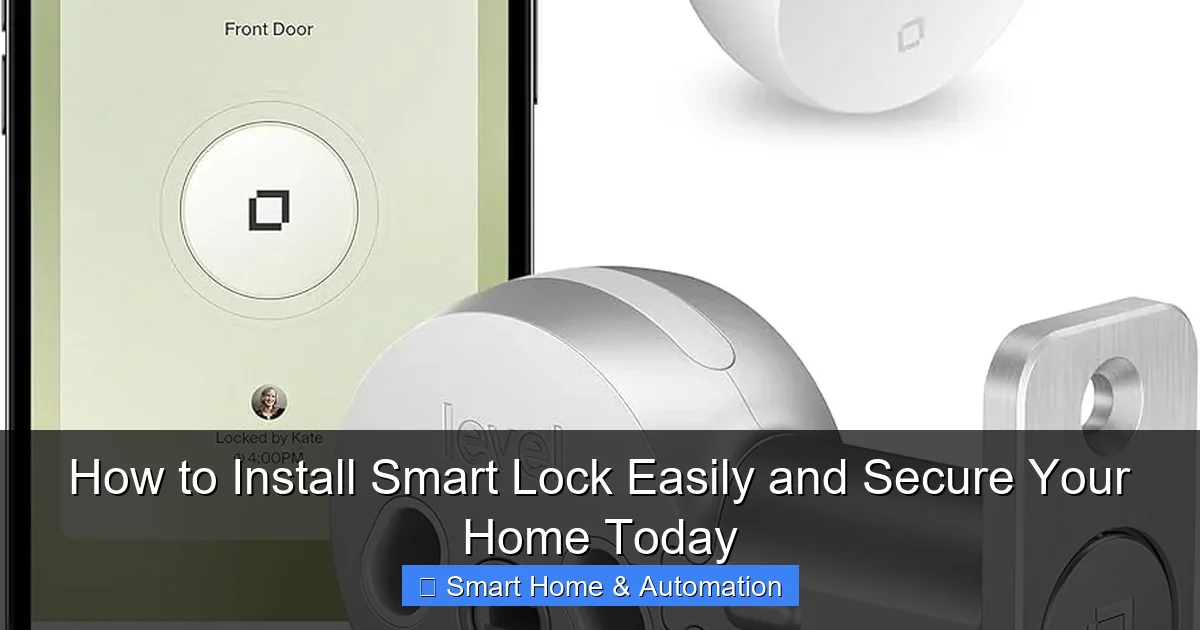
Visual guide about How to Install Smart Lock Easily and Secure Your Home Today
Image source: smartlifeblueprint.com
If you want to learn more about different technologies, check out what is Z Wave smart lock for deeper insights.
What You’ll Need Before Starting
- Your new smart lock kit
- Screwdriver (usually Phillips head)
- Drill (optional, if new holes are required)
- Measuring tape
- Smartphone with the lock’s app installed
- Batteries (usually AA or AAA, check the manual)
- Internet connection for setup
Step 1: Choose the Right Smart Lock for Your Door
Identify Your Door Type
The first step is to check your door’s compatibility. Most smart locks fit standard doors with a single cylinder deadbolt. If your door is non-standard, you might need a specialized lock or professional help.
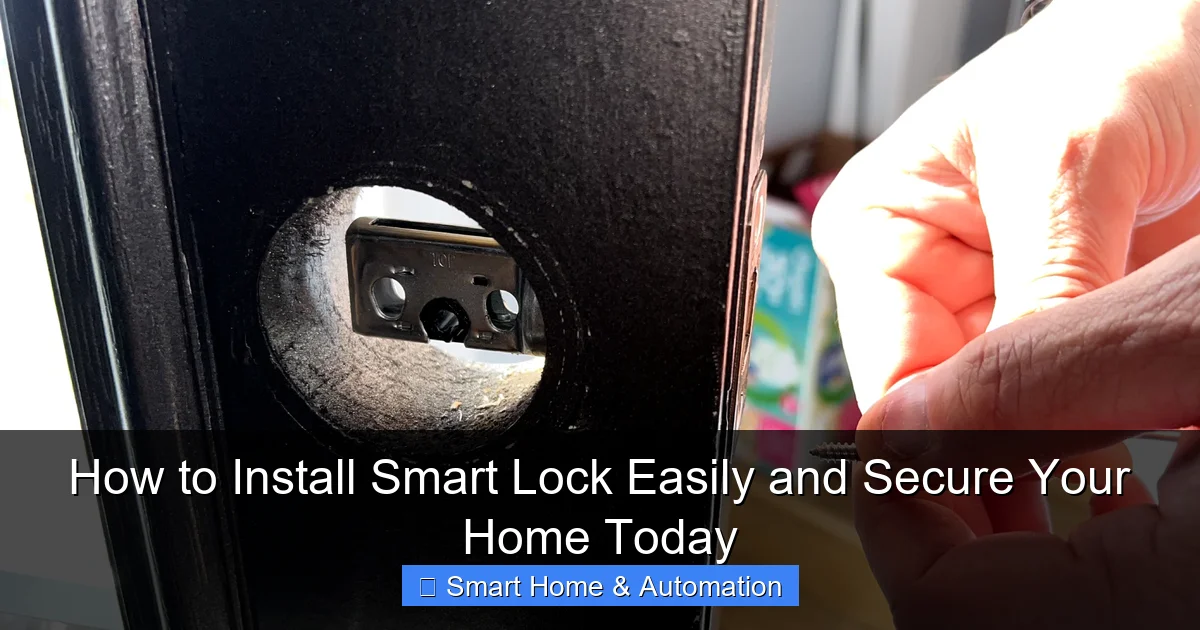
Visual guide about How to Install Smart Lock Easily and Secure Your Home Today
Image source: cdn.mos.cms.futurecdn.net
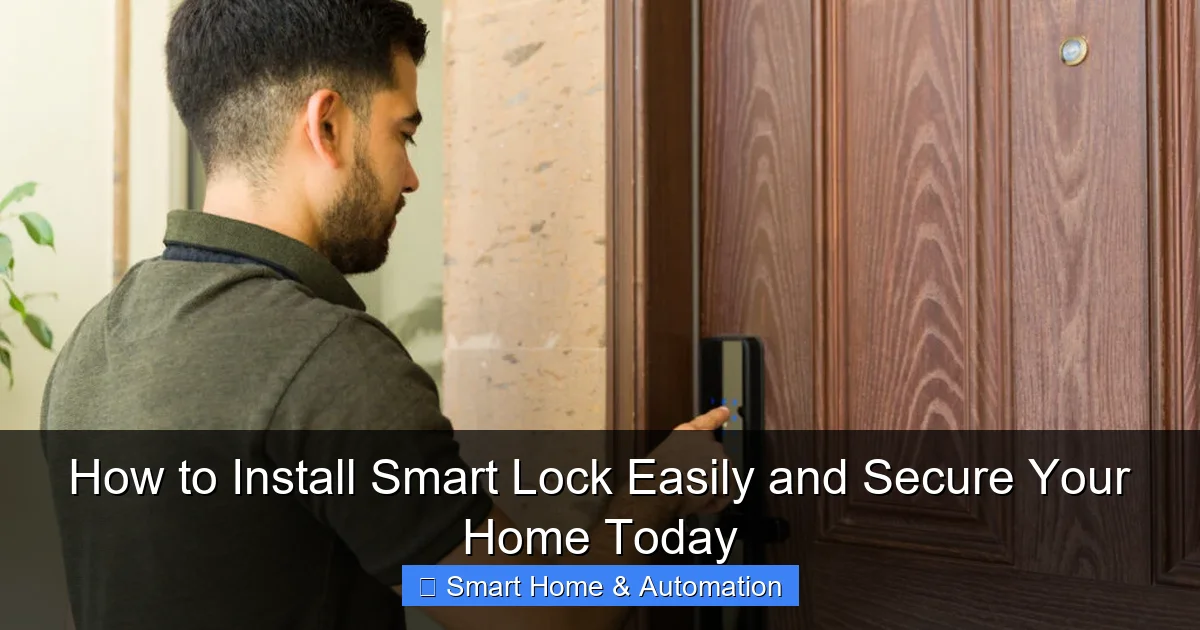
Visual guide about How to Install Smart Lock Easily and Secure Your Home Today
Image source: armadillo.one
Consider Connectivity and Features
Decide if you want Wi-Fi-enabled locks for remote access or Bluetooth for proximity unlocking. Some models offer voice control or keypad entry. Your choice affects installation and usage.
Step 2: Remove Your Existing Lock
Gather Tools and Remove Screws
Use a screwdriver to remove the screws holding your current deadbolt on both sides of the door. Carefully pull out the lock parts to expose the door hole.
Inspect the Door Hole
Ensure the hole size matches your new smart lock’s requirements. Most locks fit standard 2 1/8-inch diameter holes. If yours is different, you may need to drill or adjust.
Step 3: Install the Smart Lock Hardware
Attach the Exterior Assembly
Insert the exterior keypad or lock mechanism into the door hole. Ensure the tailpiece (the metal bar) fits through the latch properly.
Install the Interior Plate and Lock
On the inside door panel, align and attach the mounting plate with screws. Then attach the interior lock component, connecting any cables or batteries as instructed.
Secure All Screws Firmly
Make sure all screws are tight but avoid overtightening to prevent damage.
Step 4: Power Up and Connect Your Smart Lock
Insert Batteries
Most smart locks run on batteries. Insert them carefully, respecting polarity.
Download and Open the Lock’s App
Use your smartphone to download the manufacturer’s app. This app will guide you through setup and let you control the lock remotely.
Connect to Wi-Fi or Bluetooth
Follow the app’s instructions to pair your lock with your phone. Some locks connect via Bluetooth only; others require Wi-Fi for cloud access.
Step 5: Configure Your Smart Lock Settings
Create User Codes and Access Permissions
Set up personalized access codes for family, friends, or service workers. You can usually assign time limits or one-time access.
Enable Notifications
Turn on alerts for lock activity so you know when someone enters or leaves.
Integrate with Smart Home Systems
If you have a smart home hub or voice assistant, link your lock for voice commands and automation. Learn more about integration at how to integrate smart locks with existing systems.
Step 6: Test Your Smart Lock
Manual Lock and Unlock
Try locking and unlocking using the physical keypad or lock button to ensure mechanical parts work smoothly.
Remote Lock and Unlock
Use your app to lock and unlock remotely. Check for response time and reliability.
Check Access Codes
Test all programmed codes and revoke any you no longer want active.
Troubleshooting Common Issues
- Lock not responding to app commands: Check Wi-Fi or Bluetooth connection and battery level.
- Physical lock jams: Ensure proper alignment of lock components and tighten screws.
- Battery drains quickly: Use high-quality batteries and disable unnecessary features.
- App won’t pair: Restart your phone and lock, then retry pairing steps.
Maintenance Tips for Your Smart Lock
- Replace batteries every 6-12 months or as indicated.
- Regularly clean the lock exterior to prevent dirt buildup.
- Keep firmware updated through the app for security patches.
- Check mechanical parts periodically for wear.
Conclusion
Installing a smart lock is a straightforward way to improve your home’s security and convenience. By following these steps, you can set up your smart lock easily and enjoy benefits like keyless entry, remote access, and smart home integration. Remember to test and maintain your lock regularly to keep it working smoothly. For more information on securing your home with smart technology, explore how smart locks can enhance home access control here. Stay safe and enjoy your smart home upgrade!
🎥 Related Video: 630 Smart Lock Installation
📺 Kadonio Smart Lock
How to Install Smart Locks? Fb/LinkedIn: Kadonio Smart Lock Website: https://www.btelec.com #smartlock #smarthouse …