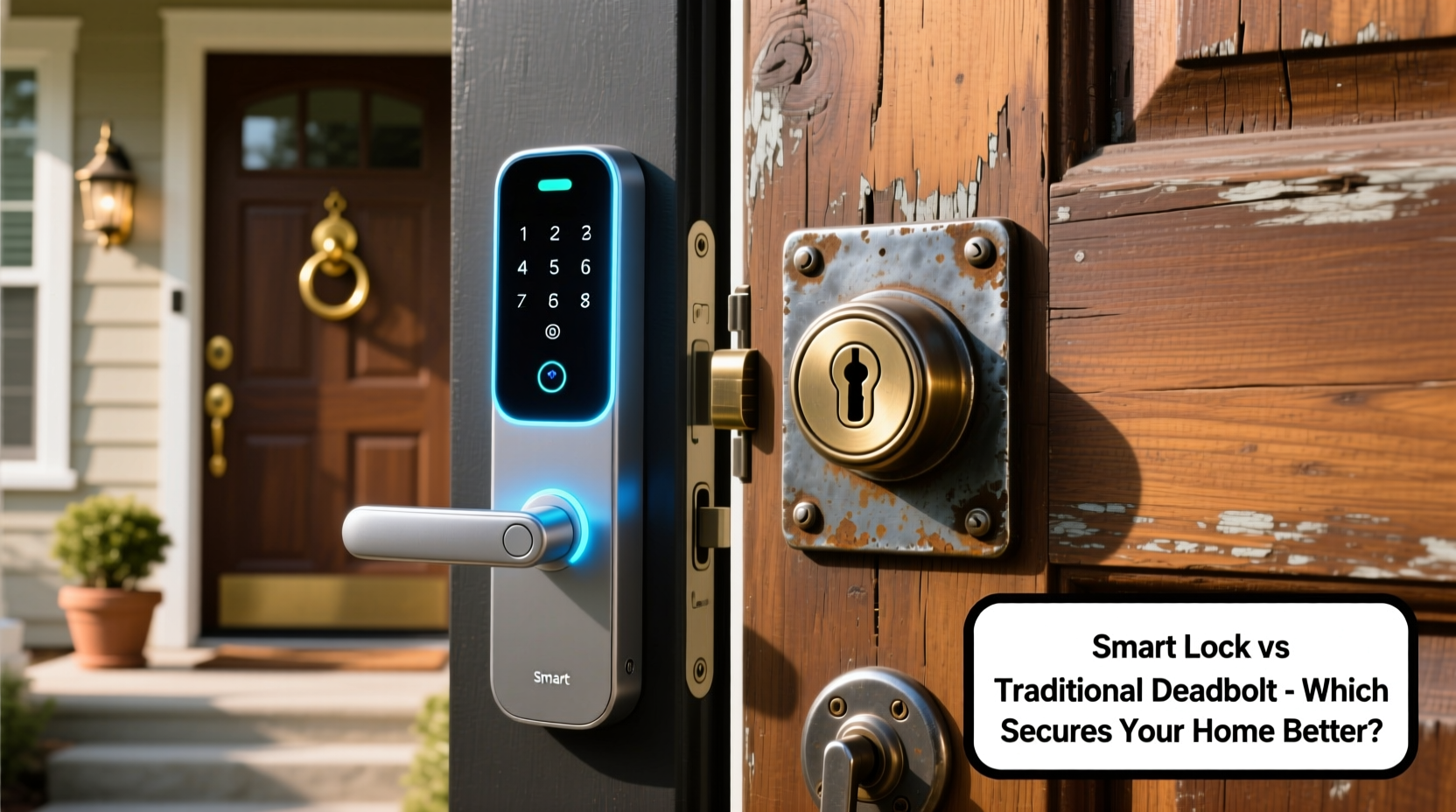
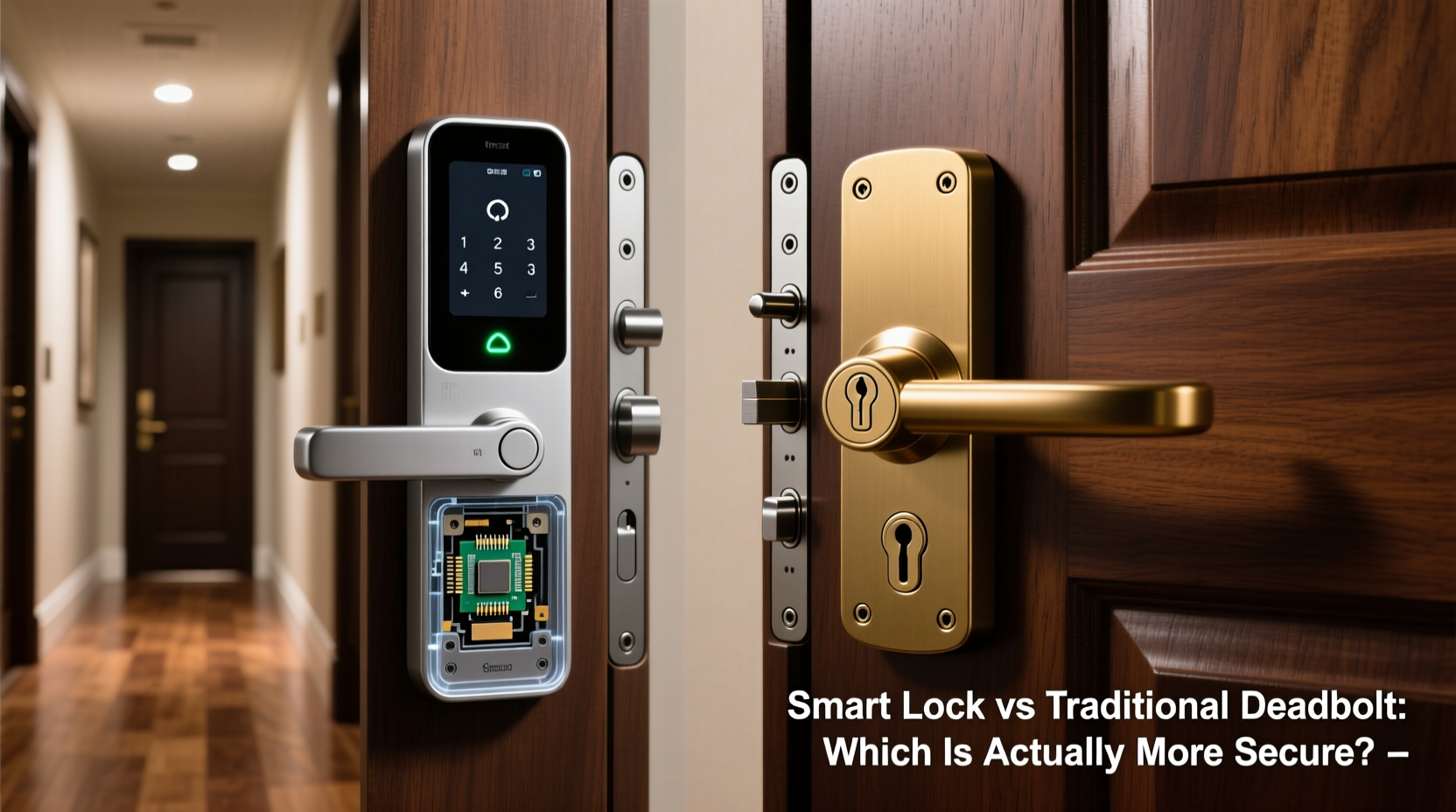
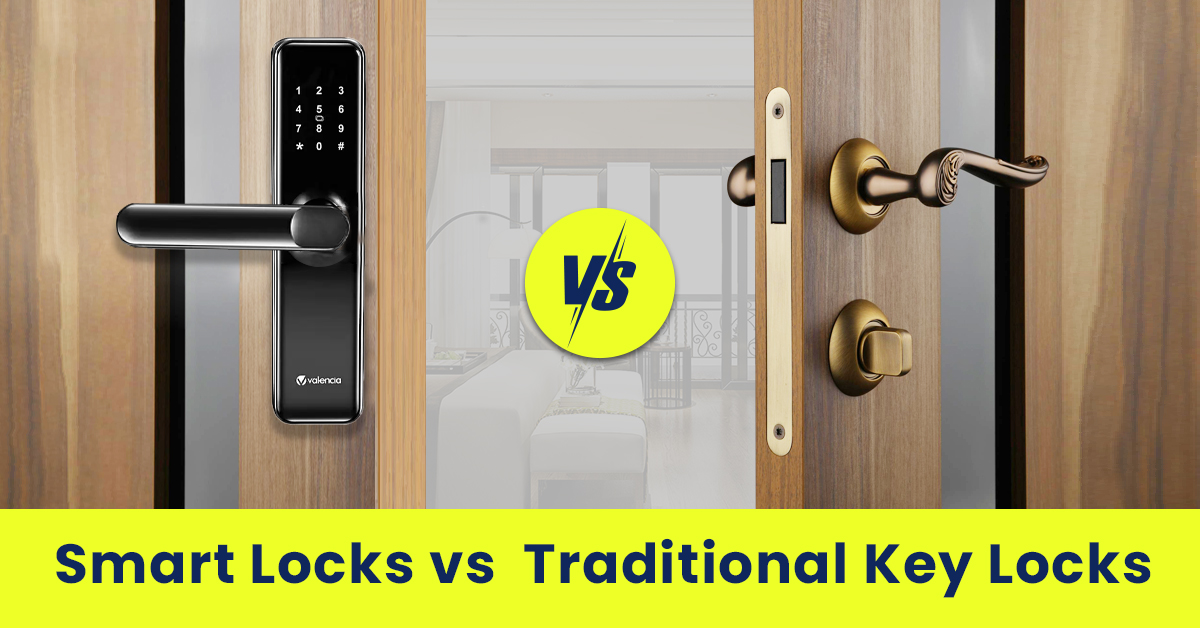
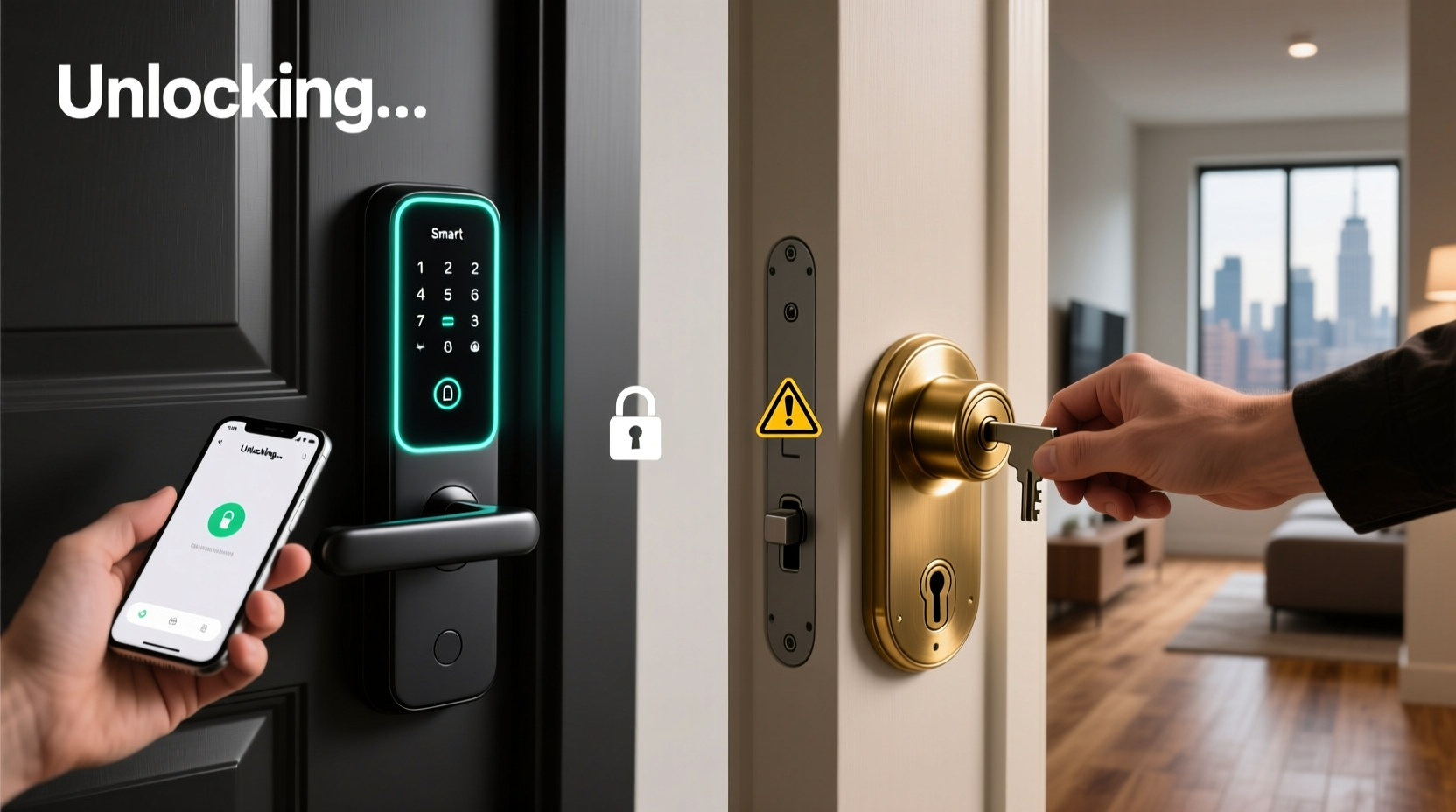
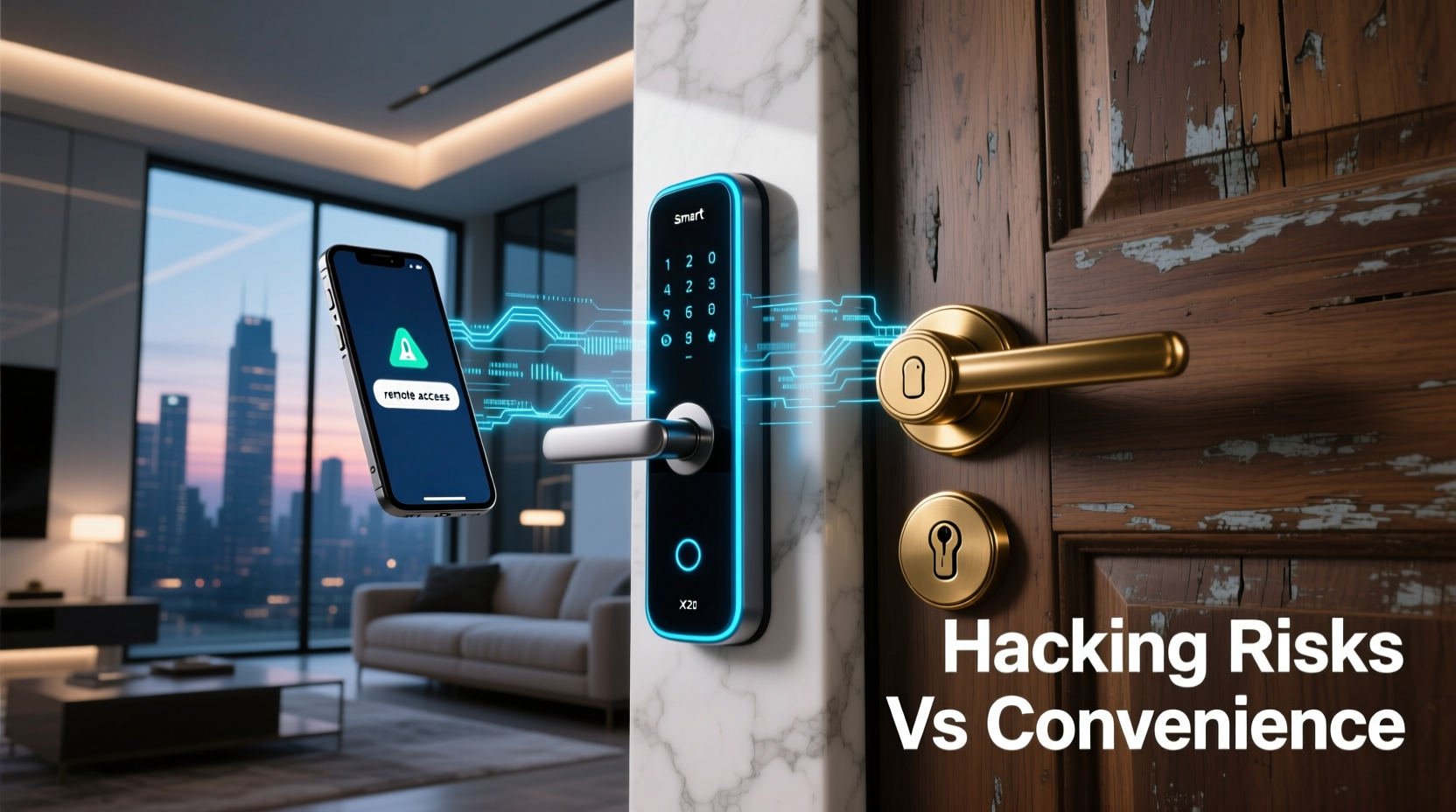
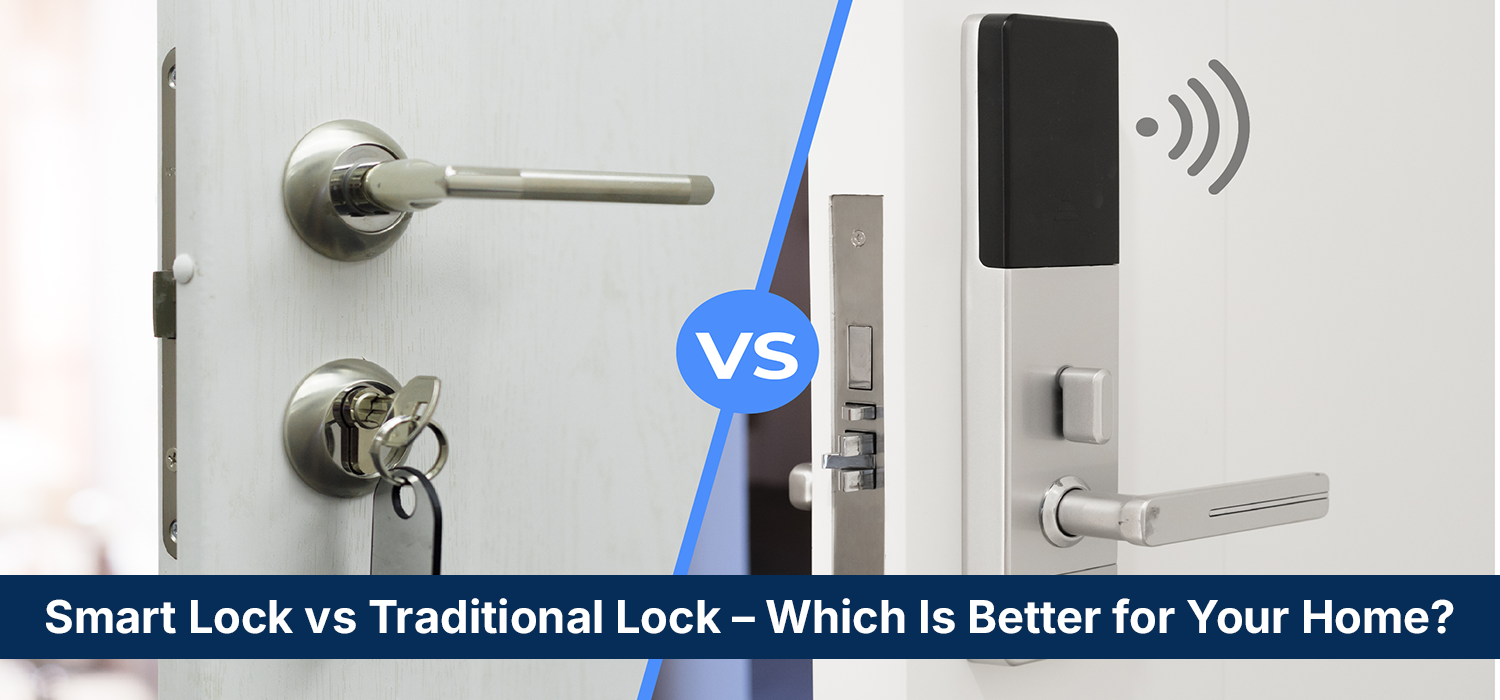
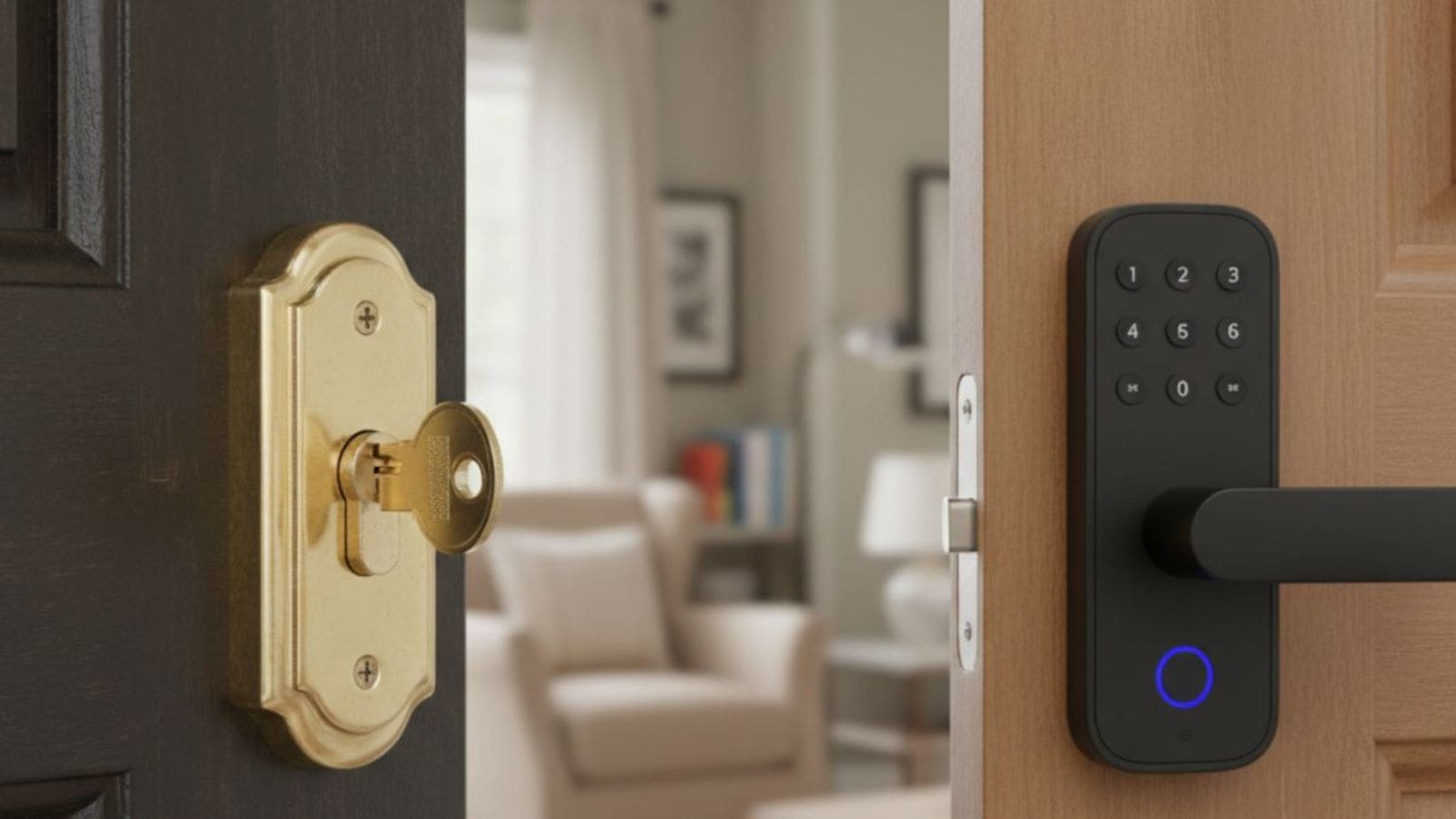
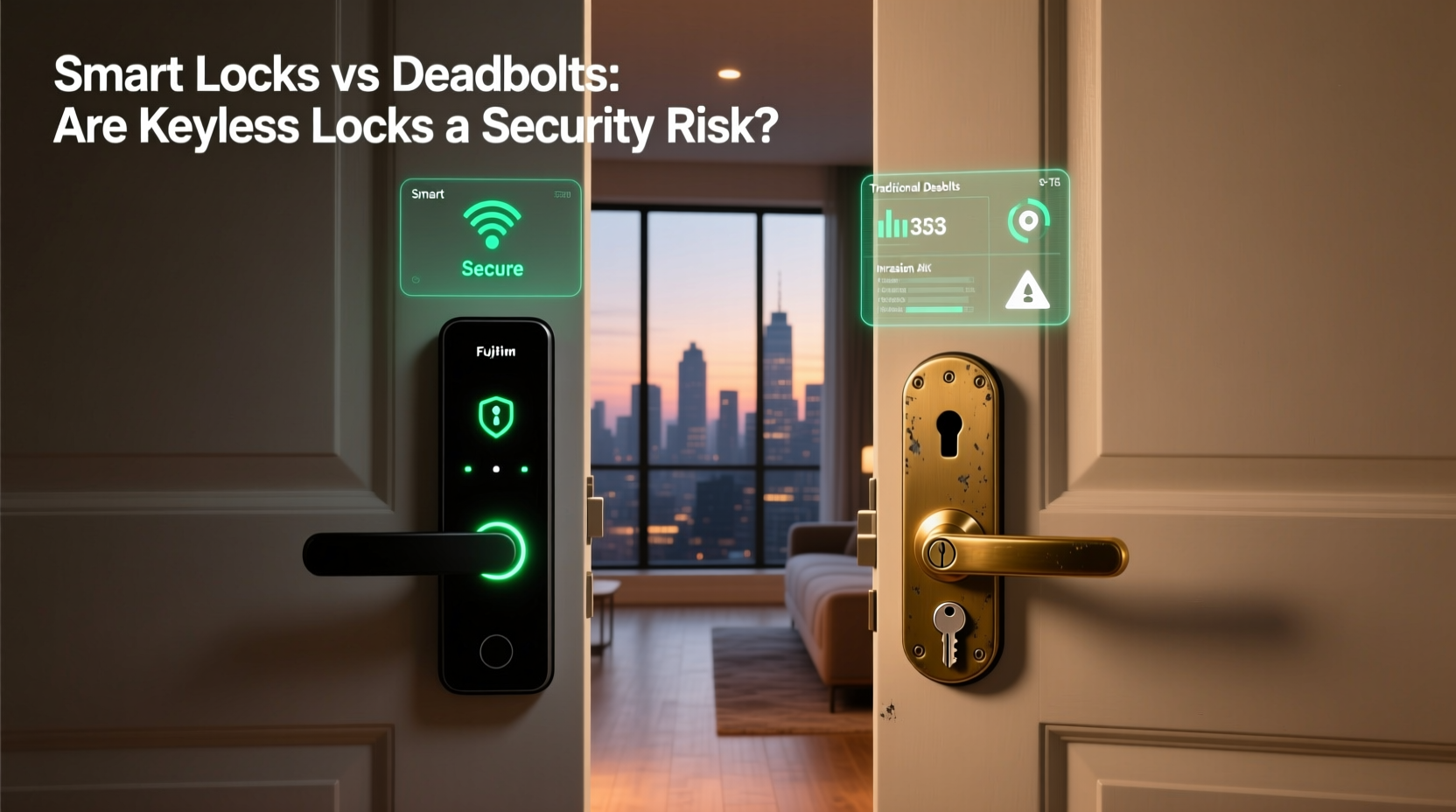
A smart lock offers keyless entry, access codes, and remote features on supported models, while a traditional deadbolt provides simple, key-operated security without batteries or an internet connection. The better choice depends on your door, security needs, budget, and preferred way to enter your home.
For homeowners across the United States, choosing a front door lock is about more than how you open the door. You also need to think about forced entry, lost keys, power failures, household access, and the cost of upkeep. A traditional deadbolt can meet basic security needs, while a smart lock can add useful ways to manage who enters your home.
The main difference is how each lock handles access. A traditional deadbolt usually relies on a physical key from outside and a thumb turn from inside. A smart lock may use a key, keypad, fingerprint reader, phone, or another supported method. Some smart locks connect to Wi-Fi or a smart home hub, while others work locally without an internet connection.
Neither type is automatically more secure. A strong deadbolt with a well-installed strike plate can offer meaningful resistance to forced entry. A well-designed smart lock can provide similar mechanical protection while adding access controls, but its electronic features introduce other concerns. The door, frame, hardware, installation, and everyday use all affect the result.
Source: alibaba.com
What Is the Difference Between a Smart Lock and a Traditional Deadbolt?
A traditional deadbolt uses a solid metal bolt that extends into the door frame when locked. The bolt usually moves through a key cylinder or an interior thumb turn. Unlike a spring latch, a deadbolt is designed to resist movement when force is applied to the door, provided the hardware and surrounding structure are suitable.
A smart lock adds an electronic way to control access. Depending on the model, it may accept a PIN, phone credential, fingerprint, key fob, or physical key. An internal motor or electronic mechanism operates the locking hardware. Some products replace the entire deadbolt, while retrofit models attach to the existing interior thumb turn.
The term smart lock does not always mean Wi-Fi enabled. Bluetooth-only models may communicate directly with a nearby phone, while Wi-Fi models or hub-based systems may support remote access. A keypad lock can also be electronic without offering internet connectivity or advanced smart home features.
For a fair comparison, look at both mechanical security and access management. A smart lock may improve convenience without making the bolt itself stronger. A traditional deadbolt may have fewer electronic risks but cannot provide app-based access records or remote controls unless additional compatible equipment is installed.
Source: alibaba.com
Traditional deadbolt
Usually operates with a physical key outside and a manual thumb turn inside. It does not need batteries, an app, or network access.
Smart deadbolt
Uses electronic controls for some or all entry methods. Depending on the model, it may also offer schedules, access codes, notifications, and remote control.
Electronic keypad lock
Accepts a PIN or another electronic credential but may not connect to a network or support remote management.
Does Every Smart Lock Need Wi-Fi?
No. Many smart locks work through Bluetooth or local controls. These models may allow nearby phone access without a home internet connection. Remote access usually requires a compatible Wi-Fi connection, bridge, hub, or other supported service.
This difference matters if your home has unreliable internet or you want fewer connected devices. Check which functions work locally and which depend on a network, subscription, cloud service, or separate accessory.
Local operation
May support a keypad, physical key, or nearby phone even when the internet is unavailable.
Remote operation
Usually requires the lock to have a supported network path and the manufacturer’s service to be working.
Smart Lock vs Traditional Deadbolt: Security Compared
A properly selected and installed deadbolt can help resist forced entry, but neither a traditional lock nor a smart lock can make a home completely secure. The quality of the bolt, door, frame, strike plate, and installation is central to physical protection. Electronic access adds a separate layer of convenience and risk management.
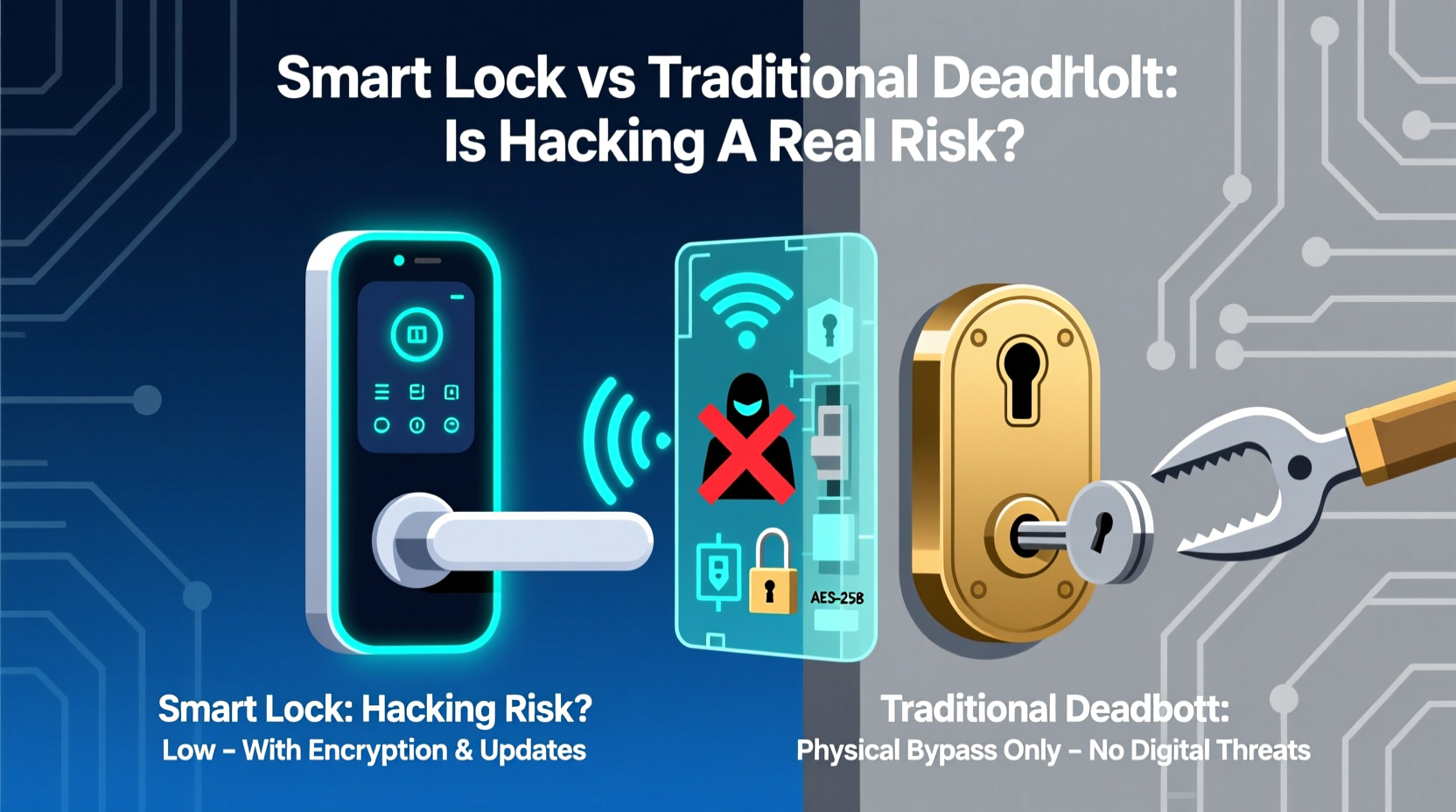
A traditional deadbolt has no wireless interface or app account to attack. However, it can still be vulnerable to lock picking, key duplication, drilling, destructive attacks, or force against a weak door frame. Its security depends on the actual hardware and the attack method.
A smart lock can retain the mechanical security of a deadbolt while adding PINs and digital credentials. These features can reduce the need to hand out physical keys. However, a weak PIN, an unsecured phone, a compromised account, or a software flaw may create additional risks. Not every smart lock has the same security design or protection against these threats.
There is no sound basis for claiming that every smart lock is safer than every traditional deadbolt, or the reverse. Compare the exact models, their documented security features, and their mechanical construction. Also consider whether you will use the lock correctly every day, because a door left unlocked is not protected by the strength of its hardware.
Source: mccoymart.com
Resistance to forced entry
Look at the bolt design, strike plate, mounting screws, door material, frame strength, and independently documented testing where available.
Resistance to digital attacks
For smart locks, review credential protection, account recovery, update support, wireless security, and the manufacturer’s published security guidance.
Key control
Traditional locks require careful key management. Smart locks may let you remove a user’s code or credential without replacing the cylinder, depending on the design.
Correct locking
A lock with automatic locking can help prevent accidental omissions, but its timing and door-position detection must be configured and tested correctly.
Which Lock Is Better Against Burglars?
The answer depends on the lock model and the type of attack. For a forced-entry attempt, a strong deadbolt installed into a reinforced door frame can matter more than whether the lock has a phone app. For an attack aimed at electronic credentials, the smart lock’s design and account security become more relevant.
For many US homes, a practical first step is to improve the entire door assembly. Use suitable hardware, secure the strike plate with appropriate fasteners, maintain the frame, and make sure the bolt fully extends. A qualified locksmith can assess older doors, damaged frames, or uncertain installations.
Do not assume a keypad, fingerprint reader, or remote-control feature proves that a lock has been independently tested for forced-entry resistance. Look for documentation that identifies the exact model and explains what the test or rating covers.
For physical protection
Prioritize mechanical construction, installation quality, and a strong door and frame.
For digital protection
Prioritize secure credentials, supported software updates, and account protections.
Convenience and Everyday Access
Smart locks generally offer more ways to enter a home. A supported model may let you use a PIN, phone, fingerprint, key, or temporary credential. This can be useful for families, trusted visitors, cleaners, and other people who need controlled access.
A traditional deadbolt is straightforward. You carry a key, insert it, and turn it. There is no setup process, app configuration, or electronic battery to monitor. The trade-off is that sharing access usually means lending a key, arranging a copy, or changing the lock when key control becomes a concern.
The most useful smart features are those that solve a real problem. A temporary PIN can let a guest enter without receiving a permanent key. An access history can help an authorized household member review recorded lock activity. Remote unlocking can help when someone arrives and the homeowner is away, provided the lock and network are working.
Convenience also depends on the person using the lock. Someone who prefers a physical key may find a smart lock unnecessary. Someone who often forgets keys may appreciate a keypad, but should still learn the backup entry method before relying on it.
Source: alibaba.com
Keyless entry
Reduces the need to carry a physical key when a compatible keypad, fingerprint reader, or phone credential is available.
Temporary access
Some models let you issue codes with limited dates or times, then disable them after a visit or service appointment.
Remote control
Supported connected models may allow you to check status or operate the lock from another location.
A traditional deadbolt needs no digital setup and is familiar to most people who use keys.
Which Lock Works Better for Families and Guests?
A smart lock can simplify access when several people need different permissions. Parents may use permanent credentials, while a visitor receives a temporary code. Features vary by model, so check how many users or codes are supported and whether the lock can schedule access.
A traditional deadbolt can still work well for a household with a small number of trusted users. Each person can carry a key, and a spare can be stored securely. The main drawback is the effort and cost involved when keys go missing or need to be replaced.
For either option, decide who may enter, how access will be revoked, and how you will handle emergencies. Do not share a master account password or place an access code somewhere visible near the door.
Choose a smart lock
If you frequently grant or revoke access and want separate codes or supported access schedules.
Choose a traditional deadbolt
If a simple key system meets your household’s needs and you do not need digital access management.
Installation and Door Compatibility
A traditional deadbolt is often easier to install when the door already has a compatible deadbolt opening. A replacement lock still needs the correct backset, door thickness, bore size, bolt dimensions, and strike alignment. If the existing holes do not match, extra work may be needed.
Smart locks have similar mechanical requirements, plus possible needs for batteries, an interior housing, a keypad, a wireless connection, or a compatible hub. Some retrofit models attach to an existing thumb turn, which may reduce changes to the exterior. Other models replace the entire deadbolt assembly.
Before ordering, measure the door and inspect the existing hardware. Check the manufacturer’s installation guide for the exact model rather than assuming that all US residential doors use the same dimensions. Also confirm whether the door has a mortise lock, multipoint system, unusual trim, or another setup that may not accept a standard deadbolt.
A lock should operate smoothly before you rely on it. The bolt must extend fully into the strike opening without force, and the door should close without binding. A motor that strains or a deadbolt that sticks may indicate misalignment rather than a need for a more powerful lock.
Source: alibaba.com
Measure first
Confirm door thickness, backset, bore size, edge bore, and the existing lock configuration against the product’s requirements.
Check the frame
Inspect the strike opening, frame condition, and fastener locations. A new lock cannot compensate for a damaged or weak frame.
Test before use
Operate the lock with the door open first, then close the door and confirm that the bolt moves freely and fully.
Use qualified help when needed
Contact a locksmith if the door has unusual hardware, the bolt binds, or installation changes could damage the door or affect an emergency exit.
Can You Install a Smart Lock on an Existing Deadbolt?
Often, yes. Some smart locks replace a compatible deadbolt, while retrofit products operate the existing interior thumb turn. The correct choice depends on the lock’s dimensions, cylinder arrangement, door thickness, and the manufacturer’s compatibility list.
A retrofit model may preserve the exterior key cylinder, but it can still have limits related to motor clearance, thumb-turn shape, and door alignment. Check the complete compatibility instructions before buying. Do not force an incompatible mechanism into place.
Replacement smart lock
Suitable when the existing opening and door hardware match the new lock’s specifications.
Retrofit smart lock
Suitable when the existing deadbolt and interior thumb turn are explicitly supported by the retrofit model.
Cost, Batteries, and Long-Term Maintenance
A traditional deadbolt generally has a lower purchase cost and fewer ongoing needs. It does not require batteries or a connected account. Over time, however, you may still pay for replacement keys, rekeying, repairs, or a new lock after losing control of a key.
A smart lock often costs more because it includes electronic components and additional access features. Depending on the model, you may also need batteries, a compatible hub, a Wi-Fi bridge, or a paid service. Check the current price and included accessories for the exact product, since costs vary widely.
Smart lock maintenance usually includes replacing batteries when needed, keeping the keypad and mechanism clean, checking for software updates, and reviewing user access. A connected model may need occasional troubleshooting if its network or service changes. The lock’s mechanical parts also require suitable care.
The long-term cost is not just the purchase price. Consider how long you plan to keep the lock, whether replacement batteries are readily available, and whether a future phone or service change could affect your preferred features. A simpler lock may be more economical when electronic access offers little practical value.
Source: alibaba.com
Traditional deadbolt costs
Usually include the lock itself, installation if needed, keys, and occasional maintenance or rekeying.
Smart lock costs
May include the lock, installation, batteries, optional connectivity equipment, and any model-specific subscription.
Repair considerations
A mechanical lock may have fewer electronic parts to diagnose, while a smart lock can require support for its motor, keypad, sensors, firmware, or app.
How to Compare the Total Cost
Use the same ownership period when comparing the two options. Add the lock price, installation, required accessories, battery replacements, service fees, and likely key or rekeying expenses. Use current prices for the models you are considering rather than a generic claim that one category is always cheaper.
For example, imagine a homeowner comparing two locks over five years. The traditional option may have a lower upfront cost, while the smart option may avoid some key-copying or rekeying needs. The final result depends on the actual prices, how often access changes, and which smart features the household uses.
Calculate the upfront cost
Add the product price, installation labor, and any required accessories.
Estimate ongoing costs
Include batteries, subscriptions, replacement keys, and expected maintenance.
Value useful features
Consider whether temporary codes or remote access save enough time or effort to justify the extra expense.
A traditional deadbolt continues to work without household power or internet access because it operates mechanically. That independence is useful during storms, outages, or network disruptions. Its main access dependency is the physical key and the condition of the lock itself.
A battery-powered smart lock may continue to operate during a home power outage because it uses its own batteries. Losing Wi-Fi may disable remote features without stopping local keypad or key operation. The exact behavior depends on the model, its power design, and the way you normally unlock it.
If the batteries run down, some smart locks provide a documented emergency power method, a physical key, or another backup. Other models may offer fewer recovery options. Read the manual before installation so you know how to enter if the normal electronic method stops working.
Do not assume that every smart lock has a physical keyway or an emergency power terminal. If you choose a model without a conventional key, understand its specific recovery procedure and make sure that it fits your household’s needs.
Source: theconnectedshop.com
Power outage
A traditional deadbolt remains mechanically operable. A battery-powered smart lock may also work, depending on its battery condition.
Internet outage
A traditional lock is unaffected. A smart lock may retain local access while remote commands and cloud functions stop working.
Low batteries
Follow the manufacturer’s warnings and replacement instructions before power becomes too low for reliable operation.
Emergency entry
Learn the documented backup method before relying on the lock, and keep any physical backup key in a secure, accessible location.
How to Avoid Getting Locked Out
Test all supported entry methods during setup. Confirm that the physical key, PIN, phone credential, or emergency power procedure works as described by the manufacturer. If the lock has battery alerts, enable them and make sure you can receive them.
Do not depend on a phone as your only entry method unless you have reviewed the lock’s backup options. Phones can lose power, become damaged, or be unavailable. A secure alternative can prevent a small device problem from becoming a costly emergency.
Check battery alerts
Enable notifications when available and replace batteries according to the product manual.
Keep recovery instructions
Store the manufacturer’s instructions somewhere accessible without relying on the locked phone.
Test the backup
Verify that your backup method works before an outage or battery failure occurs.
Privacy, App Security, and Smart Home Compatibility
Connected smart locks can collect information such as user credentials, lock events, access times, device details, and diagnostic data. The exact information and retention period vary by manufacturer. Review the privacy policy and account settings before connecting a lock to an online service.
Protect the account with a strong, unique password and multifactor authentication when available. Keep the associated phone and home network secure, install supported updates, and remove credentials for people who no longer need access. Avoid sharing administrator access when a limited guest code will do.
Smart home compatibility also varies. A lock may support a particular platform, wireless standard, or voice assistant only with specified hardware and software. A logo or mention of a platform does not prove that every feature works without a hub or subscription.
A traditional deadbolt does not create app-based access records or depend on a connected account. This reduces the amount of digital information involved in daily entry. However, the lack of electronic records also means that you cannot use app notifications to review lock activity.
Source: jaldigitalsystem.com
Secure credentials
Use unique passwords, strong PINs, and multifactor authentication where supported.
Review permissions
Give each person only the access they need, and remove old codes and accounts promptly.
Check update support
Review the manufacturer’s policy for software updates and security support before purchase.
Verify compatibility
Confirm the exact platform, hub, bridge, wireless protocol, and required subscription for the features you want.
Are Smart Locks Vulnerable to Hacking?
Smart locks can have digital vulnerabilities, but the risk depends on the model, software, setup, and attack method. It is misleading to assume that every connected lock can be opened easily by a remote attacker. It is equally misleading to assume that a well-known brand eliminates all electronic risk.
Reduce avoidable exposure by buying a product with a clear update policy, securing the administrator account, using strong access codes, and removing unused users. Review security notices from the manufacturer and follow its recommended update process.
If you prefer not to manage connected accounts, a traditional deadbolt or a non-connected electronic keypad lock may better match your needs. A local-only lock can also reduce dependence on remote services, but its exact security properties still need to be checked.
Reduce account risk
Protect the account that controls the lock and avoid reusing passwords from other websites.
Limit network dependence
Choose a model with local entry options if remote control is not important to you.
Keep access current
Remove old users, change compromised codes, and install supported security updates.
Smart Lock vs Traditional Deadbolt: Side-by-Side Comparison
The table below compares the usual features of a traditional deadbolt and a connected smart deadbolt. Individual products can differ, so use it as a starting point rather than a guarantee about every model.
Source: carljarl.com
Security
Both can provide useful mechanical protection. Actual resistance depends on hardware quality, installation, the door, and the frame. Smart locks add digital risks and controls.
Entry methods
Traditional deadbolts usually use a key and thumb turn. Smart locks may add PINs, phone access, fingerprints, or other supported credentials.
Remote access
Traditional deadbolts do not offer remote operation on their own. Compatible connected smart locks may support it.
Power needs
Traditional deadbolts need no batteries. Electronic locks usually need batteries or another specified power source.
Internet dependence
Traditional deadbolts do not use the internet. Smart locks may support local operation, but remote features generally need connectivity.
Access sharing
Traditional deadbolts usually rely on physical keys. Smart locks may let owners create and revoke individual codes or credentials.
Maintenance
Traditional deadbolts need mechanical care and occasional key or lock service. Smart locks add battery, software, and sometimes network maintenance.
Privacy
Traditional deadbolts do not normally record electronic entry events. Smart locks may store access records and device data.
Typical cost pattern
Traditional deadbolts often have lower upfront and ongoing costs. Smart locks may cost more because of electronics, accessories, or services.
Which Features Matter Most?
If your main goal is physical protection, prioritize a suitable deadbolt, a sound door frame, and correct installation. If you need to manage access for several people, compare user limits, code scheduling, credential removal, and remote functions.
If your home has unstable internet, check local operation and backup entry. If privacy matters most, review data collection and choose a lock with features that do not require a cloud account when possible. Your best choice is the one that fits your actual use without adding unnecessary complexity.
For a simple home setup
A quality traditional deadbolt is often enough when physical keys meet everyone’s needs.
For frequent guest access
A smart lock with individually managed temporary codes may reduce key sharing.
For limited connectivity
Consider a traditional deadbolt or a smart lock with verified local operation and a reliable backup.
How to Choose the Right Lock for Your US Home
Start with the problem you want to solve. If you only need a secure way to lock the front door, a suitable traditional deadbolt may be the practical option. If you regularly share access, forget keys, or want remote control, a smart lock may offer benefits worth the extra cost.
Next, check your door and installation conditions. A strong lock that does not fit correctly may perform poorly. Review the door measurements, bolt alignment, frame condition, and the manufacturer’s instructions before purchasing.
Then consider your tolerance for maintenance and digital services. A connected lock can require batteries, updates, account protection, and compatible network equipment. A traditional lock avoids those electronic needs but relies on physical key management.
Finally, verify documented security information. Where available, check the exact model’s independent testing and applicable certification or grading details. Read what the rating measures, because a rating for one property does not establish overall resistance to every attack.
Source: alibaba.com
Choose a traditional deadbolt if
You want mechanical operation, low complexity, no batteries, and no need for remote access or digital user management.
Choose a smart lock if
You value keyless entry, temporary access, individual credentials, or supported remote controls and are willing to maintain the electronic features.
Consider a non-connected keypad lock if
You want code-based entry without the full network and app features of a connected smart lock. Confirm whether the model is electronic and how it handles battery failure.
Ask a locksmith for help if
Your door or frame is damaged, your lock does not fit, the bolt binds, or you need advice on a nonstandard door or exit arrangement.
What Renters Should Check Before Replacing a Lock
Renters should review their lease and ask the landlord or property manager before replacing a deadbolt or installing a smart lock. Local laws and lease terms vary, and some buildings have specific rules for exterior door hardware, emergency access, or shared entry systems.
A retrofit smart lock may reduce changes to the exterior, but it is not automatically permitted or compatible. Keep the original hardware if the property owner approves its temporary removal, and make sure any replacement preserves required exit functions.
Get permission
Confirm the property’s rules before changing locks or adding electronic hardware.
Preserve required access
Do not install a device that blocks a required exit or conflicts with building safety requirements.
Check Recognized Security Standards and Ratings
Security grades can help compare products when they apply to the exact model and intended use. In the United States, ANSI/BHMA standards cover aspects of builders hardware, and the BHMA Certified program identifies products tested against applicable requirements. Check the current official documentation to confirm the scope of a particular grade or certification.
A certification does not prove that a lock is immune to every attack or that the whole door assembly is secure. Read the rating details and combine them with an inspection of the door, frame, strike plate, and installation.
Verify the exact product
Confirm the model number and the applicable test or certification rather than relying on broad marketing language.
Check installation guidance
Use the manufacturer’s instructions and seek qualified help when the door or frame needs repair.
Frequently Asked Questions
Q
Is a smart lock safer than a traditional deadbolt?
Not necessarily. Both types can offer useful protection when the hardware is suitable and installed correctly. A smart lock may improve access management, while a traditional deadbolt avoids wireless and account-related risks. Compare the exact models, installation requirements, and security documentation before deciding.
Q
Can a smart lock work without Wi-Fi?
Yes, many smart locks support local entry through a keypad, physical key, Bluetooth, or another built-in method. However, remote locking, remote unlocking, and some notifications may require Wi-Fi, a bridge, a hub, or an active service. Check the manufacturer’s feature list for the exact model.
Q
What happens if a smart lock battery dies?
The result depends on the lock’s design. Some models have a physical keyway or an emergency power method, while others provide different recovery procedures. Learn and test the documented backup method before installing the lock, and respond to low-battery alerts promptly.
Q
Can a burglar hack a smart lock?
A smart lock may have electronic or account-related vulnerabilities, but the risk varies by model and setup. Use strong credentials, enable multifactor authentication when available, install supported updates, and secure the phone and account used to control the lock. Mechanical attacks remain a separate concern.
Q
Does a smart lock need a traditional deadbolt?
Many smart locks are designed to replace or operate a conventional deadbolt mechanism, but not all electronic door locks use the same hardware. Some retrofit models work with an existing compatible deadbolt, while others replace it. Check the product’s installation guide and compatibility requirements.
Q
Is a keypad deadbolt the same as a smart lock?
Not always. A keypad deadbolt accepts a PIN but may operate locally without an app, internet connection, or remote access. A connected smart lock may offer additional features such as phone control, user management, and access notifications. Product descriptions and specifications determine which category applies.
Q
Should I replace my traditional deadbolt with a smart lock?
Replace it if the smart features solve a real need, such as temporary guest access or supported remote control, and the new lock fits your door. If your existing deadbolt meets your needs, works smoothly, and has suitable hardware and installation, there may be no reason to change it.
✦ Wrapping Up
Conclusion
The choice between a smart lock and a traditional deadbolt comes down to how you balance access, security, cost, and simplicity. A traditional deadbolt offers straightforward mechanical operation and independence from batteries and network services. A smart lock adds useful ways to enter and manage access, but it also brings electronic maintenance and possible privacy or account concerns.
Neither category guarantees better security on its own. A suitable lock, a solid door and frame, correct installation, and consistent locking habits matter more than a feature list. If you choose a connected lock, protect its credentials and learn its backup entry method before relying on it.
For homeowners who want simple, low-maintenance protection, a well-installed traditional deadbolt may be the right fit. For households that need flexible access codes, temporary permissions, or remote features, a compatible smart lock may be worth the added complexity.
💡 Key Takeaway
Before buying, measure your door, inspect the frame, compare documented security information for the exact models, calculate the total cost, and confirm how you will enter during a battery or network failure. Choose the lock that meets your household’s real needs and can be used reliably every day.
I’m Ethan Carter, a home security systems specialist at Diggons.com. I focus on modern surveillance solutions and smart protection technologies that help people keep their homes safe and secure.
I have hands-on experience working with security cameras, video doorbells, alarm systems, and motion detection devices. I test real products and explore practical setups so I can provide clear, easy-to-follow guidance for everyday users.
My goal is to simplify home security by helping you understand how these systems work, how to fix common issues, and how to choose the right products with confidence. At Diggons.com, I share honest insights, comparisons, and real-world advice to make home security easier and more effective.