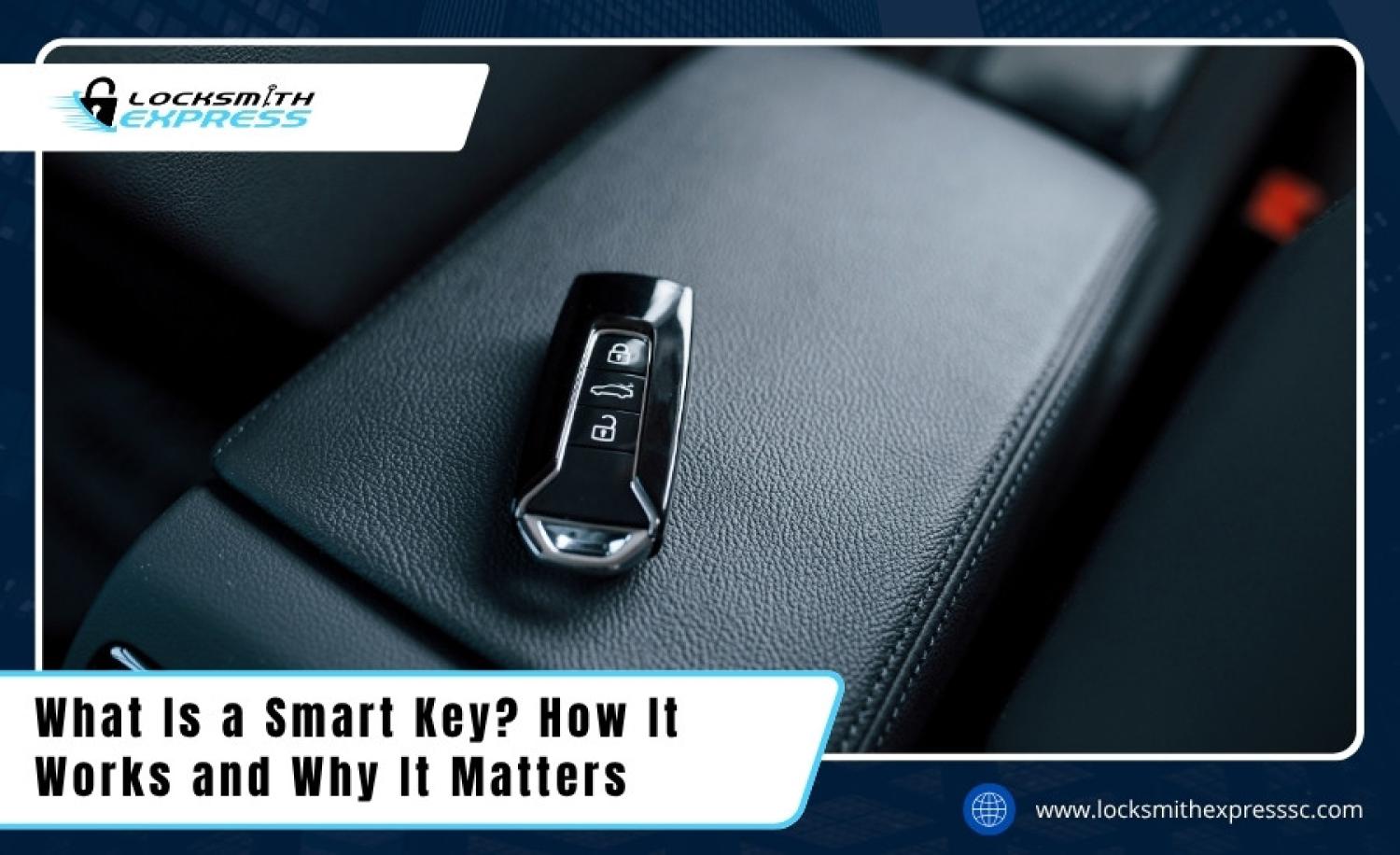
Smart keys are keys or key devices that use special technology to make access easier. In the United States, the term often means a car key that lets you unlock and start your vehicle without using a metal key in the ignition. It can also refer to a rekeyable door lock that lets you change which physical key opens it.
If you drive a car in the United States, you may already use a smart key without thinking much about it. You carry a small fob in your pocket, walk up to your vehicle, and open the door. Some cars then let you start the engine with a button instead of turning a metal key. The car checks for an approved electronic key before allowing these actions.
The term can also mean something different in home security. For example, Kwikset SmartKey Security is a type of lock technology that lets an owner change the key that operates a compatible door lock. It does not mean the lock must use an app, Wi-Fi, or Bluetooth. Knowing which type of smart key you have is the first step toward understanding how it works.
This guide explains both meanings in plain English. You will learn how car smart keys communicate with vehicles, how rekeyable door locks work, what benefits they offer, where their limits lie, and what to do when a key stops working. Because features differ by vehicle and lock model, your owner’s manual or lock manufacturer’s instructions remain the best source for model-specific steps.
Source: locksmithexpresssc.com
What Are Smart Keys?
A smart key is a key or key-related device that uses a special system to control access. The exact meaning depends on the product. In the automotive world, a smart key usually refers to an electronic key fob that a vehicle can recognize without requiring the driver to insert a metal key into the ignition.
In residential security, SmartKey can refer to a specific type of mechanical lock technology. Such a lock can be set to work with a new physical key through a rekeying process. This changes which key operates the lock rather than replacing the entire lock assembly.
These two systems solve different problems. A car smart key makes entering and starting a vehicle easier, while a rekeyable door lock makes it easier to change access after a move, a lost key, or a change in household members.
Source: fastresponselocksmith.com
Automotive smart key
An electronic fob that communicates with a compatible vehicle. Depending on the model, it may support remote locking, proximity entry, push-button starting, and an emergency mechanical key.
Rekeyable door lock
A mechanical lock with a special cylinder design that allows the owner to change the physical key that operates it, subject to the manufacturer’s requirements.
Digital key
A supported smartphone or other digital device that can provide vehicle access through an approved digital-key system. It is related to smart-key technology but is not the same as every traditional key fob.
Are Smart Keys the Same as Key Fobs?
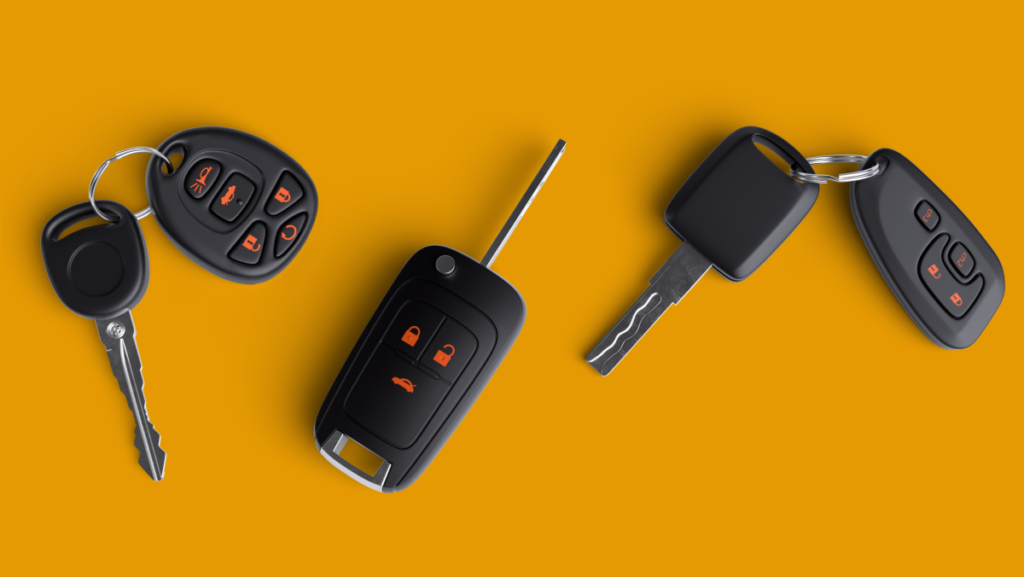
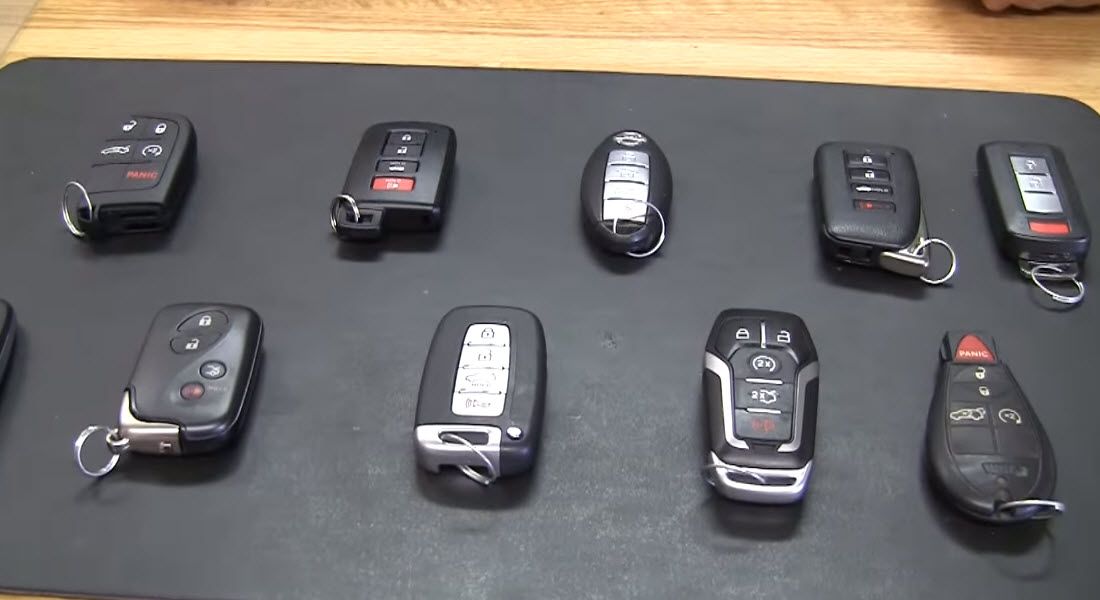
Not always. A key fob is the small device you carry to control a car remotely. Some fobs only have buttons for locking and unlocking doors, while others also support proximity entry and push-button starting. The term smart key usually refers to the features and electronic recognition system, not simply the shape of the device.
A remote-control fob may require you to press a button before the car responds. A proximity smart key can let the vehicle detect an authorized fob nearby and respond when you touch a compatible door handle. The owner’s manual explains which features your vehicle supports.
Why the Name Can Be Confusing
Product names are not always used in the same way. A brand may use SmartKey as the name of its rekeying system, while a carmaker may use smart key to describe electronic vehicle access. Do not assume a smart door lock has electronic controls or that a smart car key can rekey a home lock. Always identify the product type and model first.
How Do Smart Car Keys Work?
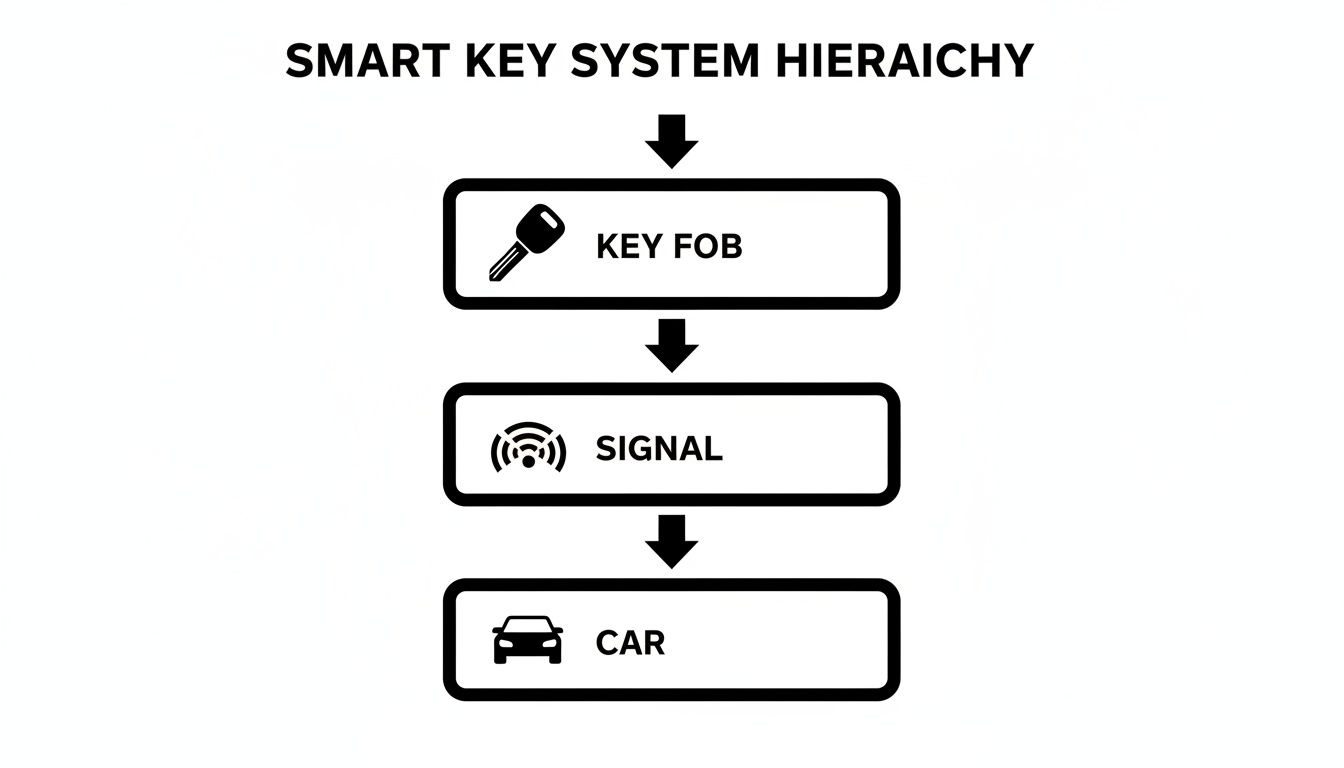
A smart car key works by sending an electronic signal that the vehicle can check. The fob and the car use compatible electronic systems to determine whether the key is authorized. If the vehicle recognizes the key and the required safety conditions are met, it allows the requested action.
Many systems use radio communication between the fob and the vehicle. The car checks the electronic credentials rather than relying only on the physical shape of a metal key. The precise radio technology, detection range, and authentication process vary by manufacturer and model.
A smart key system may control several functions. These can include locking and unlocking doors, allowing the trunk to open, disabling an immobilizer, and permitting the engine or electric vehicle propulsion system to start. Not every vehicle includes every feature.
Source: storage.googleapis.com
Electronic identification
The vehicle checks the electronic key’s credentials to determine whether it is an authorized device.
Proximity detection
On equipped vehicles, the system checks whether the key is within an allowed detection area near the door or inside the cabin.
Access control
When the system recognizes the key and the correct conditions are met, it permits functions such as unlocking or starting.
Backup access
Some fobs contain a hidden mechanical key and provide a separate emergency procedure for starting the vehicle when the fob battery is weak.
Step 1: The Car Detects the Key
When you approach a compatible vehicle or touch its door handle, the car may check for a registered key nearby. If it detects an authorized device in the correct area, it can unlock the door. Some systems instead require you to press a button on the fob.
Metal objects, radio interference, a weak fob battery, or the distance between the key and the vehicle can affect communication. If the doors do not respond, check the owner’s manual for the supported detection range and troubleshooting steps.
Step 2: The Vehicle Checks Permission to Start
For a push-button-start vehicle, the key usually must be detected inside the cabin. The driver then follows the required starting procedure, which commonly includes pressing the brake pedal and pressing the start button. Some manual-transmission vehicles use a clutch pedal instead.
The system is designed to prevent an unapproved key from starting the vehicle. However, electronic access does not remove the need to follow safe driving and parking procedures. Always confirm the vehicle is in Park when required and that the engine or propulsion system has shut down before leaving.
Step 3: The Car Enables the Required Functions
After the vehicle accepts the key, it allows the functions supported by that model. These may include unlocking doors, releasing the trunk, or enabling the ignition system. A key may also have buttons for remote start, but this feature is not standard on every vehicle and may require additional settings or conditions.
What Is a Smart Key System in a Car?
A smart key system is the group of electronic parts and software that lets a vehicle recognize its authorized key. It includes the fob, vehicle antennas, control modules, and security functions used for entry and starting. The system’s exact design depends on the vehicle.
Some drivers use the terms smart key, keyless entry, and keyless ignition as if they mean the same thing. They are related, but they describe different features. Remote keyless entry usually refers to locking or unlocking with a fob button. Passive or proximity entry allows the car to detect a key nearby. Keyless ignition lets the driver start the vehicle without inserting a traditional ignition key.
A car may have remote entry but still require a metal key to start it. Another vehicle may support proximity entry and push-button starting. Checking the feature list in the owner’s manual is more reliable than judging by the appearance of the fob.
Source: corner.vineyardnewhaven.org
Remote keyless entry
The driver presses a button on the fob to lock or unlock the vehicle.
Passive entry
The vehicle can detect an authorized key near a supported entry point and unlock when the driver performs the required action.
Push-button start
The vehicle permits starting through a button or similar control when it recognizes the key and the required conditions are met.
Vehicle immobilizer
An electronic security feature that helps prevent the vehicle from starting without an authorized key or credential.
Smart Keys and Traditional Car Keys
A traditional car key has a shaped metal blade that operates a lock or ignition cylinder. Some traditional keys also contain a transponder chip, so a key that looks ordinary may still rely on electronic authorization to start the vehicle.
A smart key reduces the need to insert a metal blade during normal use. It can also offer remote controls and hands-free entry. However, it contains electronic parts and a battery that may need attention, while a simple metal key has fewer electronic components to maintain.
Smart Keys and Smartphone Digital Keys
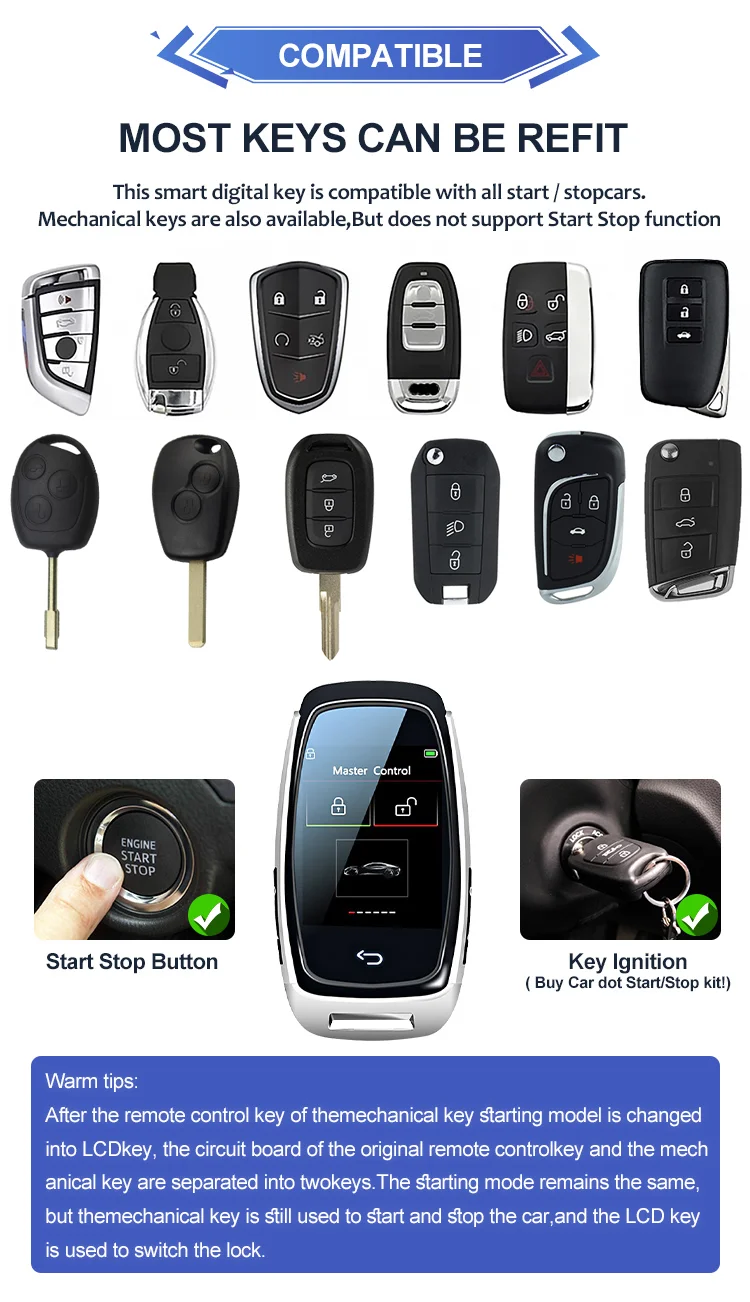
Some vehicles allow a compatible smartphone or wearable device to act as a digital key. Depending on the system, the owner may be able to unlock doors or start the vehicle after completing a setup and authorization process.
Digital key support is model-specific. It may depend on the phone, operating system, vehicle equipment, and the manufacturer’s app or account. A phone’s battery can also run out, so check the vehicle maker’s backup instructions and consider carrying the regular key when appropriate.
How Do Smart Rekeyable Door Locks Work?
A rekeyable door lock lets you change which physical key operates the lock without replacing the entire lock. One example is Kwikset SmartKey Security, a branded rekeying technology used in compatible residential locks. The system is mechanical, even though its name sounds electronic.
With a compatible lock, the owner generally uses the current working key, the manufacturer’s rekeying tool, and the new key. The tool places the lock into a rekeying state so the cylinder can be set to recognize the new key. The old key should stop operating the lock after a successful procedure.
The exact process depends on the model. Kwikset’s official instructions require the lock to be in the correct position, the current key to be fully inserted, and the new key to be handled in the stated order. An incorrectly performed procedure can leave the cylinder misprogrammed, so follow the exact manual rather than a generic online sequence.
Source: quickkeys-kc.com
Keep the lock installed
Compatible self-rekeying locks can often be rekeyed without removing the lock from the door.
Use the correct tool
The required tool is specific to the lock technology. Do not force an unrelated tool into the cylinder.
Change the accepted key
After a successful rekey, the lock is configured for the new key rather than the old one.
Test before closing the door
Keep the door open while checking the new key and confirm the lock works as intended before relying on it.
When Would You Use a Rekeyable Door Lock?
Rekeying is useful when you move into a home, lose a key, change tenants, or need to remove access for someone who no longer needs it. It can also help when several compatible locks need to work with one key.
For example, a homeowner may want the front door and back door to use the same key. If both locks support the same rekeying system and compatible key type, they may be configured to match. Compatibility must be confirmed; similar-looking keys are not necessarily interchangeable.
What If You Do Not Have the Current Key?
Many self-rekeying systems require the current working key and the correct rekeying tool. If the key is lost, do not assume the lock can be reset with the tool alone. Contact the lock manufacturer or a qualified locksmith to discuss the options for that specific cylinder.
If you suspect a lost key has been stolen or someone may enter without permission, prioritize securing the door. Depending on the lock and circumstances, a locksmith may recommend rekeying, repairing, or replacing the lock.
What Are the Benefits of Smart Keys?
Smart keys can make daily access easier, but the benefits depend on the type of system. A car smart key reduces the need to handle a metal key, while a rekeyable door lock can make it easier to change who has access. Neither feature automatically makes a product the right choice for every person or property.
For drivers, proximity entry can be helpful when carrying bags or groceries. Push-button starting can also simplify normal use. For homeowners, self-rekeying can reduce the need to remove a compatible lock whenever access needs to change.
Source: rightawaylocksmiths.com
Convenient vehicle access
A compatible car may unlock when it detects an authorized key and the driver touches the door handle.
Fewer steps to start
A push-button-start vehicle can start without inserting a metal key into an ignition cylinder.
Flexible access management
A compatible rekeyable door lock can be changed to work with a new physical key when access needs to change.
Potentially simpler key use
Some compatible home locks can be set to use the same key, reducing the number of separate keys a household needs to carry.
Backup options on some models
Some car fobs include a mechanical key or an emergency starting method for situations involving a weak battery or signal problem.
Are Smart Keys More Secure Than Traditional Keys?
There is no single answer because smart keys and traditional keys cover different technologies. A vehicle’s electronic immobilizer can help prevent unauthorized starting, while a proximity system adds convenience. However, electronic systems can face threats such as signal relay attacks, stolen credentials, or weaknesses in implementation.
A physical door lock’s security depends on its design, installation, door and frame strength, and the threat it is meant to resist. Some rekeyable locks include features designed to resist picking, bumping, or drilling, but these protections vary by model. A product name alone does not prove that a lock is more secure than every alternative.
For a meaningful comparison, check the exact model, independent certification where applicable, installation quality, and manufacturer guidance. For residential locks in the United States, recognized industry grading and test standards can help buyers compare products, but no single rating guarantees protection against every attack.
Common Smart Key Problems and How to Solve Them
When a smart key stops working, start with the simplest and safest checks. A weak fob battery, radio interference, an incorrect starting procedure, or a discharged vehicle battery can prevent normal operation. A damaged fob or vehicle-system fault may need professional attention.
Do not assume the key is broken after one failed attempt. First check whether the problem affects one function or all functions. For example, a fob may still start the car through an emergency procedure even when its remote buttons no longer work.
Source: storage.googleapis.com
The remote buttons do not work
Check the fob battery, confirm the correct button is being used, and look for signs of physical damage. Use the battery type listed in the vehicle manual.
The car does not detect the key
Move the fob away from metal objects and other electronic devices, then try again. If the vehicle manual provides an emergency detection position, follow that procedure.
The car will not start
Confirm the vehicle is in the required gear and that the brake or clutch pedal is pressed as instructed. Check for dashboard warnings and follow the owner’s manual.
The door lock will not accept the new key
For a rekeyable door lock, stop repeating the process if the cylinder behaves unexpectedly. Keep the door open, review the exact instructions, and contact the manufacturer or a locksmith if neither key works.
How to Respond to a Weak Car Key Battery
A weak battery may reduce the fob’s operating range or stop its buttons and proximity features from working. Check the owner’s manual for the correct battery type and replacement method. Some fobs are easy to open, while others can be damaged if the cover is forced.
If the fob battery is depleted, some vehicles allow emergency entry with a hidden mechanical key and provide a designated place to hold the fob near the start button. The exact procedure differs by model. Replace the battery as instructed, then test the lock and start functions.
Button batteries can cause severe internal burns if swallowed. Keep new and used batteries away from children, and seek immediate emergency medical care if someone swallows one or inserts it into the body.
What to Do If a Smart Key Is Lost
If you lose a car smart key, contact your vehicle dealer or a qualified automotive locksmith who can work with your vehicle’s make, model, and year. Replacement may require proof of ownership, a compatible fob, and programming. The process and cost depend on the vehicle and local service options.
Ask whether the missing key can be removed from the vehicle’s authorized-key list. Simply making a new key may not prevent the lost key from working, depending on the vehicle and service performed. If you believe the key was stolen, explain the situation to the service provider.
For a lost home key, assess whether someone could connect the key to your address. Rekeying or replacing the lock may be appropriate. If your lock uses a self-rekeying system, check whether you still have the required current key and tool before attempting the process.
How to Choose the Right Smart Key System
The right system depends on whether you need vehicle access, home access, or a way to manage physical keys. Start with the problem you want to solve, then check compatibility, backup access, security features, and long-term support. Avoid choosing a product based on the word smart alone.
For a car, your options are usually limited by the vehicle’s factory equipment and approved replacement parts. For a home, you may have more freedom to choose a standard deadbolt, a rekeyable lock, or an electronic smart lock. Each option has different costs and maintenance needs.
For a car, verify the exact make, model, year, and required key type. For a door lock, confirm the cylinder, keyway, door preparation, and rekeying system.
Review backup access
Find out how you can enter if the fob battery dies, a phone loses power, or the electronic feature fails.
Compare ongoing needs
Consider replacement batteries, spare keys, programming, software or app requirements, and access to qualified repair services.
Check security features
Review the documented protection offered by the exact model and avoid treating convenience features as proof of stronger security.
Smart Keys vs. Traditional Keys: A Quick Comparison
The table below compares common vehicle key types and home rekeying options. These categories are not all direct substitutes, so compare products within the same use case before making a purchase.
Traditional mechanical car key
Uses a physical blade for the relevant lock or ignition. Some versions also contain a transponder chip, so not all traditional-looking keys are fully mechanical.
Remote car key fob
Uses buttons to control supported remote functions. It may not provide passive entry or push-button starting.
Proximity smart car key
Allows a compatible vehicle to recognize the key nearby for entry or starting. It depends on electronic components and model-specific backup procedures.
Rekeyable home lock
Allows the accepted physical key to be changed on a compatible lock. It does not necessarily use an app or electronic controls.
Electronic smart door lock
May use a keypad, app, card, biometric reader, or other electronic credential. Features and backup access differ by model.
Questions to Ask Before Replacing a Smart Key
Before ordering a replacement, confirm whether the original key needs a new battery, repair, cutting, or electronic programming. Ask whether all existing keys will remain authorized after the service. For a home lock, confirm whether the current cylinder can be rekeyed or whether a replacement is needed.
If you are buying a new electronic lock, check its power source, emergency entry method, installation requirements, and any network or app dependencies. A lock that works well for one door or household may not suit another.
Frequently Asked Questions
Q
What are smart keys used for?
Smart keys are used to manage access in different ways. A car smart key can allow electronic entry and starting without inserting a metal key. A rekeyable home lock can be configured to accept a new physical key. The exact use depends on the product and its design.
Q
Can a smart car key work if its battery dies?
Sometimes. Many vehicles provide a hidden mechanical key for door access and an emergency method for starting the vehicle with a weak or depleted fob battery. The procedure varies by make and model, so check the owner’s manual. If the vehicle’s main battery is also discharged, additional steps may be needed.
Q
Are smart keys safer than regular keys?
They can offer useful security features, such as electronic vehicle immobilization or convenient rekeying for a compatible door lock. However, the level of protection depends on the specific system, its design, installation, and how it is used. Electronic keys can face digital threats, while physical locks can face forced-entry attacks. No key type guarantees complete security.
Q
Can I replace a smart car key myself?
You may be able to replace a fob battery yourself if the manufacturer’s instructions allow it. Replacing the entire smart key is different because the new device may need to be cut, paired, or programmed to the vehicle. Check the requirements for your exact vehicle and use a qualified dealer or automotive locksmith when needed.
Q
Can I rekey any door lock with a SmartKey tool?
No. A SmartKey rekeying tool works only with compatible lock technology. A regular pin-tumbler lock or another brand’s cylinder may use a different design and procedure. Check the lock’s brand, model, and official instructions before attempting to rekey it.
Q
Do smart keys need internet access?
A typical proximity car key fob does not usually need an internet connection for ordinary entry and starting. A smartphone digital key or a connected door lock may depend on an app, account, Bluetooth, a local network, or online services for certain functions. Requirements vary, so review the manufacturer’s documentation.
Q
What should I do if my smart key stops working?
Start by checking the fob battery, the vehicle’s main battery, signal interference, and the operating instructions. Use the approved backup procedure if your vehicle provides one. If the key remains unresponsive, or the lock cylinder no longer accepts either key after rekeying, contact the appropriate manufacturer or a qualified locksmith.
✦ Wrapping Up
Conclusion
Smart keys make access easier, but the term covers more than one type of product. In a car, a smart key usually means an electronic device that allows the vehicle to recognize an authorized key for entry or starting. In home security, a rekeyable lock can let you change which physical key opens a compatible door without replacing the entire lock.
The best choice depends on your needs, the exact product, and the available backup options. Check compatibility before buying a replacement, follow the manufacturer’s instructions, and do not assume that convenience alone means stronger security. If a key is lost, stolen, or no longer works, take steps to protect access and seek qualified help when needed.
💡 Key Takeaway
Identify whether you have a car smart key, a rekeyable door lock, or an electronic smart lock. Then check the exact model’s manual for its features, battery needs, backup access method, and approved replacement or rekeying procedure.
I’m Ethan Carter, a home security systems specialist at Diggons.com. I focus on modern surveillance solutions and smart protection technologies that help people keep their homes safe and secure.
I have hands-on experience working with security cameras, video doorbells, alarm systems, and motion detection devices. I test real products and explore practical setups so I can provide clear, easy-to-follow guidance for everyday users.
My goal is to simplify home security by helping you understand how these systems work, how to fix common issues, and how to choose the right products with confidence. At Diggons.com, I share honest insights, comparisons, and real-world advice to make home security easier and more effective.